
Import & export
Import-export software that keeps the file, papers, and landed cost together
A shipment is not a spreadsheet row. It is a purchase order, a packing list, an invoice, a bill of lading, a duty estimate, and a chain of people who must say yes before goods move. Customer Flow is import export software — cloud ERP for that file, inbound and outbound — so commercial, logistics, and finance are not reconciling three versions of the truth. You open one consignment. The papers, the costs, and the approvals stay on it until the file closes.
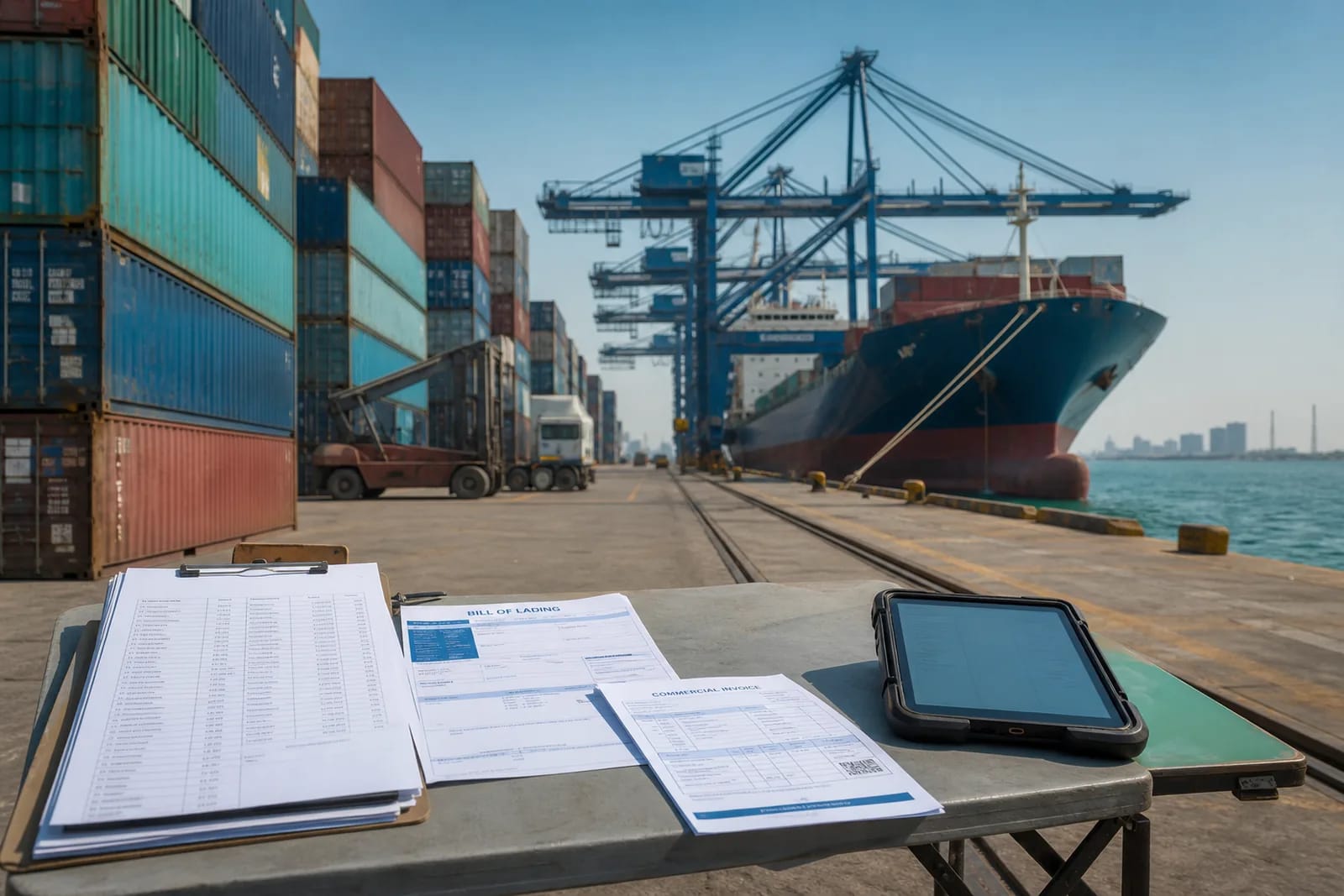
Most trade teams still split the work: email for documents, WhatsApp for “where is it”, and a workbook for landed cost that is already stale. When customs asks a question, nobody can show who approved the HS code or which invoice matched the container. Trade management software that is only a tracker does not fix that. Customer Flow puts the consignment, the papers, and the money on one record so the next person is not hunting a thread.
What import export software should own
Import export software is not a prettier grid. It is a consignment that owns its documents. The commercial invoice tells you what the seller charged. It does not tell you what the goods cost you. Freight, insurance, duty, port charges, and inland haulage arrive later, often after the container is at the warehouse. If those lines live in a separate workbook, your margin report is a guess until someone remembers to paste them in.
Customer Flow keeps commercial terms, packing lists, invoices, and customs documents on the same shipment file as the routing. Landed cost is a running total on that file, not a month-end paste. When duty is assessed, you are not hunting last month’s email for the HS code finance used. That is the difference between a tracker and an operational record.
Imports, exports, and the same workspace
Teams that buy and sell across borders usually run two toolchains: one for inbound, one for outbound, and a shared drive that pretends to be both. The packing list format changes. The people who must sign change. The need for one file does not. The same workspace runs a purchase that becomes an import and a sales order that becomes an export.
Country-specific filings sit in replaceable rules packs for Pakistan, the UAE, and other lanes you add later. Day-to-day work — consignments, documents, duty, inventory — stays the same wherever you trade. You do not rebuild the product when a corridor changes. You do not keep a “Pakistan folder” and a “UAE folder” that drift apart.
Approvals and the audit trail on the consignment
A verbal yes in a chat is not a control. Import-export teams get stuck when a broker, a bank, or an internal auditor asks who changed the Incoterm, who accepted the duty estimate, or which packing list went with the bill of lading. If the answer is “check WhatsApp”, the file is not closed. It is scattered.
Built-in approvals sit on the same record as the goods. The audit trail shows who, what, and when. You can export the pack when someone asks. That is the product, whether the job is inbound or outbound. It is also why trade teams leave spreadsheets: not because a cell cannot hold a number, but because a cell cannot hold the yes.
Start with the next consignment, not a transformation
You do not implement every module on day one. Open a workspace, invite the people who touch the file, and pick one live job — an import that already has papers in email, or an export whose packing list lives on someone’s desktop. Attach what you have. Add cost lines as they appear. If that file is cleaner than last month’s chain, add the next process.
A one-month trial with no credit card is enough to test this on a real lane. Customer Flow is cloud ERP sized for commercial teams that still run on chat and a workbook. The ranking question operators ask is the same one search asks: can the next file be easier than the last one.
Real files this page is written for
A Karachi importer reconciling duty after the container arrives
The supplier invoice was booked on arrival. Freight and duty landed in a separate mail thread. Finance rebuilt landed cost at month-end and argued with commercial about margin. On Customer Flow the extras are cost lines on the import file. Landed cost moves while the consignment is still open, and the HS code sits next to the papers the broker used.
A Dubai trader running inbound and outbound on the same partners
Buyers and suppliers were retyped into two spreadsheets. Export packing lists did not match the stock hold. One workspace reuses partners and templates. The export holds stock on the same file as the commercial invoice so the lot is not sold twice while papers are still circulating.
A customs question six weeks after the gate-out
The officer asks which packing list matched the declaration. The shared drive has three PDFs named final. The import file already has the document, the approval, and the timestamp. You export the trail instead of reconstructing a chat history.
What stays on the file
- Commercial terms, packing lists, and invoices stay attached to the shipment, not in a shared drive.
- Duty, freight, and other costs roll into landed cost while the file is still moving — not after it is closed.
- Approvals sit on the same record as the goods, with a complete audit trail for internal and customs questions.
- Country-specific filings sit in replaceable rules packs for Pakistan, the UAE, and other lanes you add later.
How a file moves
Step 1
Open the consignment
Create the import or export file once. Partners, Incoterms, and routing reuse what you already set up.
Step 2
Attach the papers
Commercial invoice, packing list, BL/AWB, and certificates live on the file. The next person does not hunt a thread.
Step 3
Approve, land, and close
Duty and extras update landed cost. When the file closes, you still have the trail of who changed what.
Features that sit on the same file
Landed cost
Duty, freight, and extras on the same consignment as the commercial invoice.
Shipments
Inbound and outbound files that own routing, status, and papers.
Documents
Invoices, packing lists, and bills of lading stay on the file.
Approvals
A written yes on the consignment, not a thumbs-up in chat.
Audit trail
Who changed the HS code, the Incoterm, or the duty line — and when.
Country rules
Replaceable packs for Pakistan, the UAE, and other lanes.
Logistics
Carriers and movement without a second tracker.
Procurement
The purchase that becomes the import, on the same record.
Related on this site
- How an import file moves
- How an export file moves
- File study: landed cost on an import
- File study: export audit pack
- What Customer Flow is
- Customer Flow mobile app
Questions for this process
Is Customer Flow import-export software or general ERP?
Both, in the useful sense. The same workspace is cloud ERP. Trade teams live in consignments, customs documents, duty, and landed cost. You do not buy a separate “trade module” that never talks to finance.
Can one workspace run imports and exports?
Yes. Inbound and outbound files share partners, documents, and the audit trail. You are not maintaining two products.
Does it replace a customs broker?
No. Brokers still file. Customer Flow holds the commercial file, the papers you attach, and the cost lines so the broker and finance are not working from different packs.
How does landed cost work on an import file?
Cost lines sit on the consignment. Freight, insurance, duty, and extras update the running total while the file is open. You are not waiting for month-end to know what the goods cost.
Does it work for Pakistan and the UAE?
Day-to-day work is the same. Country-specific rules live in replaceable packs so you are not forking the product per corridor. Other lanes follow the same pattern.
Where do packing lists and bills of lading live?
On the shipment file, next to the commercial invoice and the approvals. Documents is a first-class module, not a shared-drive afterthought.
Can I start with one live consignment?
Yes. Open a workspace, invite the people who touch the file, and run one import or export that already exists in email. If that file is cleaner, add the next process.
Is there a free trial?
Yes. One month, no credit card, on a real lane — not a sample dataset that hides the mess.