Company setup
The company’s plan and trial status. Commercial terms after the trial are a conversation — this screen does not invent a fake price table.
Where to find it: Left menu → Company / Administration → Subscription & Billing
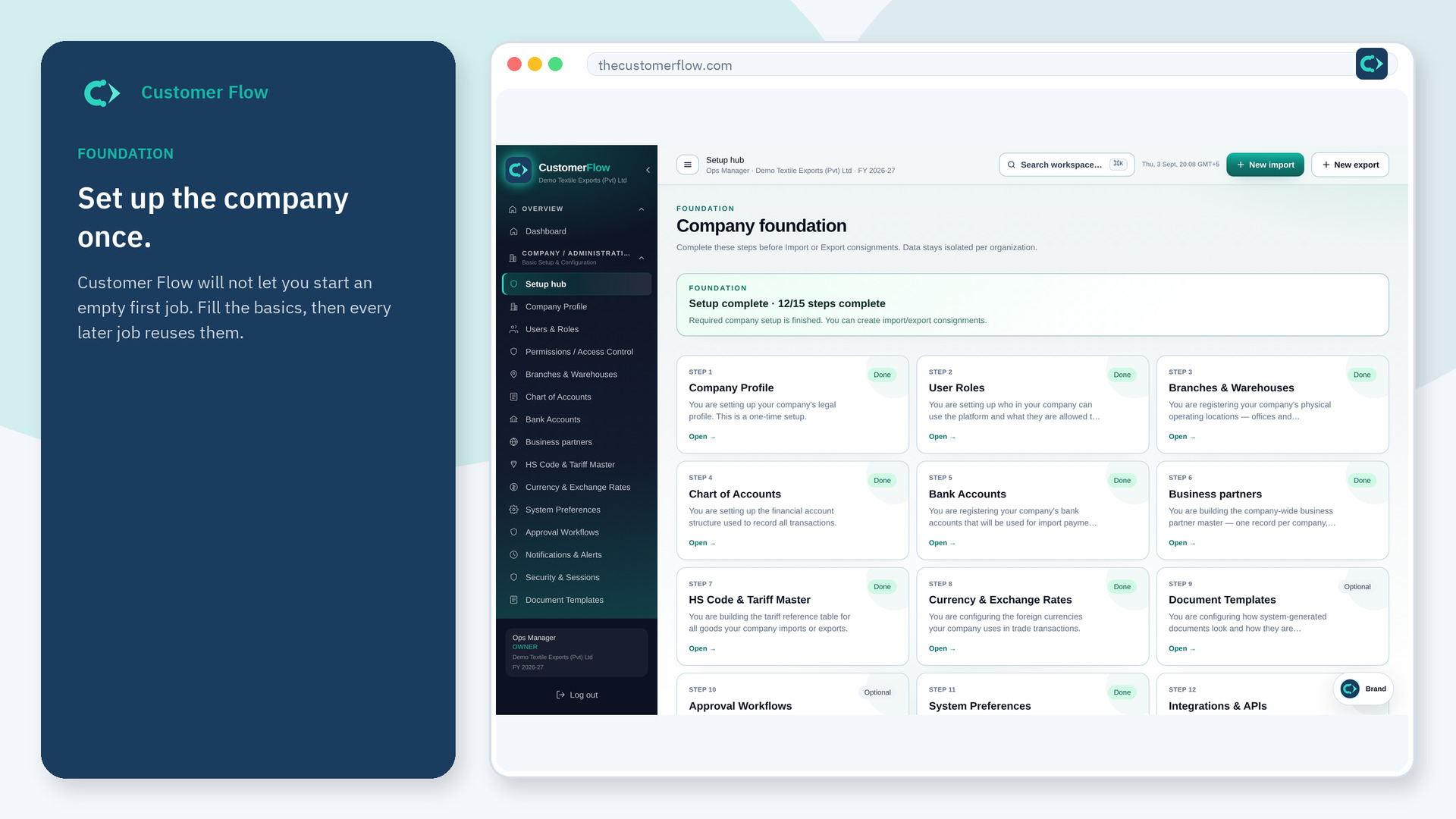
Step 1
Left menu → Company / Administration → Subscription & Billing. If the name is missing, your role does not include it — ask an admin in Users & Roles.
Step 2
Read the current plan and end date. If you need to change seats or billing details, follow the actions on the page or email support.
Step 3
The status should match what you were told at signup. Screenshot it if finance asks when the trial ends.
Yes. Subscription & Billing is a signed-in workspace screen. This public page teaches the screen with a picture and a link to the feature video. It never shows another company’s data.
The left menu only shows screens your role may open. Ask a company admin to grant the matching permission, or to show you which role should own this step.
No. The one-month trial at /register does not ask for a card.
