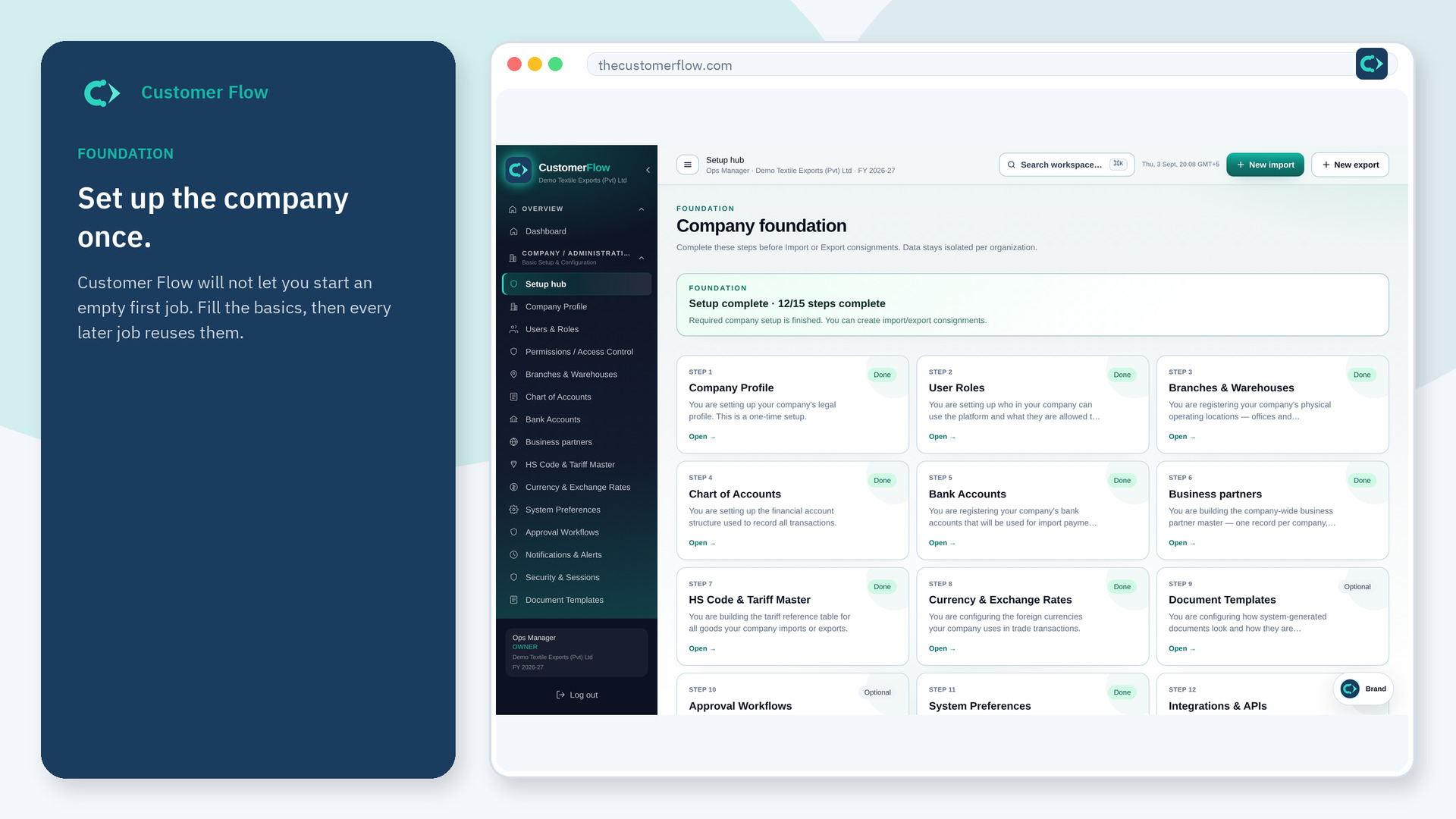
Company setup
Who the company is on paper: legal name, address, home country, home currency, and tax fields such as NTN when the country pack asks for them.
Where to find it: Left menu → Company / Administration → Company Profile
Step 1
Left menu → Company / Administration → Company Profile. If the name is missing, your role does not include it — ask an admin in Users & Roles.
Step 2
Type the legal name as it appears on invoices. Choose the home country and currency. Fill tax IDs the country pack shows. Save.
Step 3
The header and later documents should show the same name and country. If a field is missing, the country pack may have hidden it on purpose.
Yes. Company Profile is a signed-in workspace screen. This public page teaches the screen with a picture and a link to the feature video. It never shows another company’s data.
The left menu only shows screens your role may open. Ask a company admin to grant the matching permission, or to show you which role should own this step.
Yes. Pakistan, the UAE, and other packs add or hide tax fields. Day-to-day consignments still work the same way.
