Videos
Short explainers for each part of Customer Flow. Watch the file, the papers, the approvals, and the modules — then start a trial on a real job.
Product tour
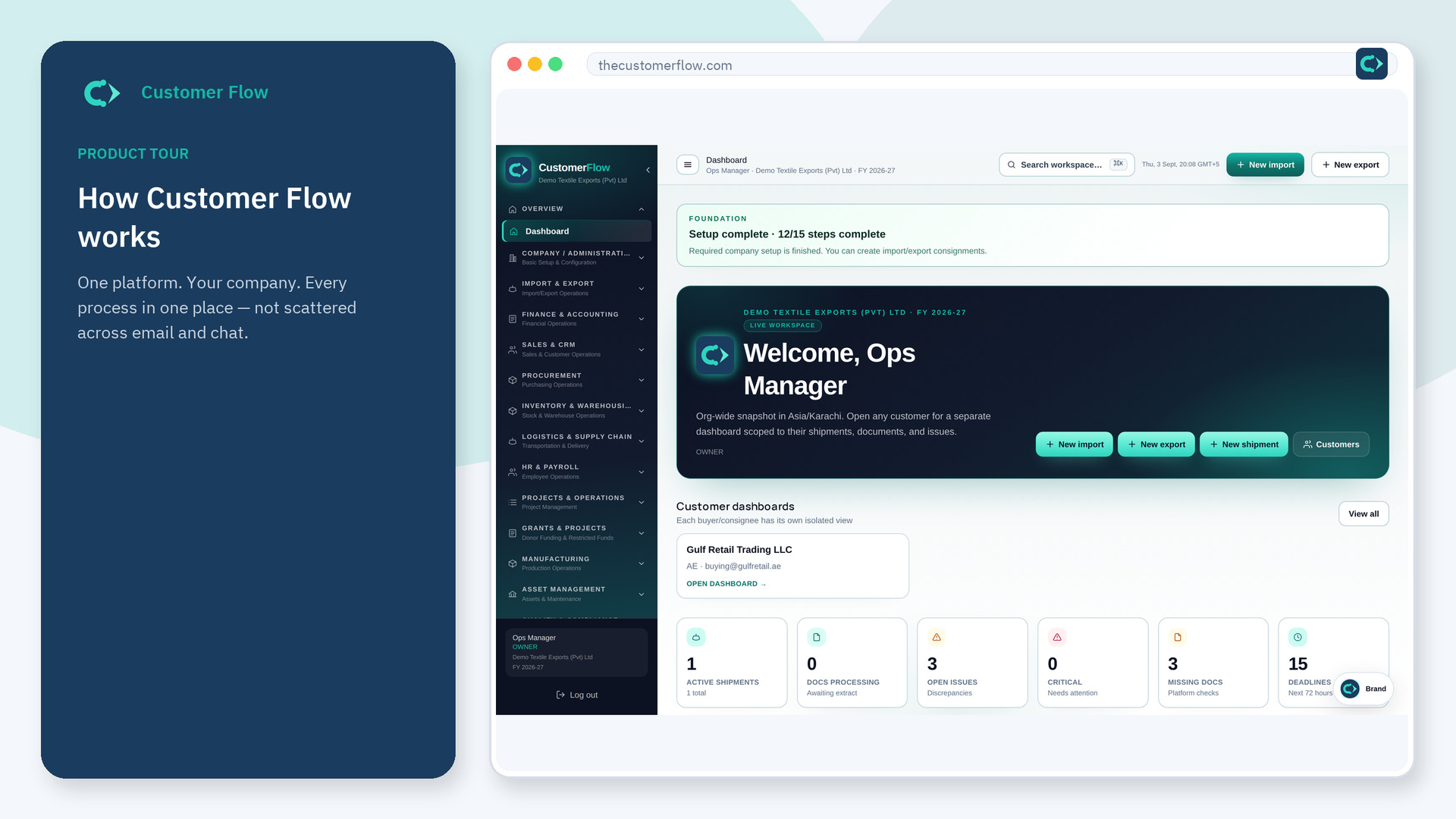
A short tour of Customer Flow in plain language: open a company workspace, set up warehouse and approvals once, then run import, export, buying, or any job on one record with a full audit trail.
What it is
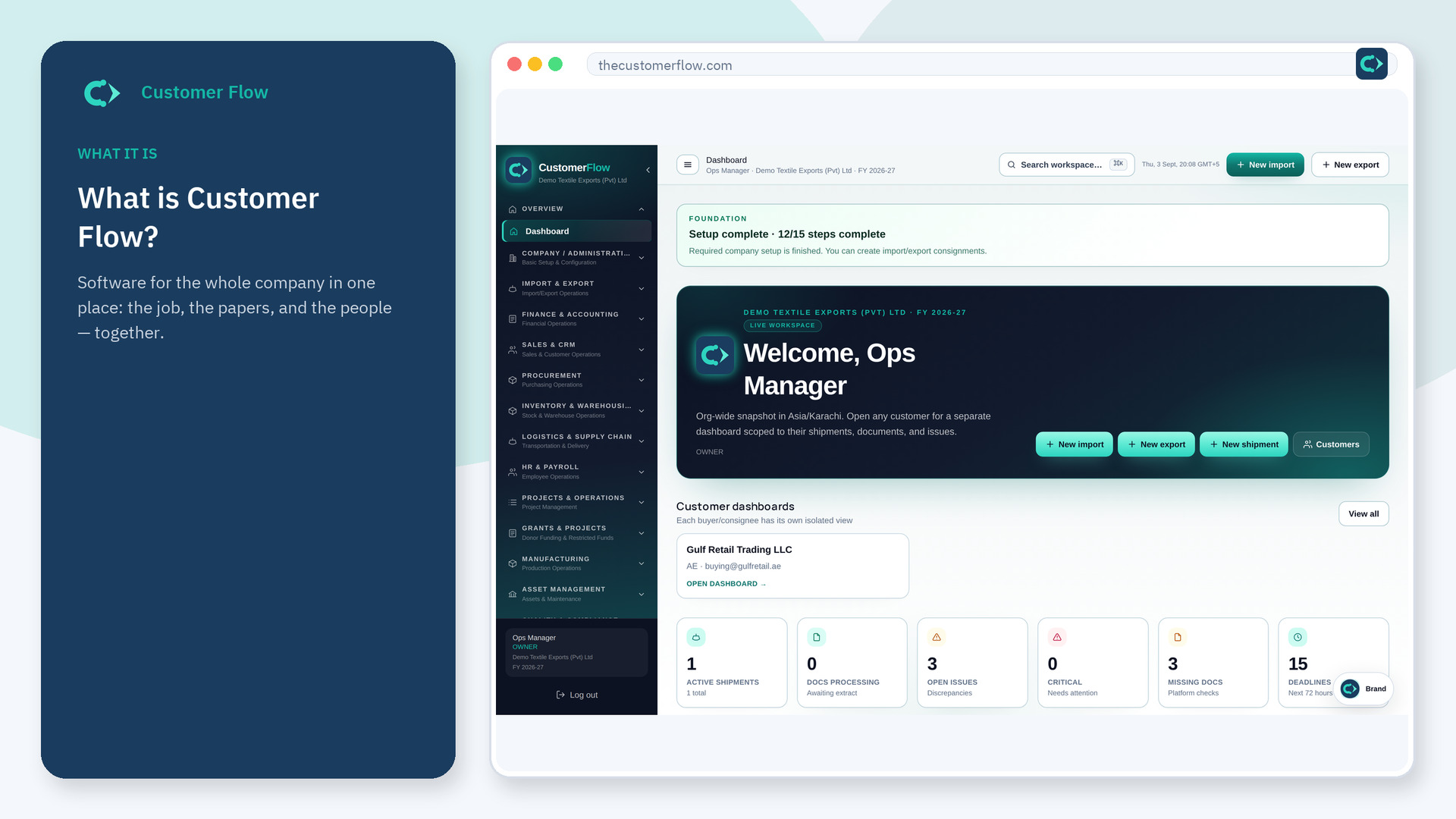
Customer Flow is software that keeps the job, the papers, and the people on one record. One workspace for import-export, manufacturing, buying, payroll, grants, and property — with approvals, true cost, and an audit trail.
Import
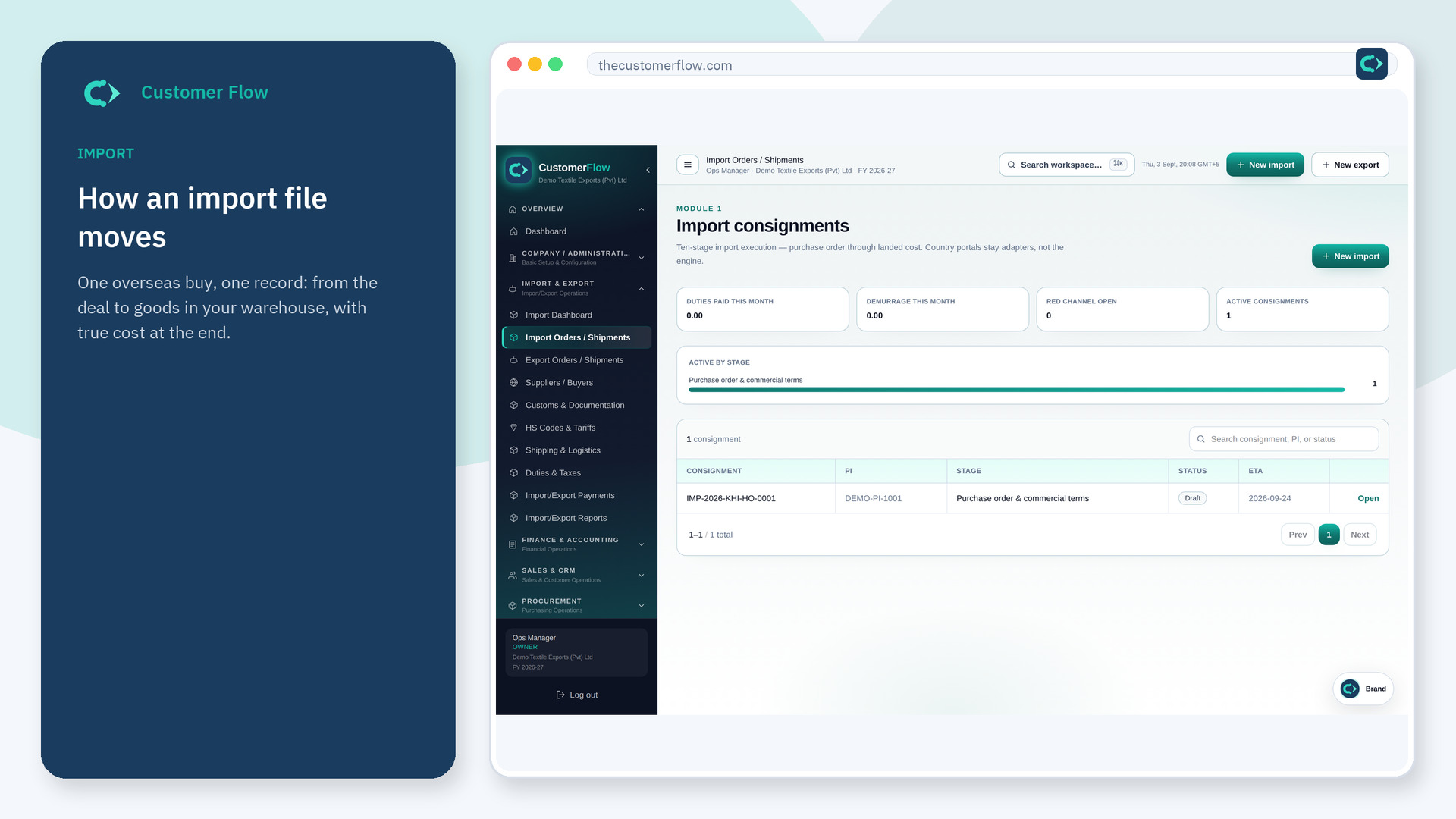
Watch one overseas buy move through Customer Flow in plain language: the deal, payment papers, shipping documents, arrival, customs, duty, warehouse receipt, and true cost of stock on one record.
Export
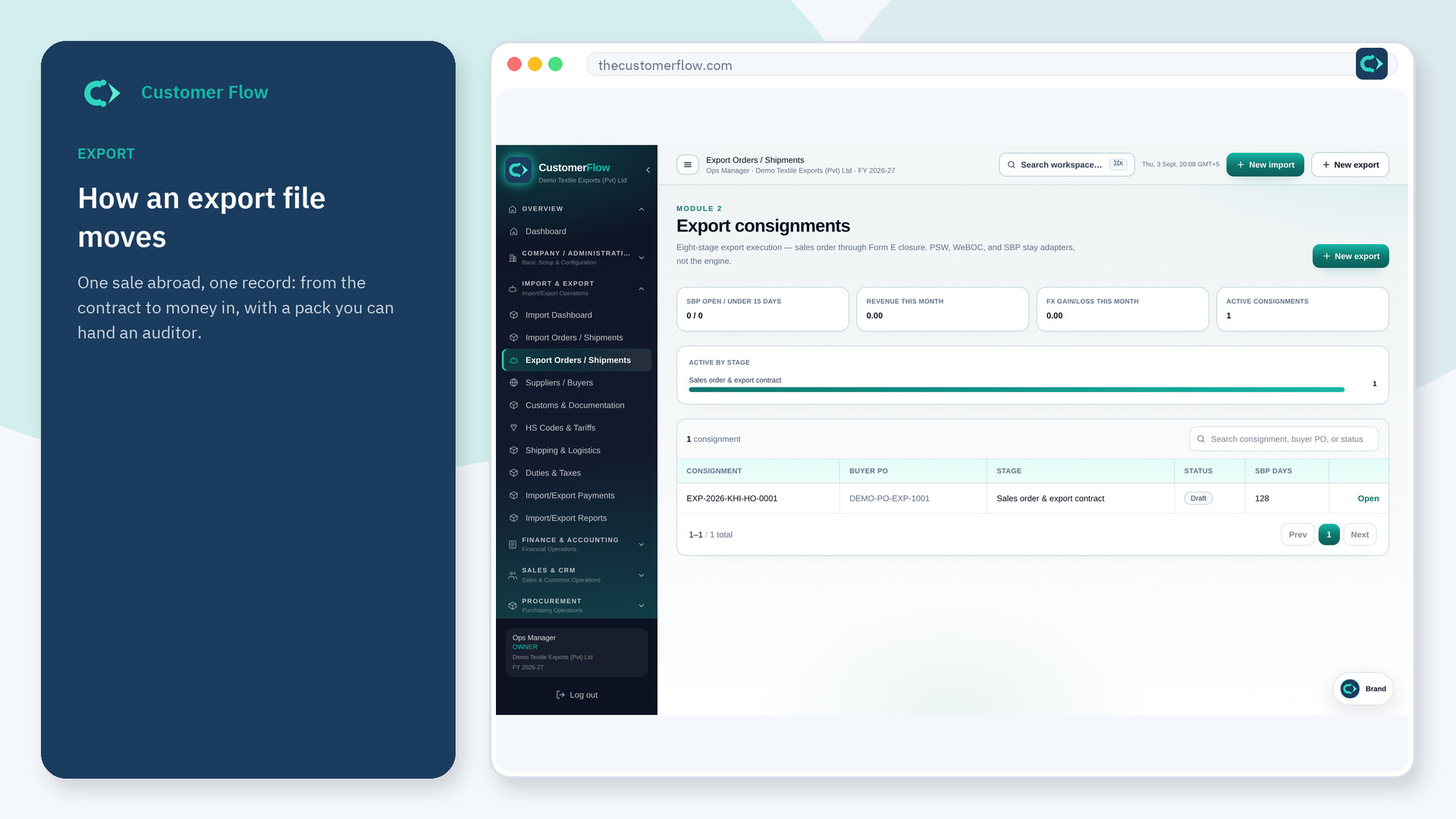
Watch one sale abroad move through Customer Flow in plain language: reserve stock, export forms, packing, port, customs, transport papers, money received, and an auditor pack on one record.
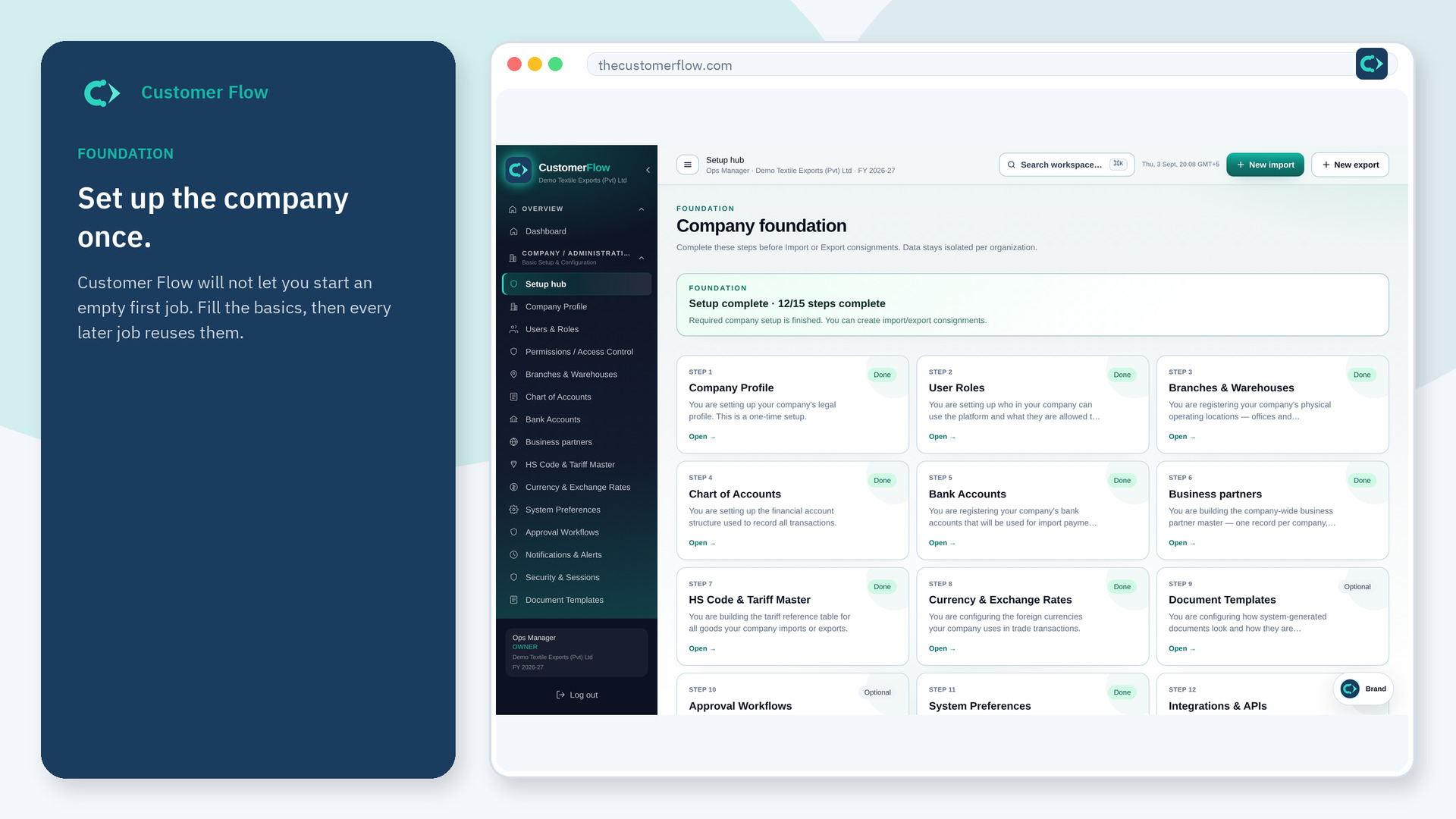
Foundation
Set up a Customer Flow workspace once: company profile, branches, warehouses, banks, HS codes, currency, and security. New consignments wait until required steps are green.
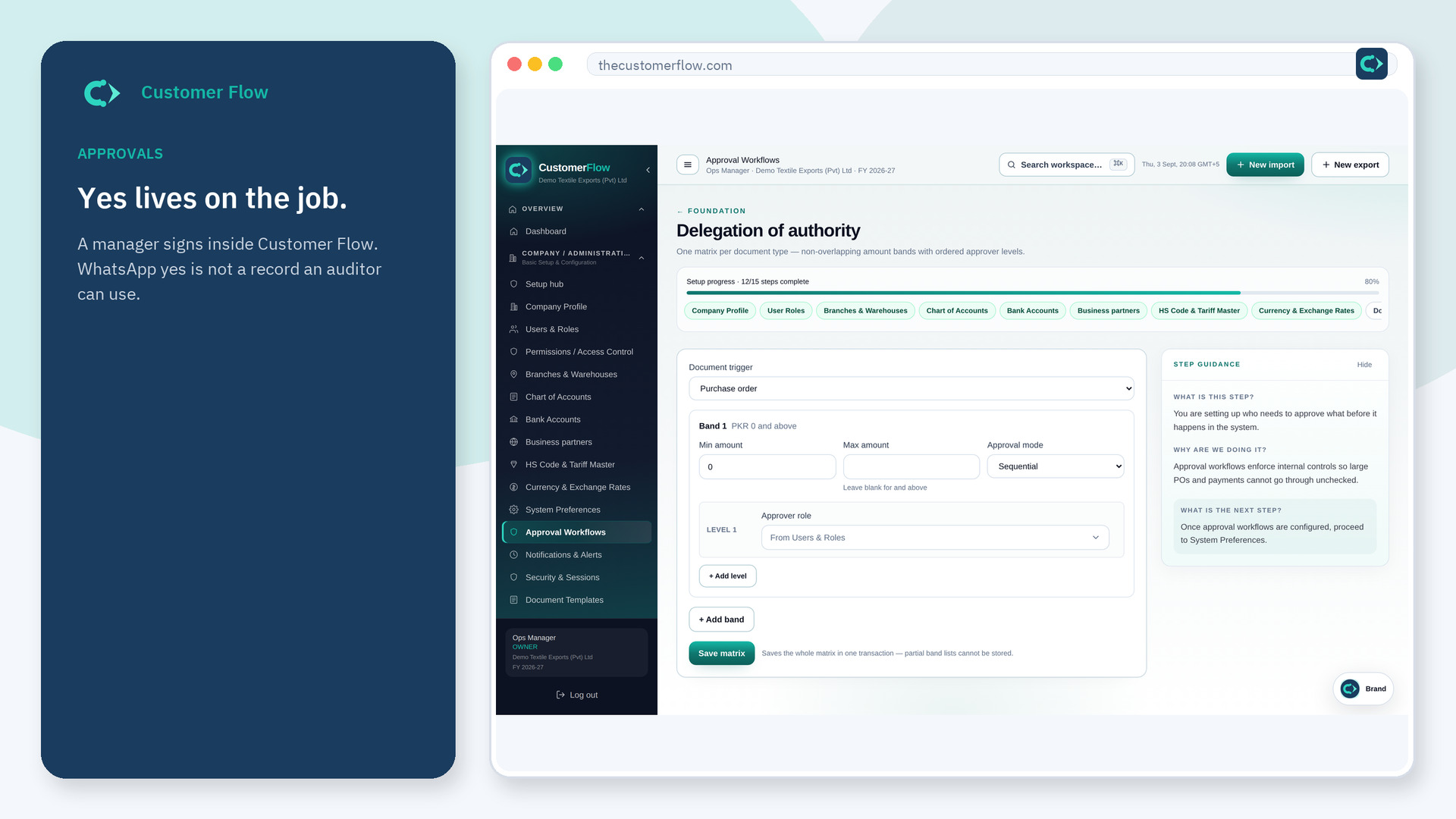
Approvals
Customer Flow keeps approvals on the same record as the goods. Nothing moves only in chat. Configure who must sign, then the file records the authorization.
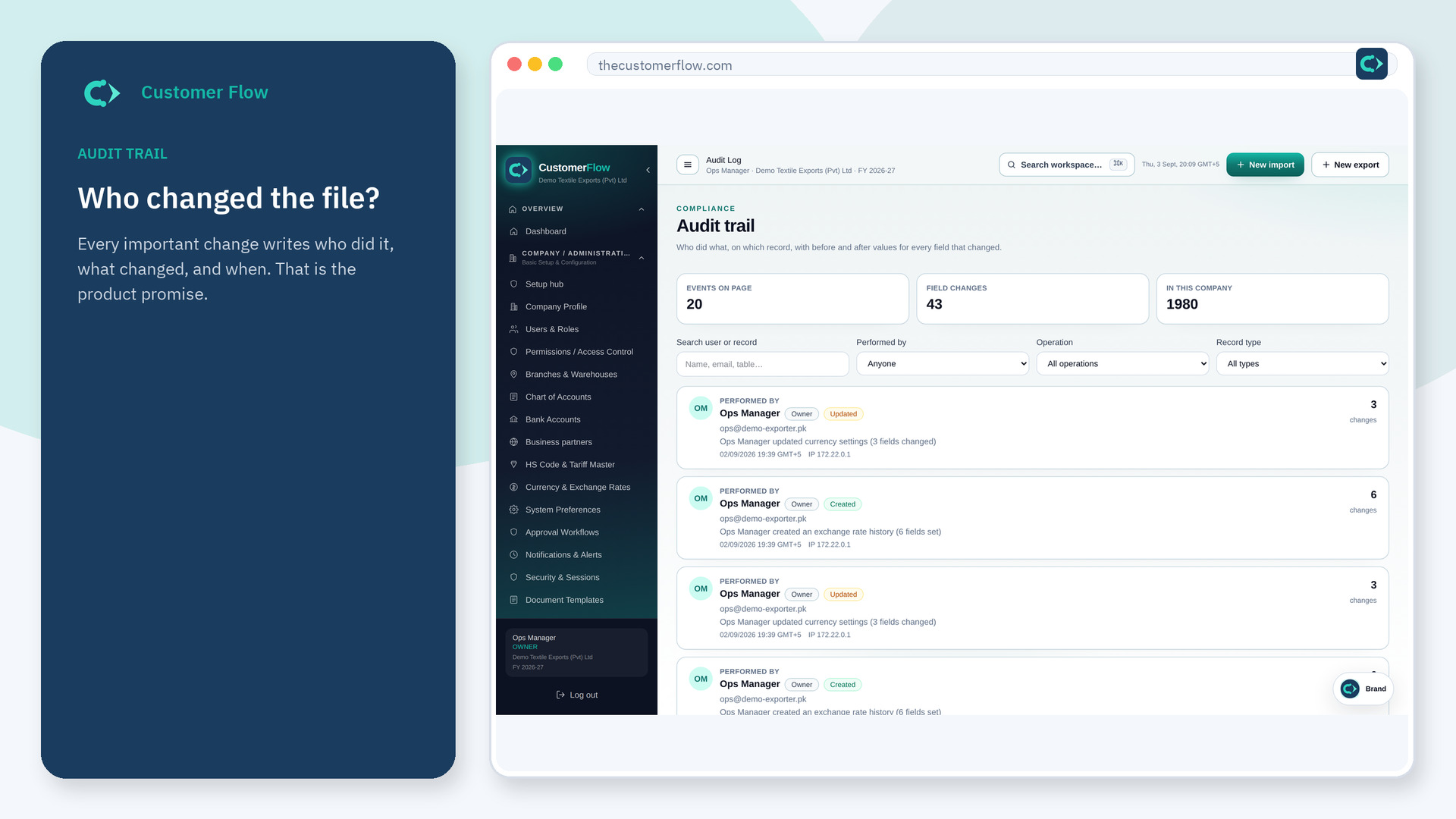
Audit
Every meaningful change in Customer Flow writes an audit event: who, what, when, which file. Export the log or an audit ZIP when a bank, donor, or customs officer asks.
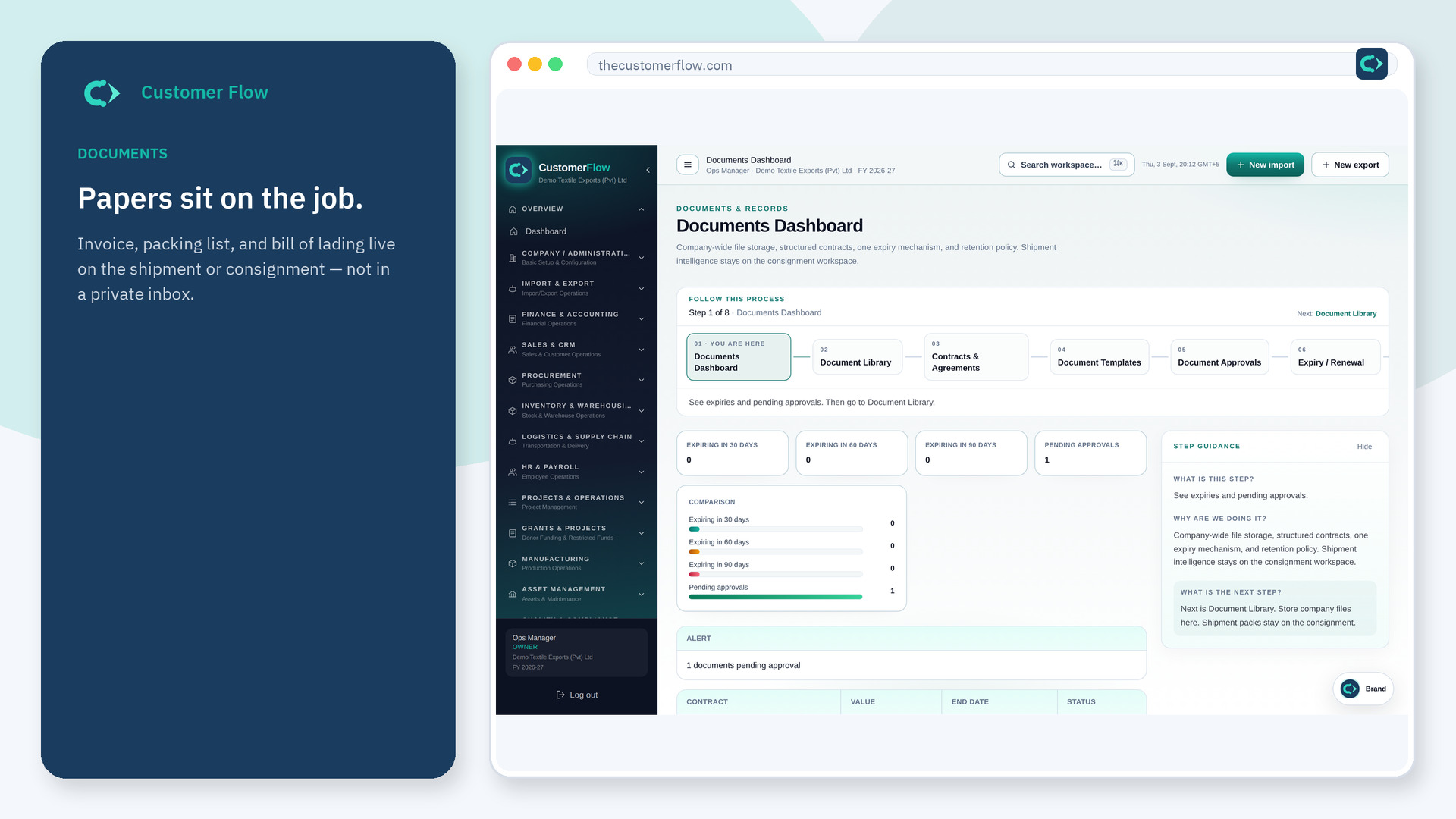
Documents
Upload invoice, packing list, B/L, and certificates onto the shipment or consignment. Extract fields, accept or reject them, then compare the set for quantity, currency, and missing papers.
Cost
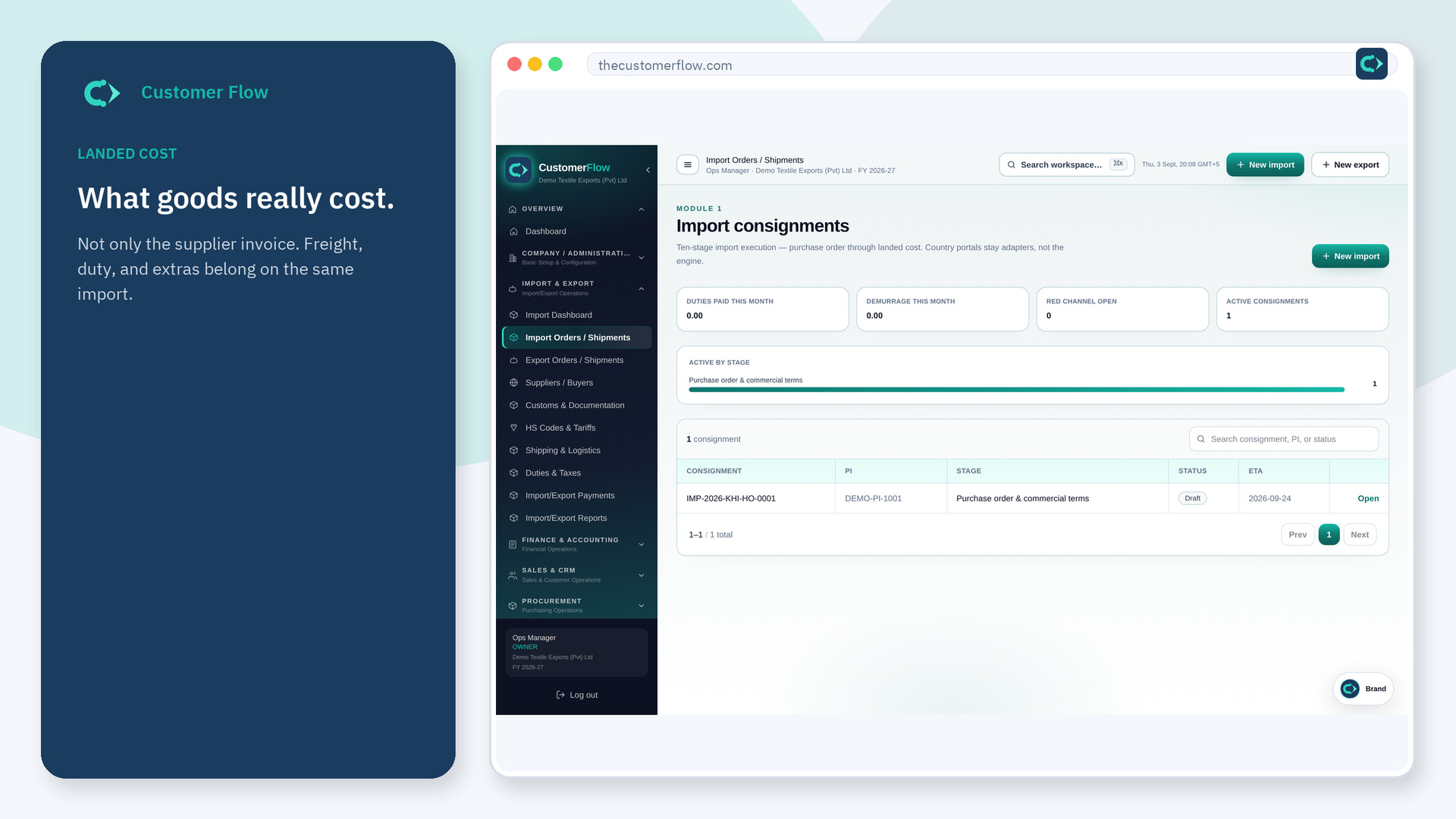
Freight, duty, and extras roll into landed cost while the import is still moving. Finalize at IMP-10 so inventory is received at that cost — not a spreadsheet after the container arrives.
Shipments
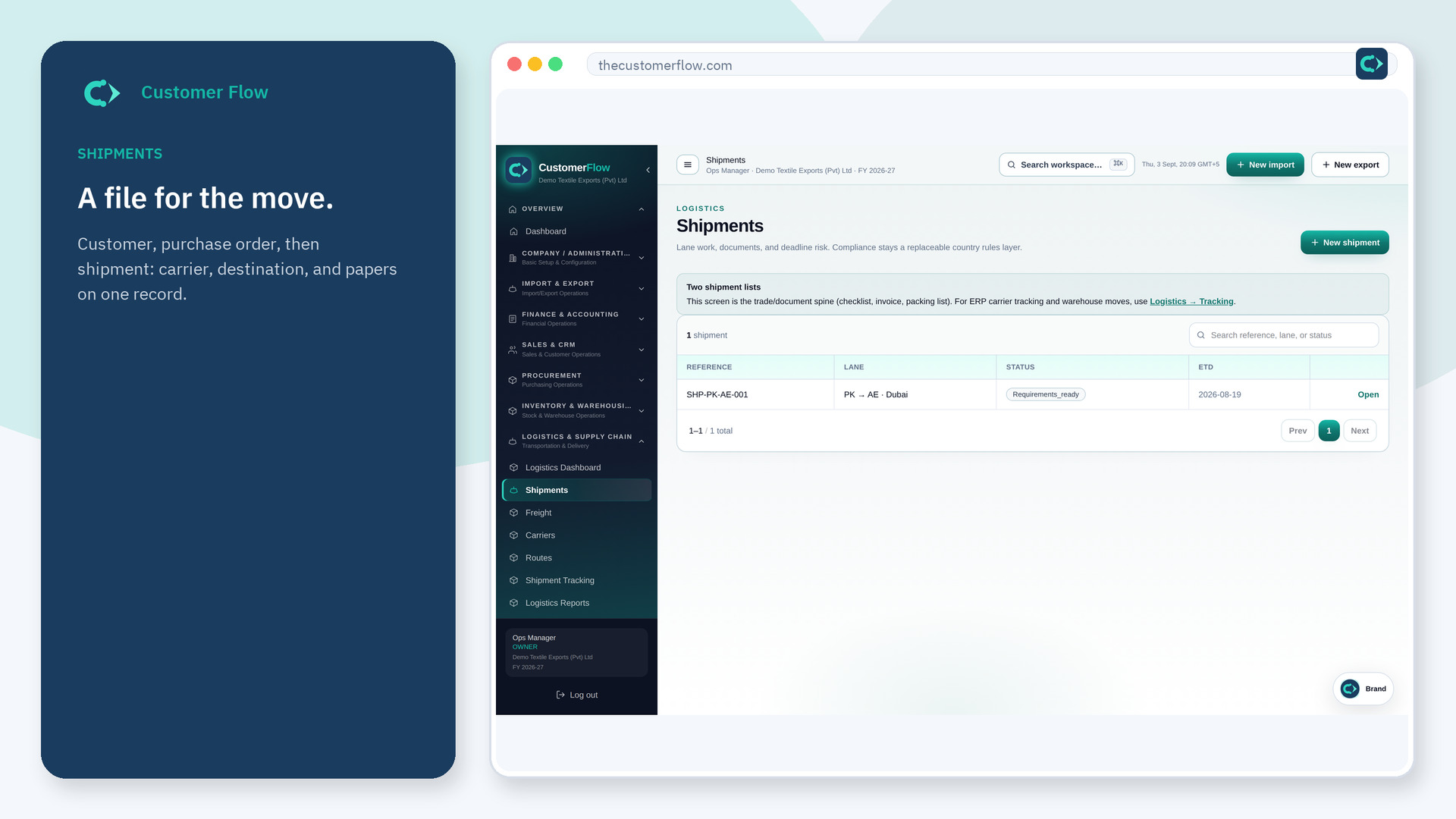
The shipment lane is customer → purchase order → shipment. Attach papers, extract fields, compare the set, and apply country requirements, deadlines, and approvals on that file.
Finance
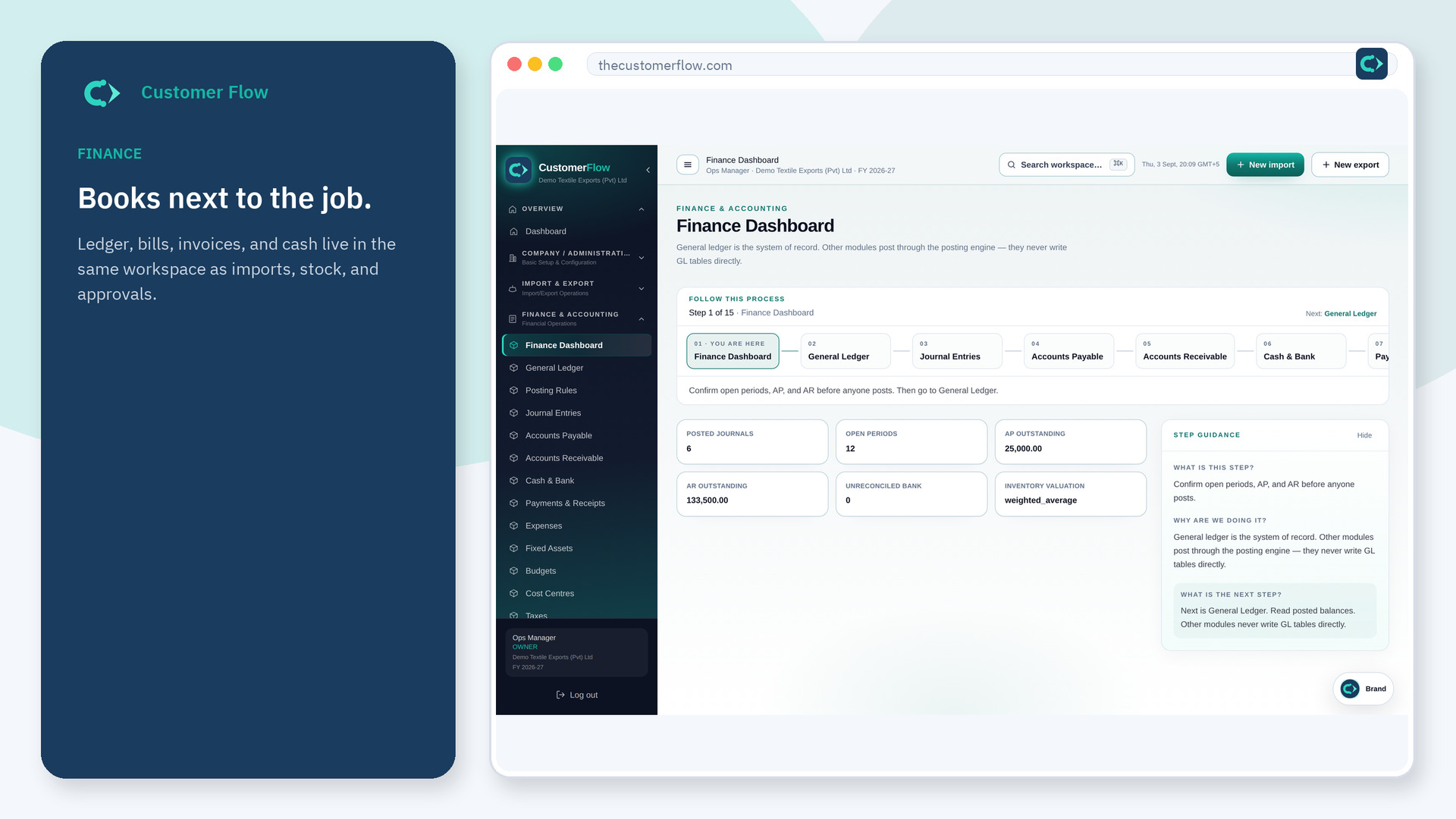
Customer Flow finance keeps the ledger next to the operational file: general ledger, journals, AP, AR, cash, expenses, budgets, tax, close, and statements in the same company workspace.
Sales
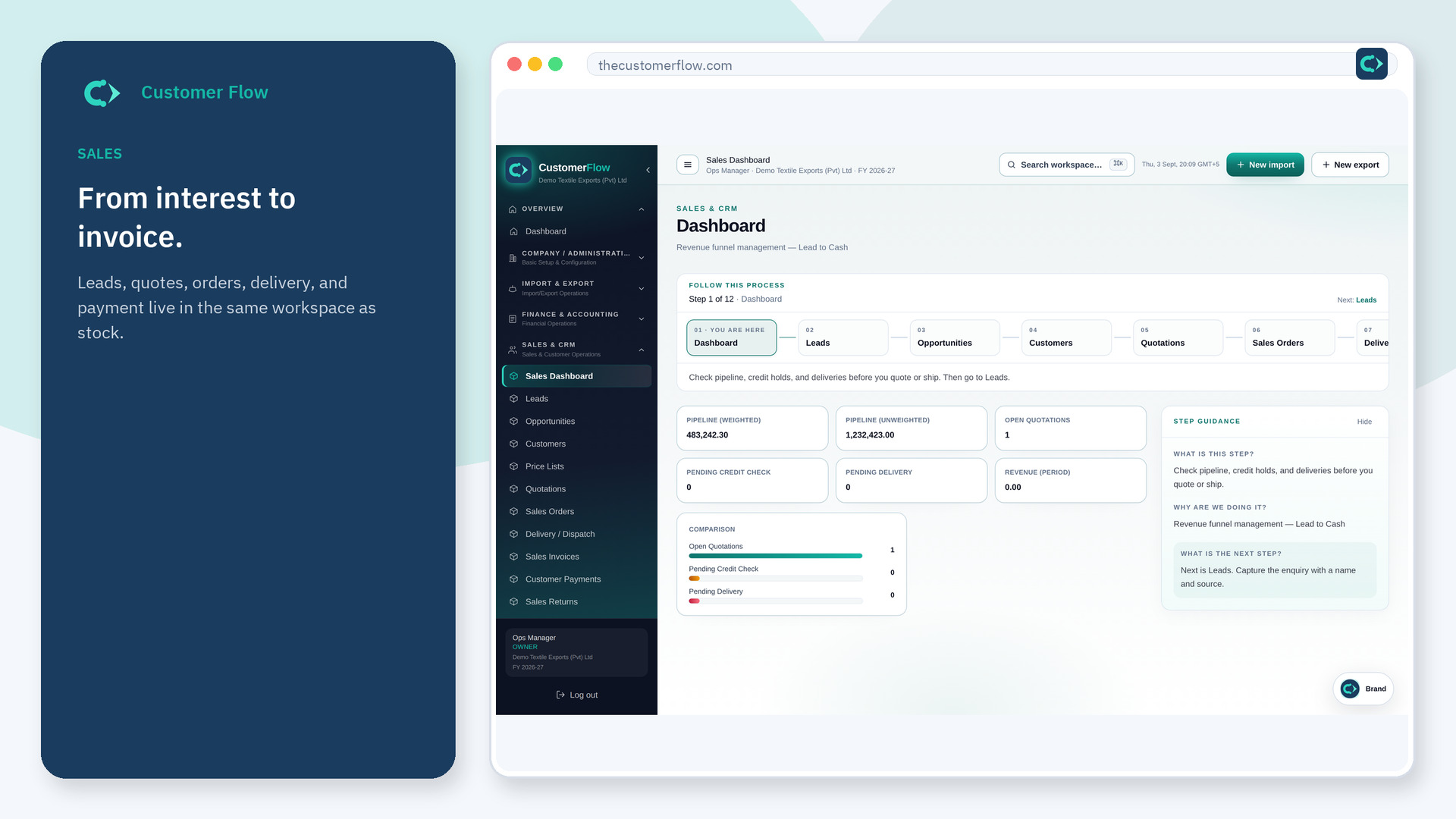
Customer Flow sales runs leads through quotations, orders, delivery, invoices, payments, and returns in the same workspace as inventory and the operational file.
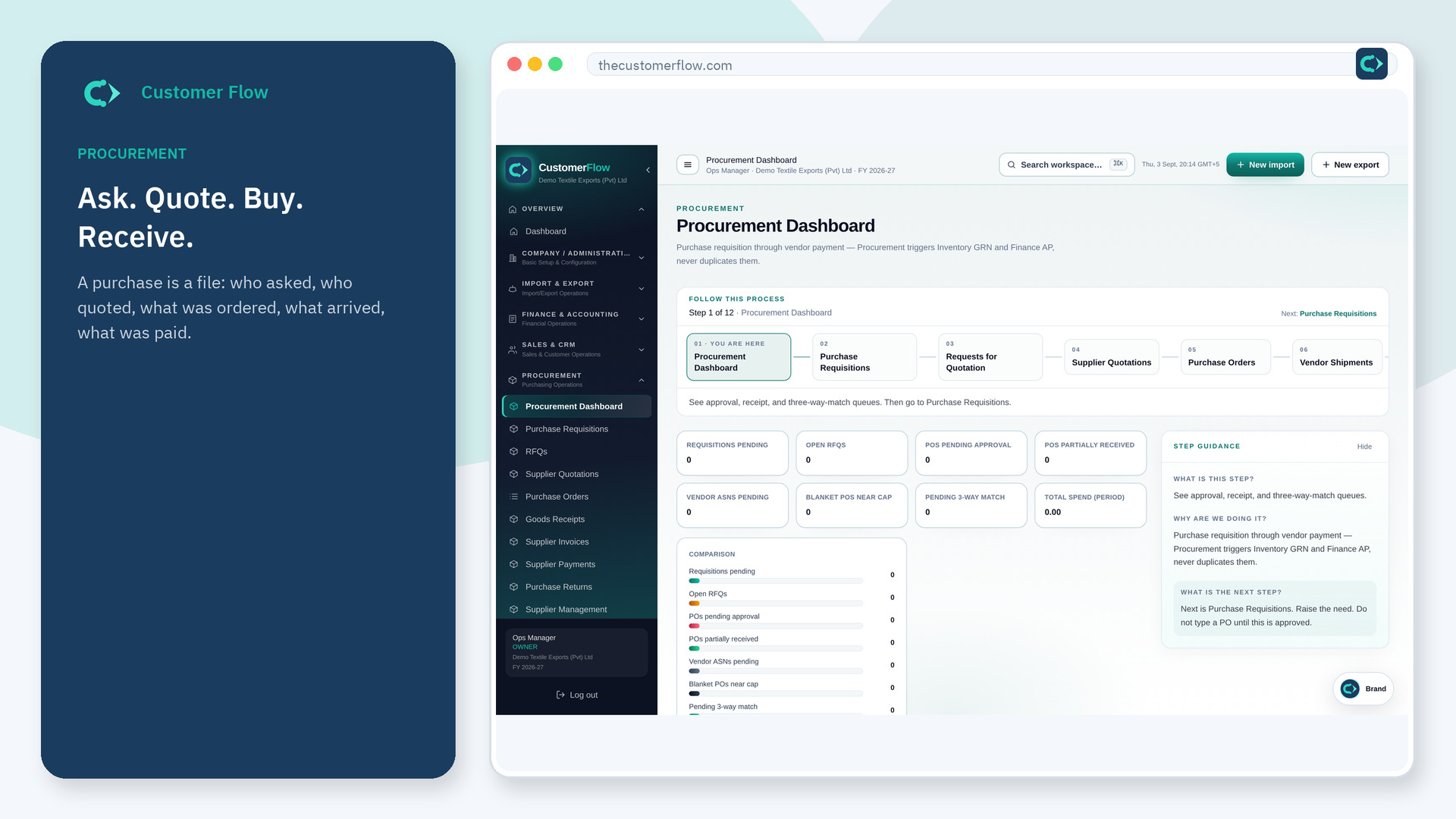
Procurement
Customer Flow procurement runs requisitions, RFQs, supplier quotations, purchase orders, goods receipts, supplier invoices, and payments in the same workspace as inventory and imports.
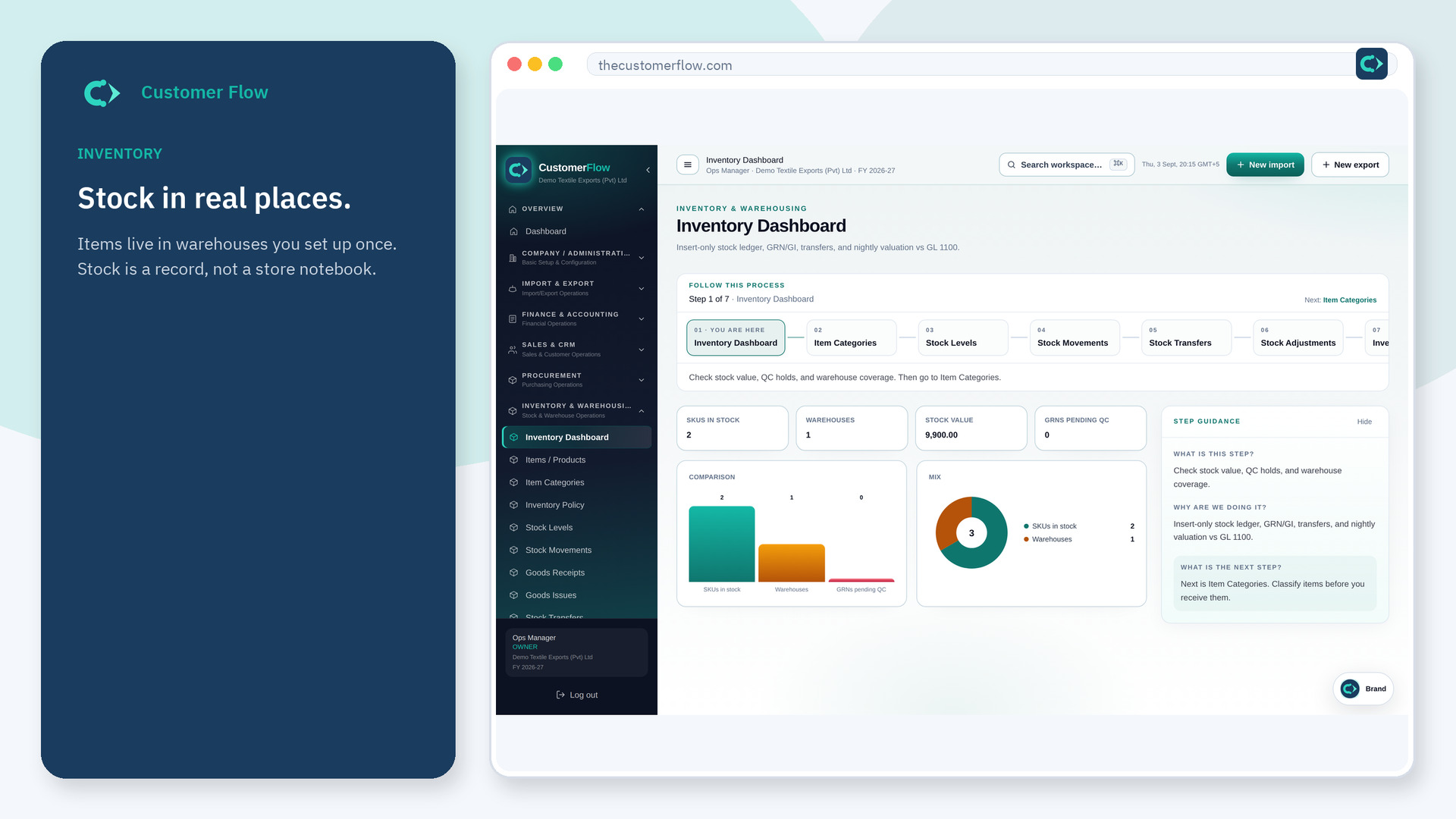
Inventory
Customer Flow inventory keeps items, categories, stock levels, movements, transfers, and adjustments in warehouses you set up once. Imports receive at landed cost. Exports reserve stock.
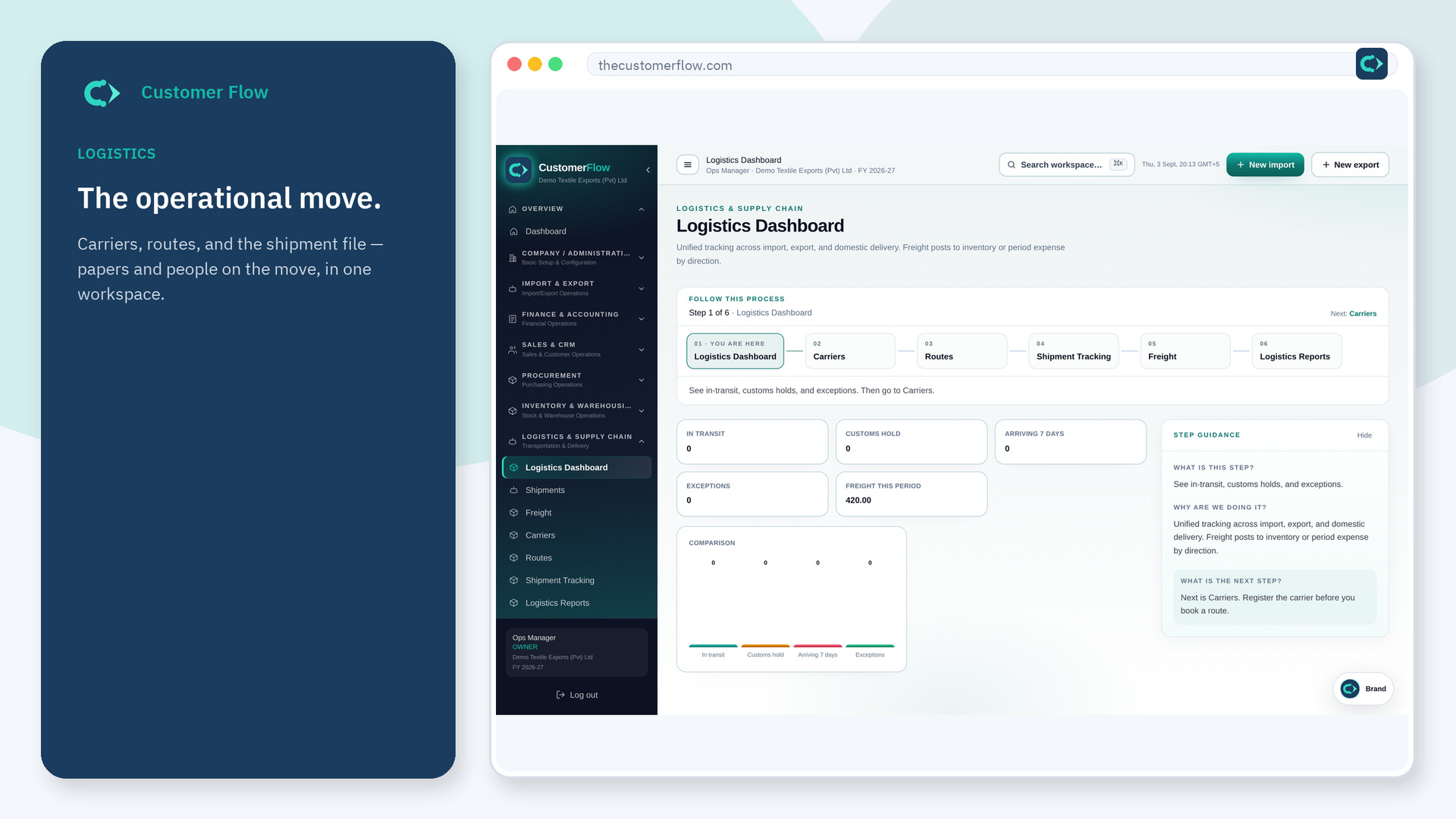
Logistics
Customer Flow logistics holds freight, carriers, routes, and the shipment file — the operational record of how goods move, with papers and people attached.
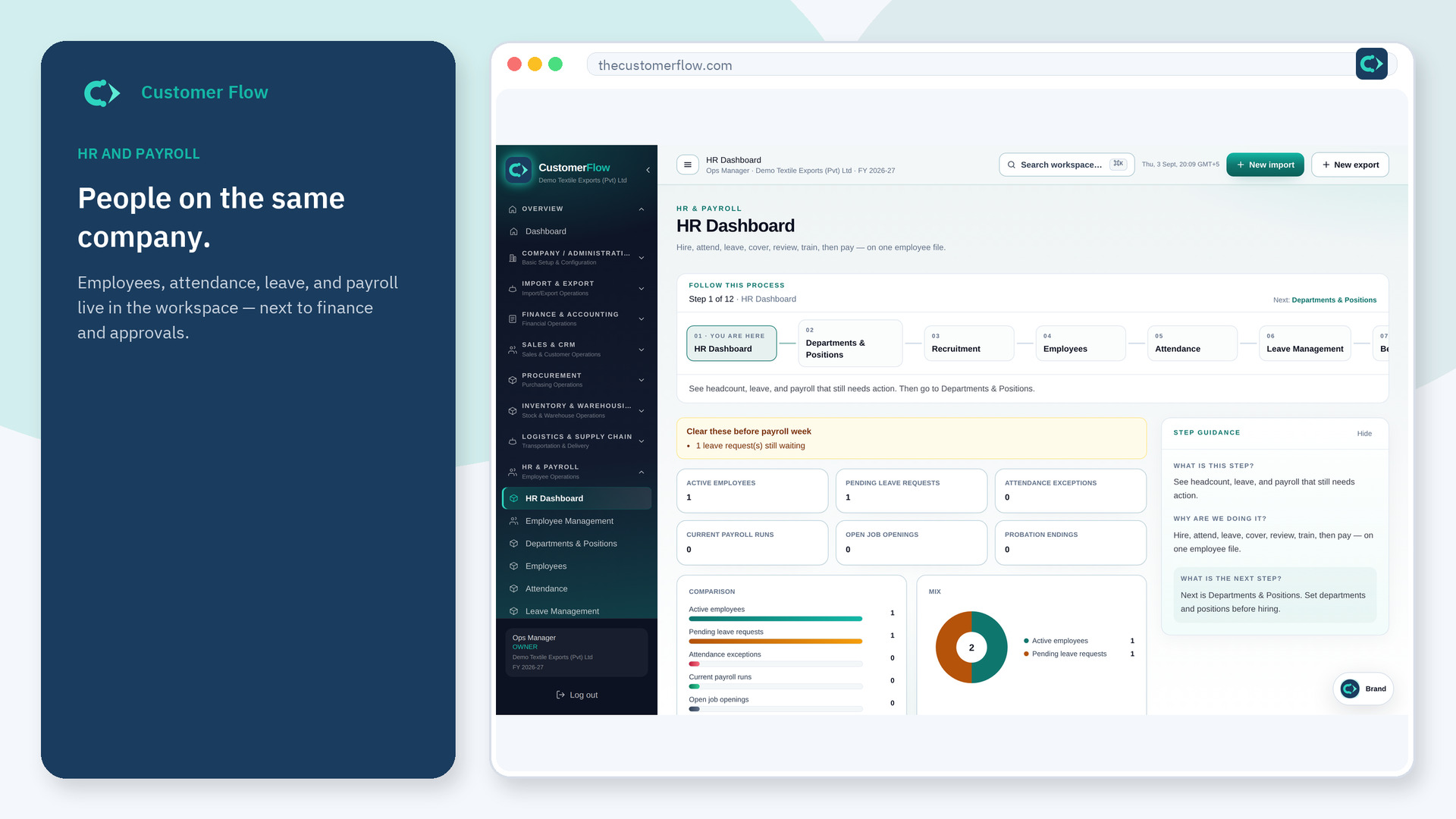
HR
Customer Flow HR keeps employees, departments, attendance, leave, payroll, and statutory rates in the same company workspace as the people who already approve operational files.
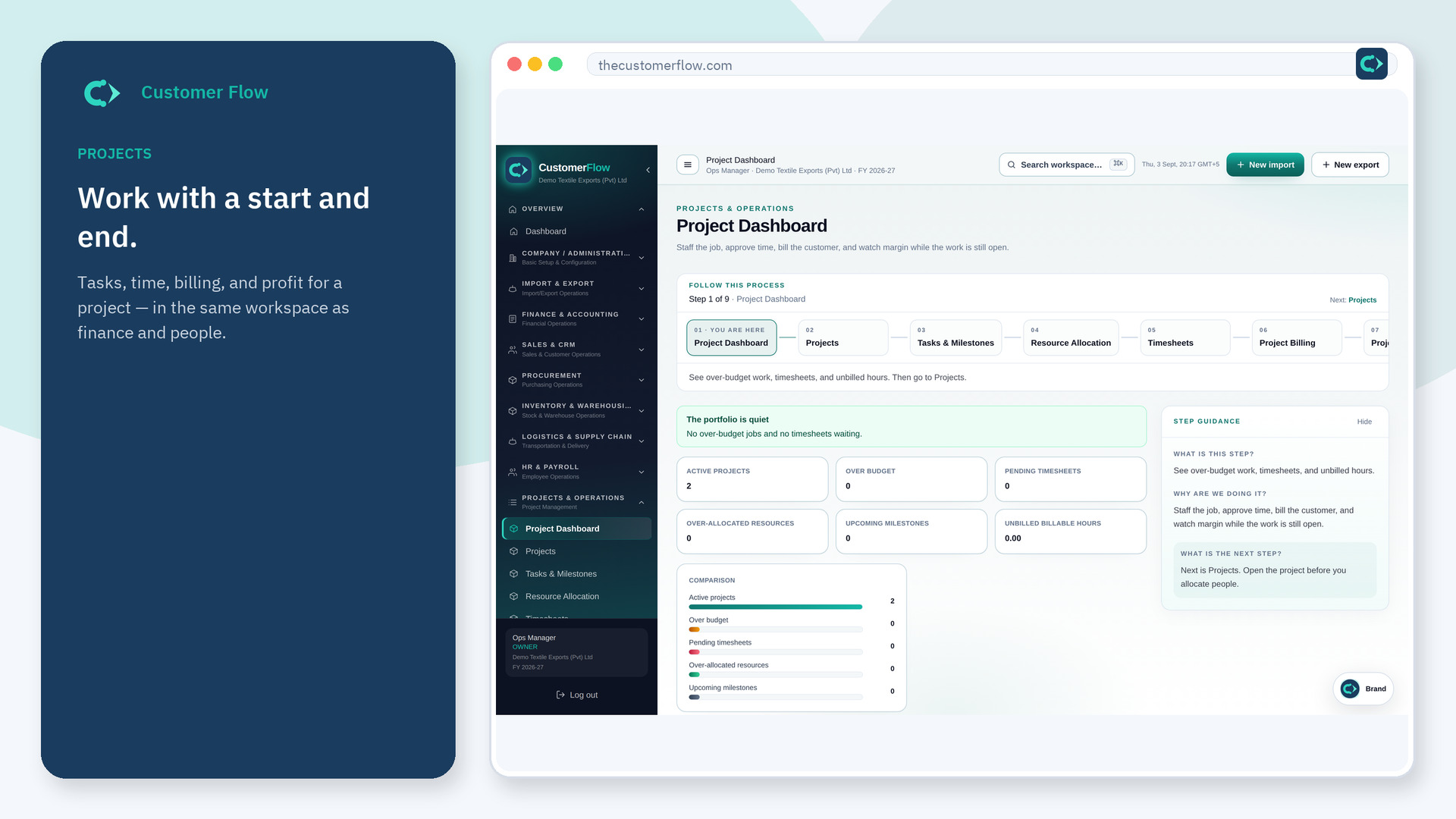
Projects
Customer Flow projects keep tasks, milestones, allocations, timesheets, billing, budgets, and profitability on a project file — the same audit idea as a consignment.
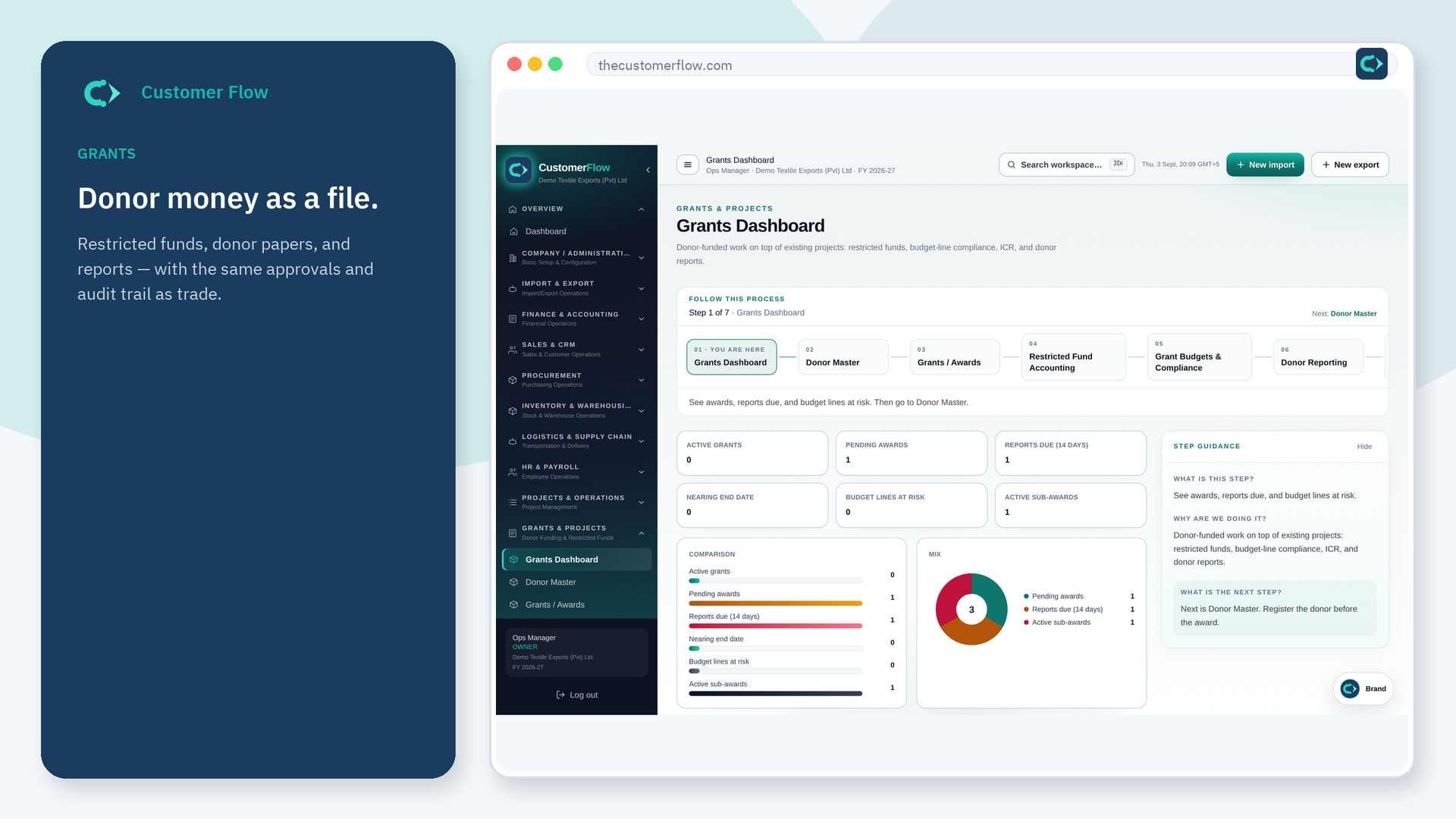
Grants
Customer Flow grants keep donors, awards, restricted fund accounting, budgets, donor reporting, and sub-awards on a file a donor or auditor can follow.
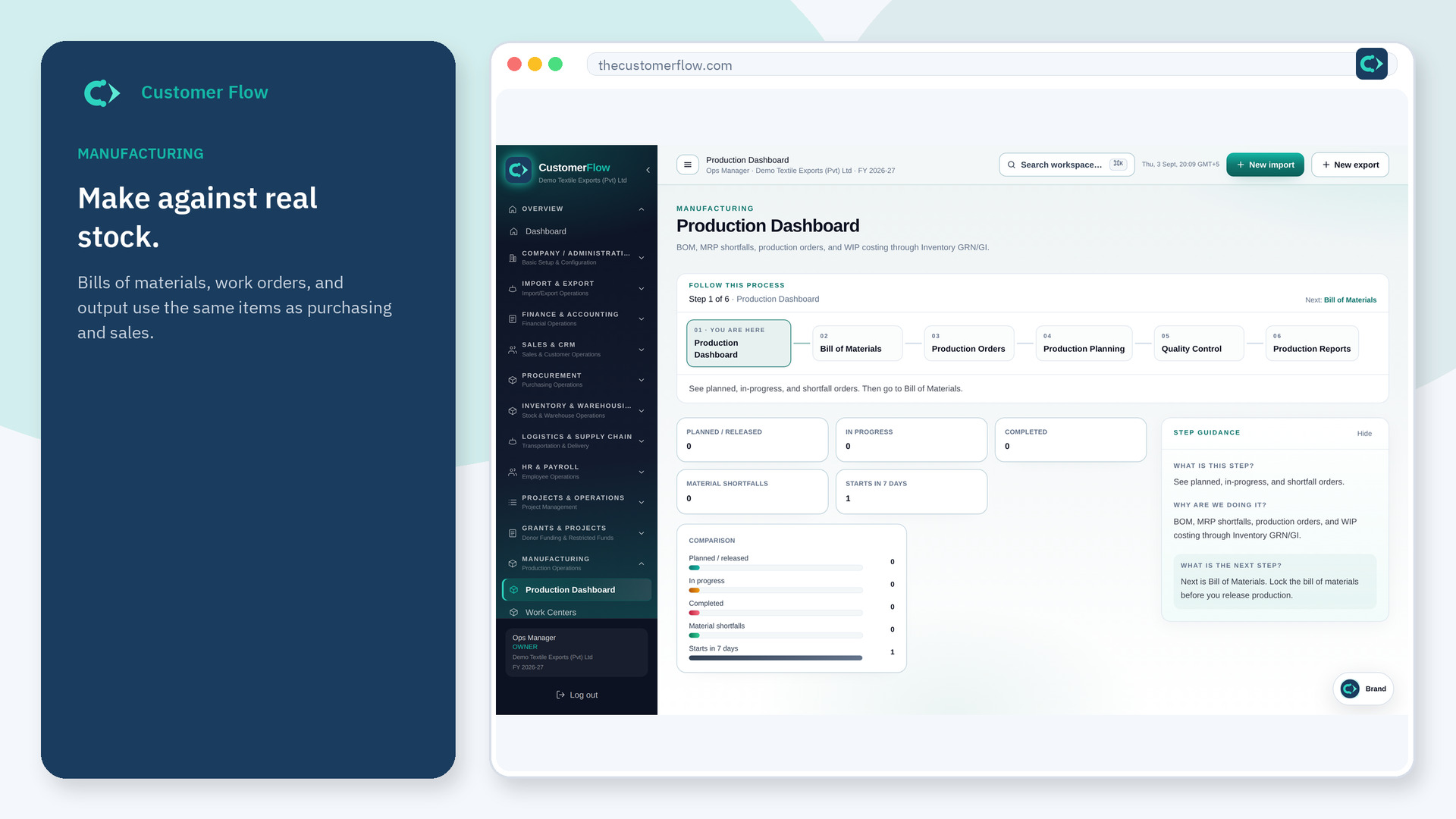
Manufacturing
Customer Flow manufacturing keeps BOM, production orders, planning, and quality on the same item master as inventory and inbound imports of raw materials.
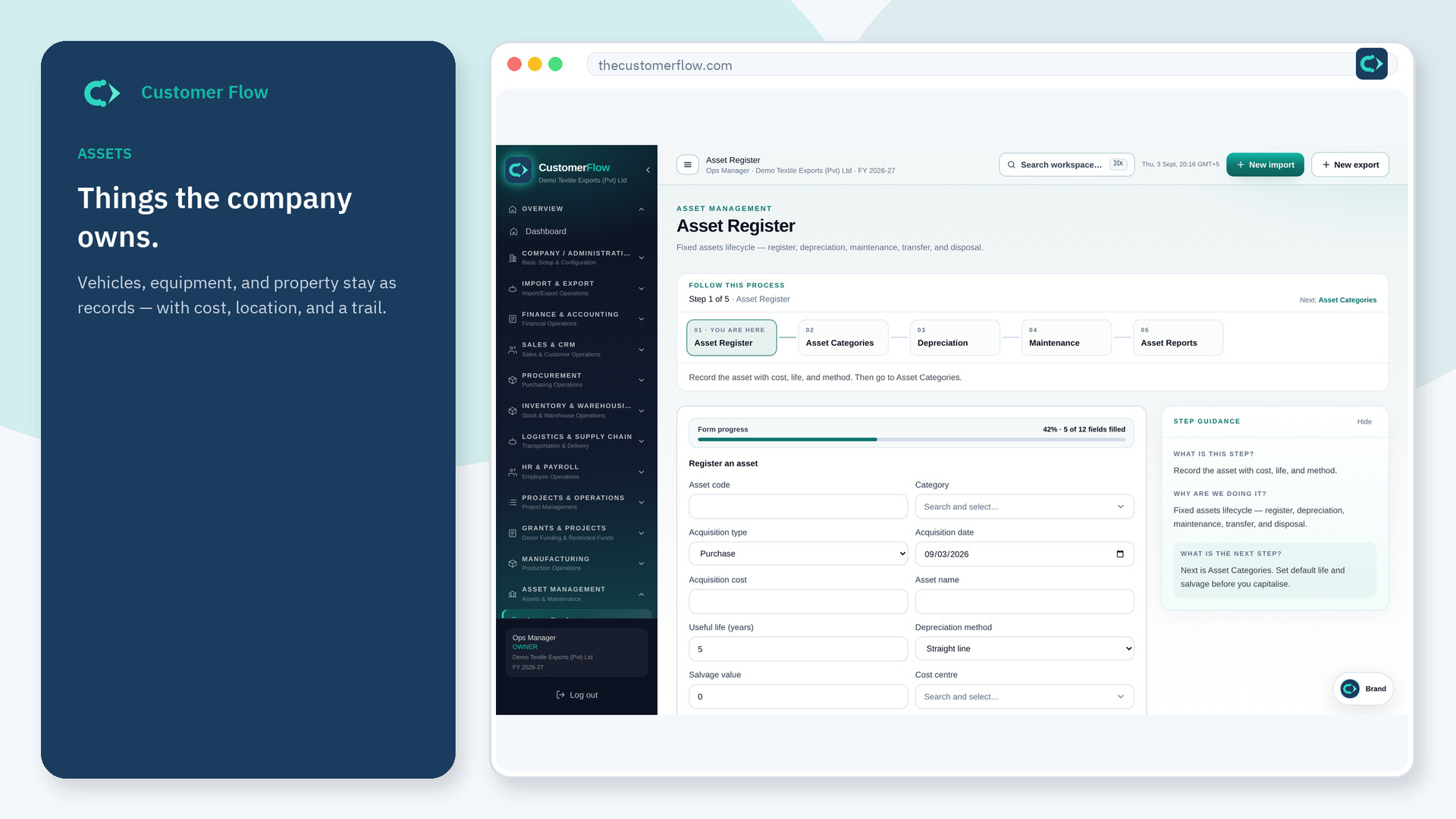
Assets
Customer Flow assets keep the register, categories, depreciation, maintenance, and reports in the same finance workspace as the operational files that buy or use those assets.
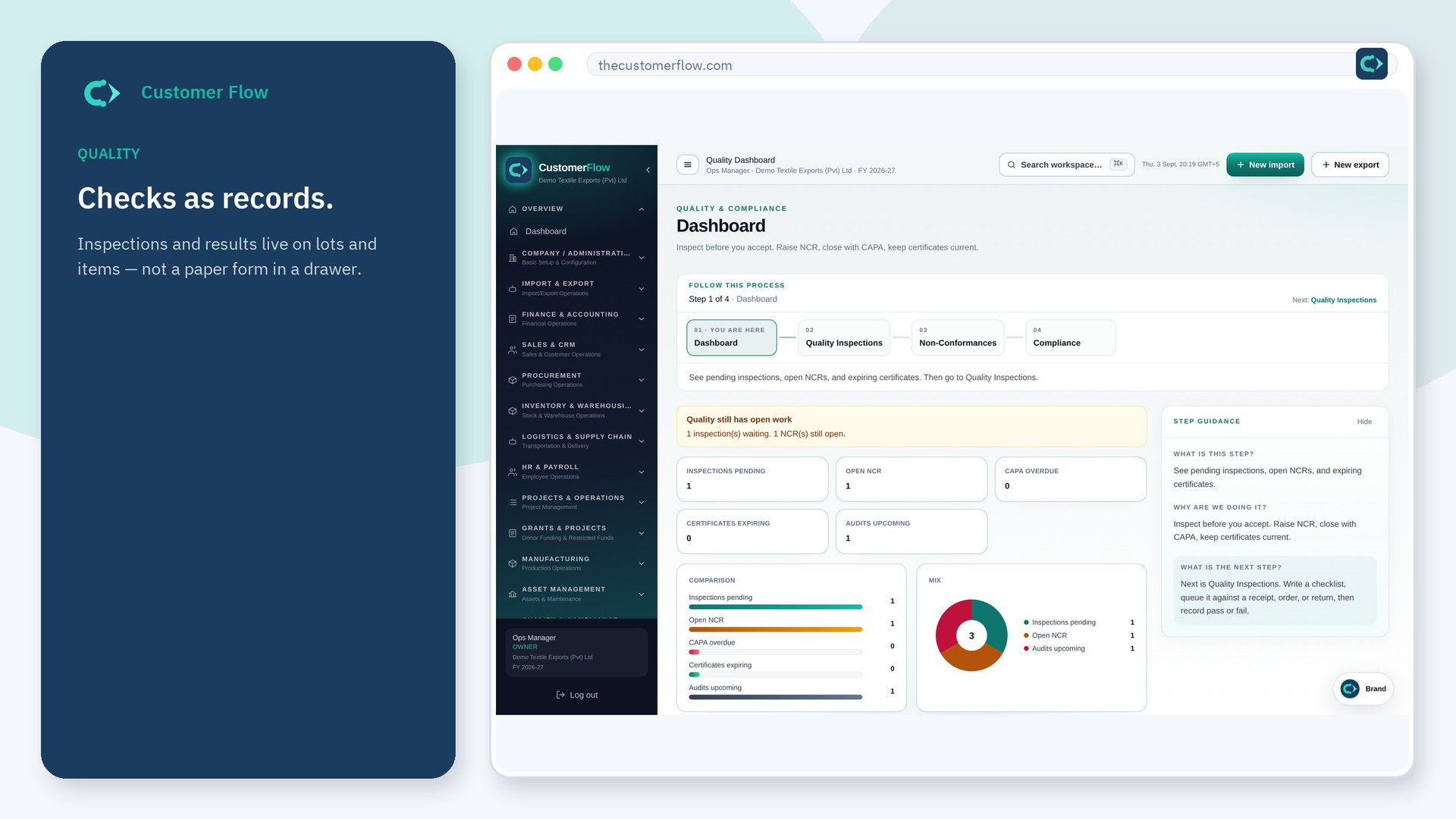
Quality
Customer Flow quality keeps inspections, non-conformances, compliance, and the audit trail on the same company as manufacturing, inventory, and trade files.
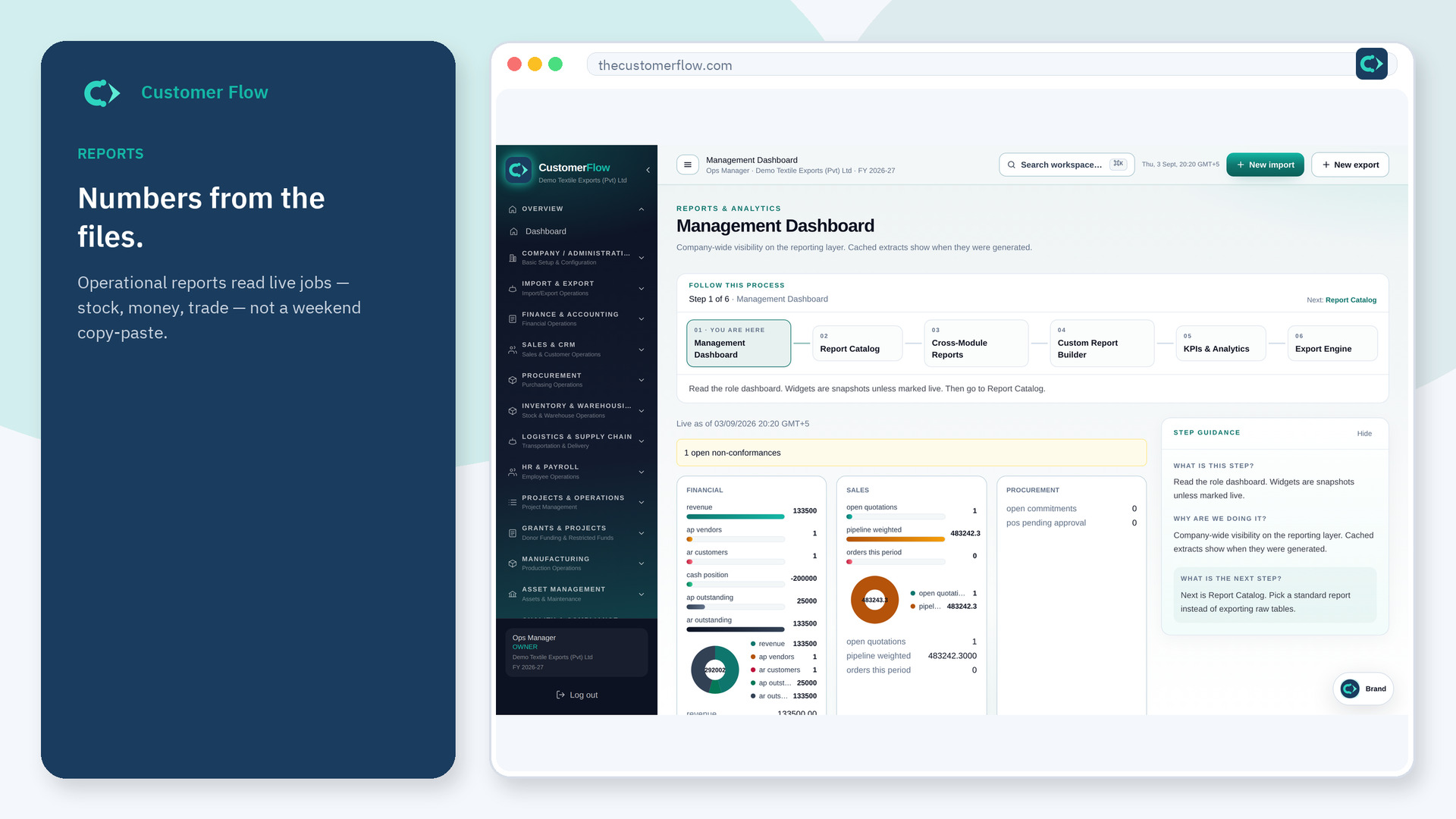
Reports
Customer Flow reports pull management dashboards, a report catalog, cross-module reports, KPIs, and exports from the same live files — not a weekend dump into Excel.
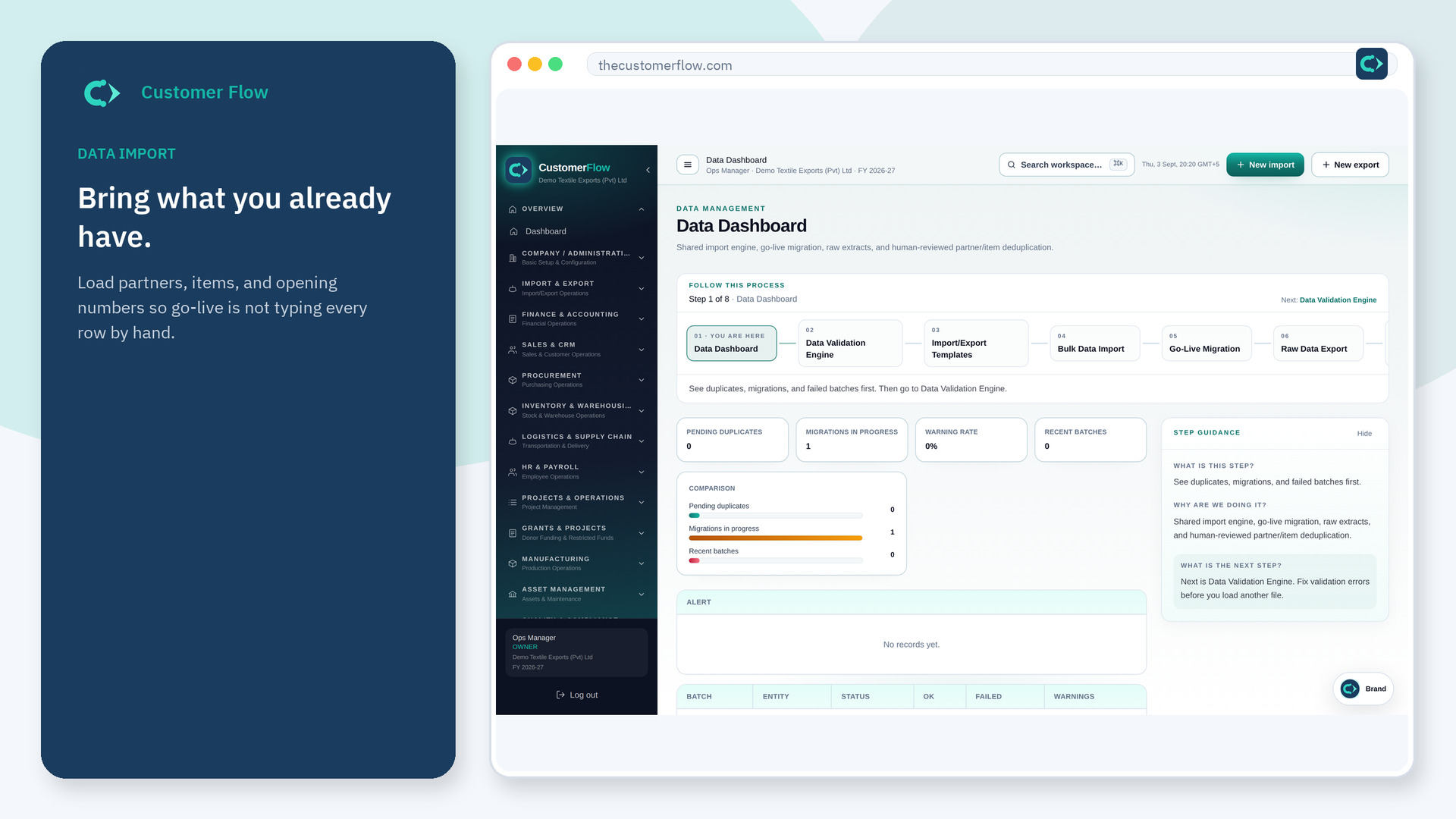
Data
Customer Flow data management is the go-live path: validation, import templates, bulk import, setup wizard, migration, raw extract, and duplicate checks for partners and items.
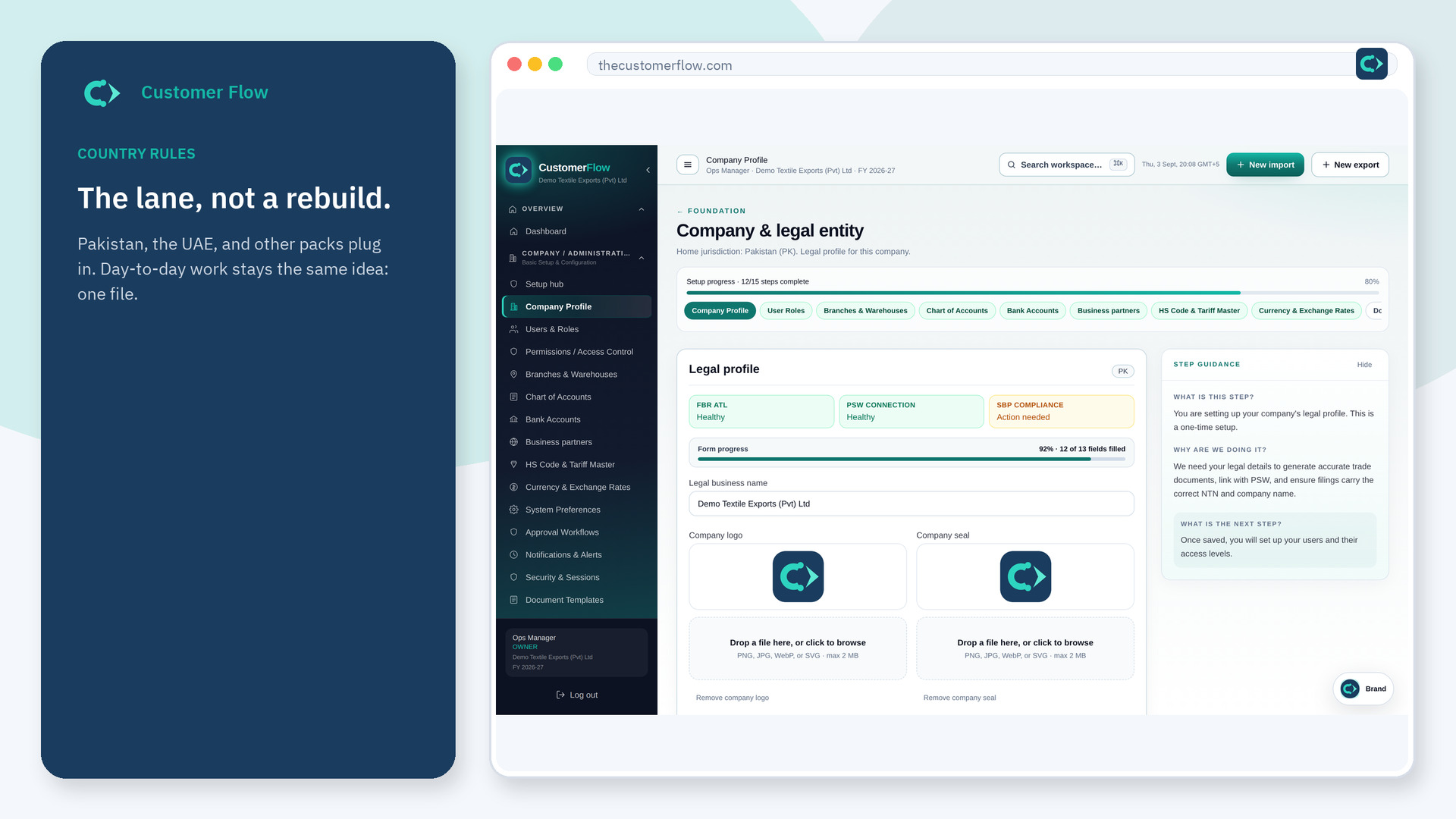
Countries
Customer Flow keeps operations stable and plugs country filings in as replaceable rules: Pakistan, UAE, and stubs for Saudi Arabia, UK, EU, and USA. Day-to-day work stays the same.
Questions? Email info@thecustomerflow.com.
