Company setup
Letterheads and standard wording for papers the company reuses. Shipment packs still live on the consignment — this is the company stationery.
Where to find it: Left menu → Company / Administration → Document Templates
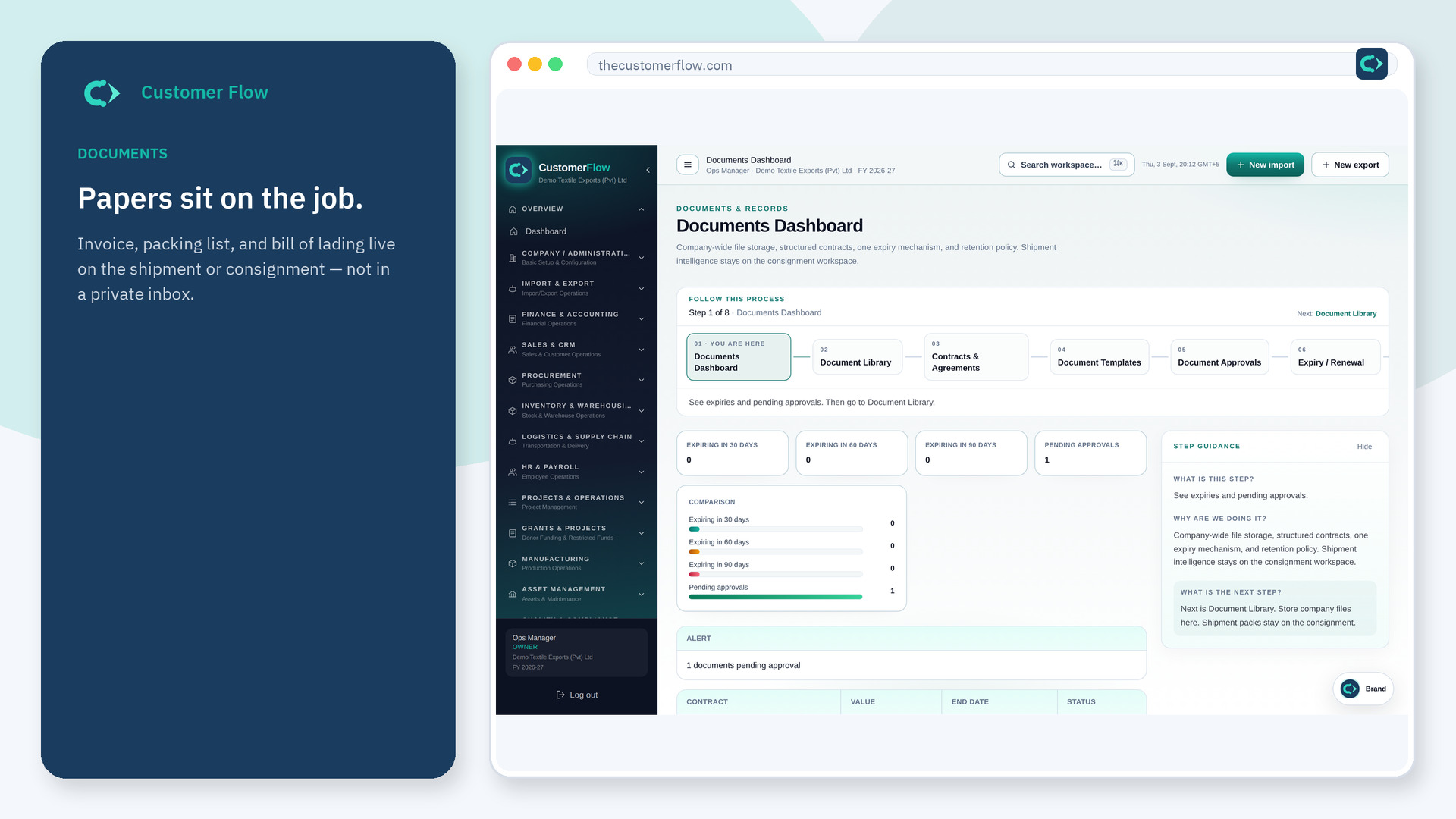
Step 1
Left menu → Company / Administration → Document Templates. If the name is missing, your role does not include it — ask an admin in Users & Roles.
Step 2
Open a template, put the company name and logo fields where they belong, and save. Keep one template per document type.
Step 3
When you print or generate from a file, the template should appear. If the logo is missing, finish company branding first.
Yes. Document Templates is a signed-in workspace screen. This public page teaches the screen with a picture and a link to the feature video. It never shows another company’s data.
The left menu only shows screens your role may open. Ask a company admin to grant the matching permission, or to show you which role should own this step.
No. Templates are the blank forms. The document library stores signed PDFs and uploads. Consignment papers stay on the file.
