Company setup
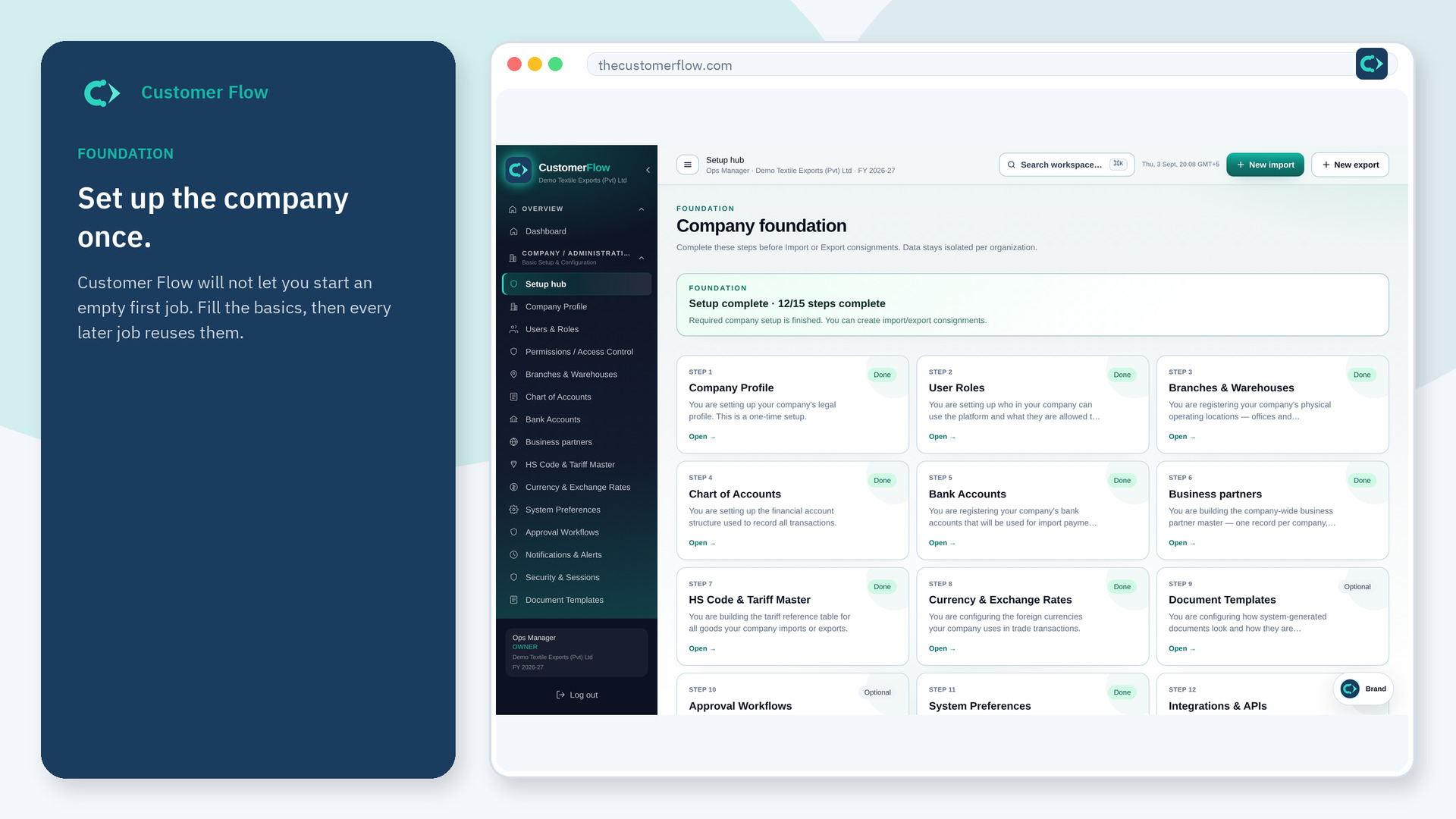
A short company settings area, including subscription. Prefer the Setup hub for foundation work so nothing is skipped.
Where to find it: Open Settings from the workspace chrome (not every role sees every card).
Step 1
Open Settings from the workspace chrome (not every role sees every card).. If the name is missing, your role does not include it — ask an admin in Users & Roles.
Step 2
Use Setup hub for day-to-day masters. Open Settings when you need subscription or profile items that live here.
Step 3
You should land on a settings page you have permission to see. If it is empty, you only have a subset of rights.
Yes. Settings is a signed-in workspace screen. This public page teaches the screen with a picture and a link to the feature video. It never shows another company’s data.
The left menu only shows screens your role may open. Ask a company admin to grant the matching permission, or to show you which role should own this step.
No. Setup hub is the foundation checklist. Settings is a smaller chrome page. Start at Setup hub.
