
Finance
How to use Recurring Invoices in Customer Flow
Invoices you send on a fixed rhythm — rent, retainers, maintenance contracts, memberships — set up once and raised on each billing date.
Where to find it: Left menu → Finance & Accounting → Recurring Invoices
Every step
Step 1
Open the screen
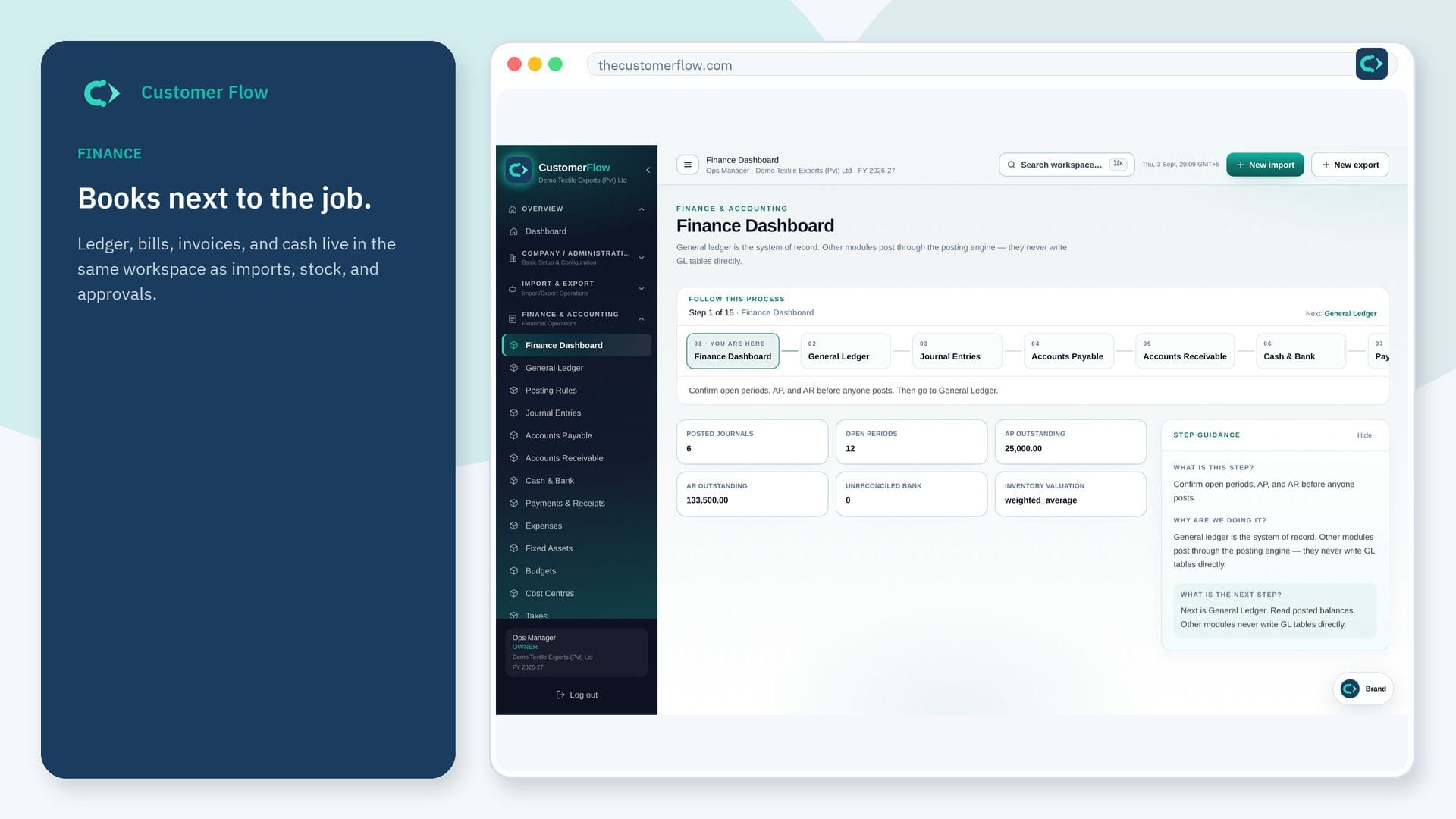
Left menu → Finance & Accounting → Recurring Invoices. If the name is missing, your role does not include it — ask an admin in Users & Roles.
Step 2
Do the work
Enter the customer, amount, profit centre and how often to bill. Pick a start date and, if it stops, an end date or number of invoices.
Step 3
Check it saved
On each billing date a draft invoice appears in Accounts Receivable for approval. The schedule shows the next dates and every invoice it raised.
Questions people ask
Do I need to log in to use Recurring Invoices?
Yes. Recurring Invoices is a signed-in workspace screen. This public page teaches the screen with a picture and a link to the feature video. It never shows another company’s data.
I cannot see Recurring Invoices in the menu. Why?
The left menu only shows screens your role may open. Ask a company admin to grant the matching permission, or to show you which role should own this step.
Are recurring invoices posted automatically?
No. Each one is raised as a draft so an approver checks it before it reaches the ledger and the customer.