Finance
Trial balance with drill-down into each account’s movement ledger and the full journal behind a line.
Where to find it: Left menu → Finance & Accounting → General Ledger
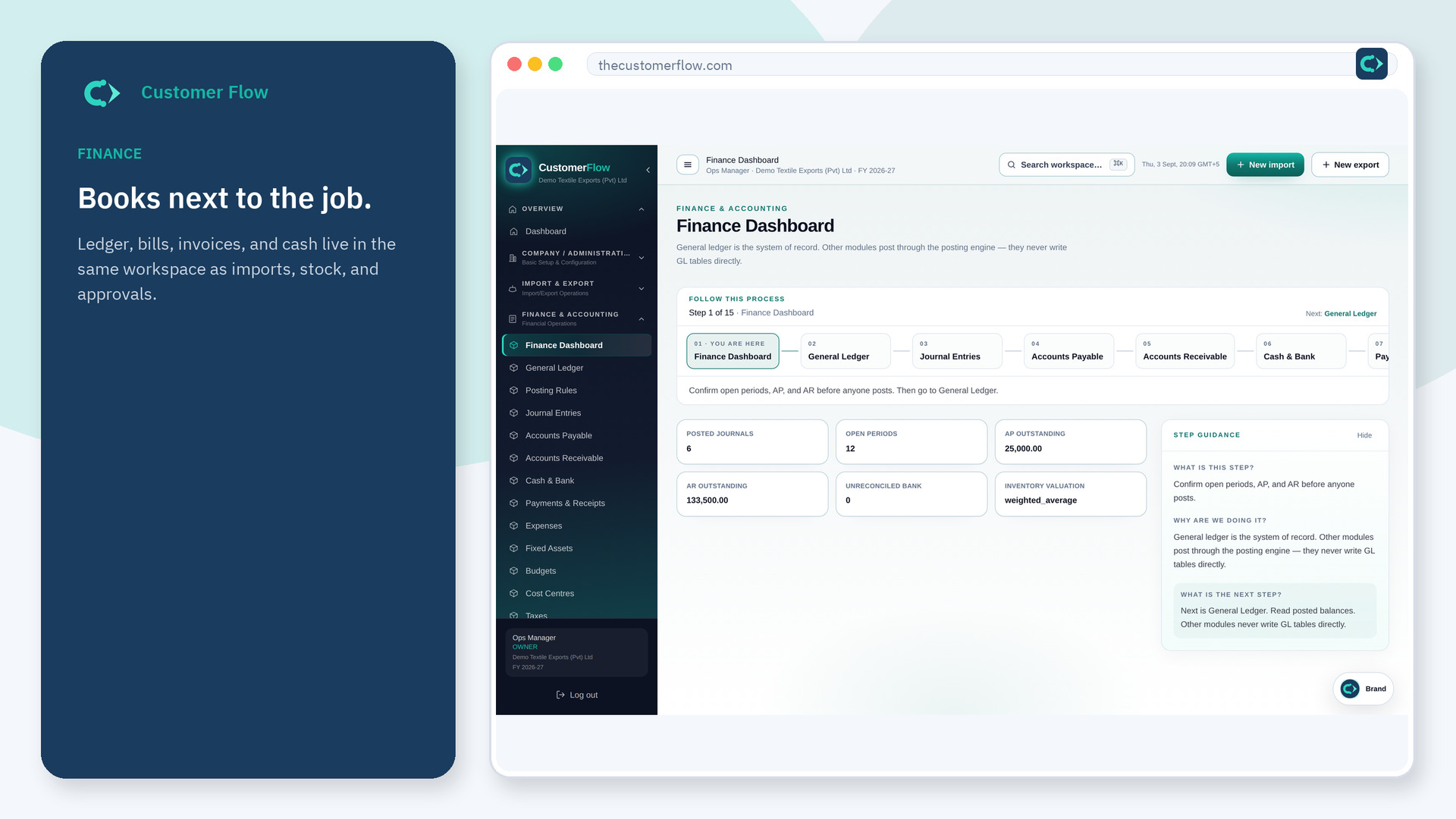
Step 1
Left menu → Finance & Accounting → General Ledger. If the name is missing, your role does not include it — ask an admin in Users & Roles.
Step 2
Pick an as-of date, open an account, then click a journal number. Do not type over a posted balance.
Step 3
A journal you posted should appear in the account ledger. If it is missing, it is still draft or outside the date range.
Yes. General Ledger is a signed-in workspace screen. This public page teaches the screen with a picture and a link to the feature video. It never shows another company’s data.
The left menu only shows screens your role may open. Ask a company admin to grant the matching permission, or to show you which role should own this step.
No. Use Reverse on the journal (needs journals:reverse; creator cannot reverse their own) or post a correcting journal. The audit trail needs both rows.
