Finance
The books of original entry. Trade and payroll can create journals; you review or add manual ones here.
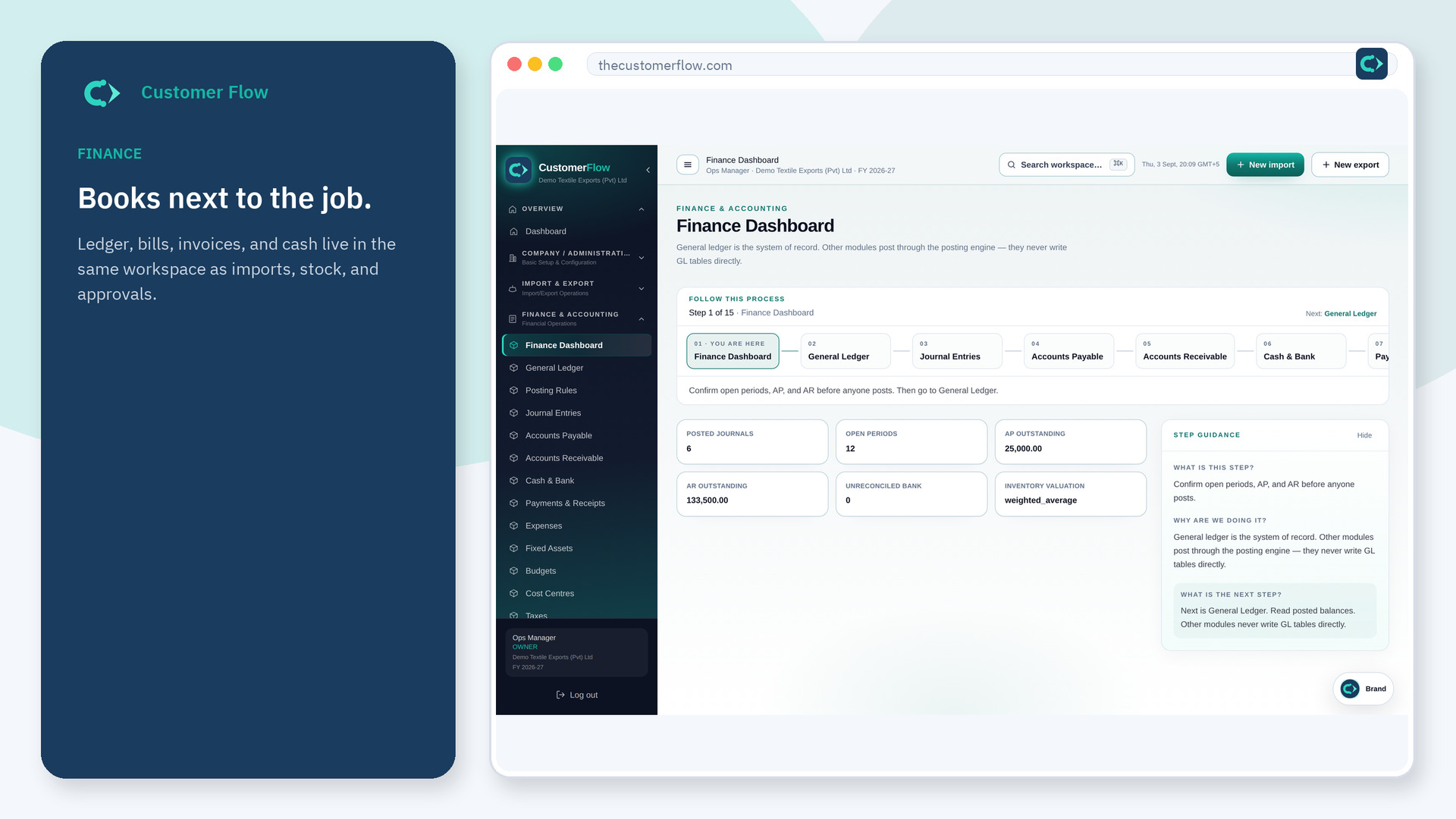
Where to find it: Left menu → Finance & Accounting → Journal Entries
Step 1
Left menu → Finance & Accounting → Journal Entries. If the name is missing, your role does not include it — ask an admin in Users & Roles.
Step 2
Create a journal with a date, balanced debit and credit lines, and a reason. Post when it is correct. Reverse a posted journal only when you need to undo it. Download / print PDF for a hard-copy voucher (shows creator, approver, downloader, and page numbers).
Step 3
Posted journals show in the ledger. Reversed journals stay posted and link to the reversing entry. The PDF footer names who downloaded it and the page N/M.
Yes. Journal Entries is a signed-in workspace screen. This public page teaches the screen with a picture and a link to the feature video. It never shows another company’s data.
The left menu only shows screens your role may open. Ask a company admin to grant the matching permission, or to show you which role should own this step.
The product will not post it. Fix the lines. That is the control.
