Finance
Profit centre hierarchy for revenue and contribution roll-up, parallel to cost centres.
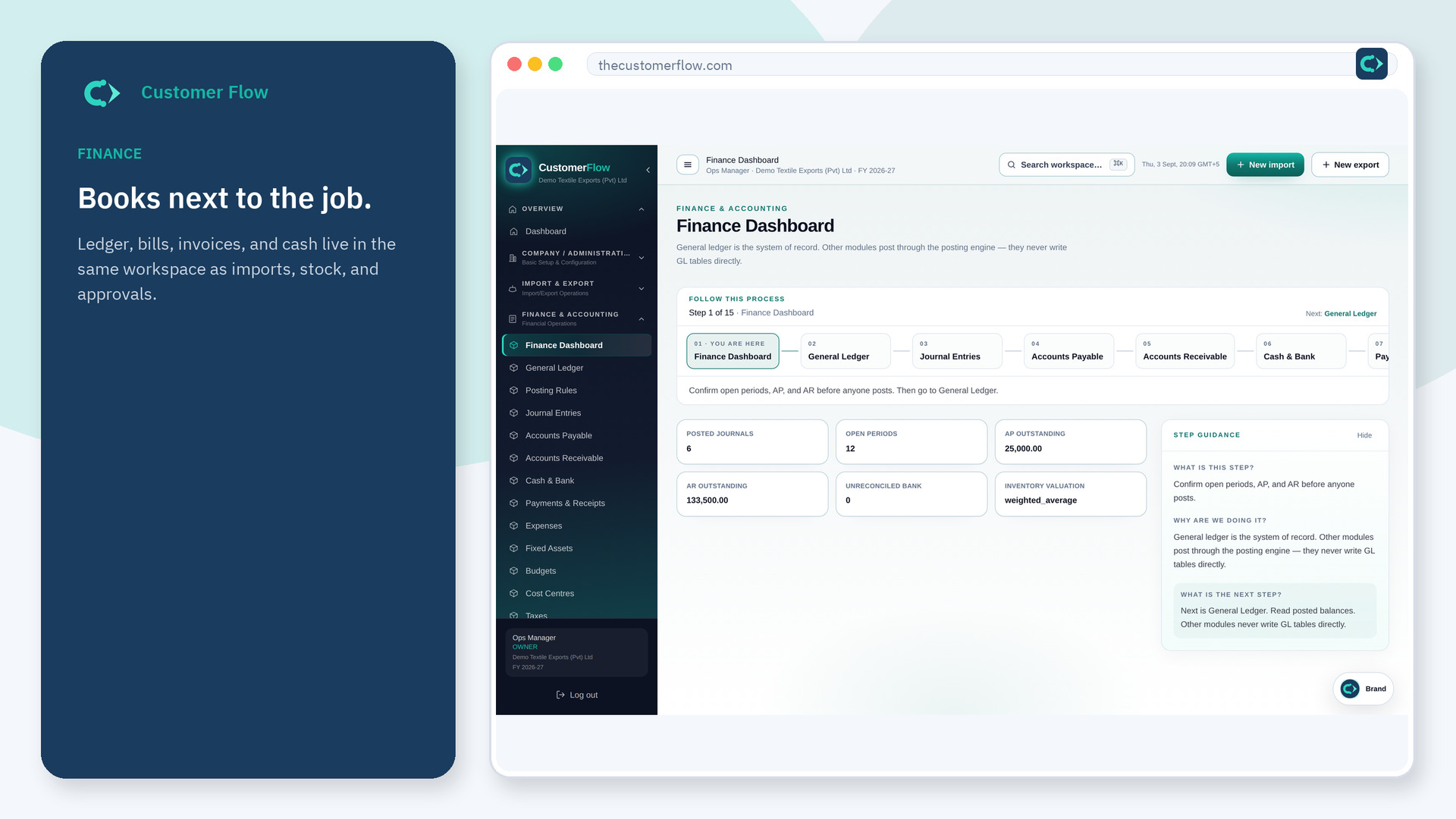
Where to find it: Left menu → Finance & Accounting → Profit Centres
Step 1
Left menu → Finance & Accounting → Profit Centres. If the name is missing, your role does not include it — ask an admin in Users & Roles.
Step 2
Seed or add codes (e.g. DOM / EXP under CORP). Assign a profit centre on sales orders so AR postings carry the dimension.
Step 3
Sales orders and AR invoices store profit_center_id; journal revenue lines inherit it when billing.
Yes. Profit Centres is a signed-in workspace screen. This public page teaches the screen with a picture and a link to the feature video. It never shows another company’s data.
The left menu only shows screens your role may open. Ask a company admin to grant the matching permission, or to show you which role should own this step.
Cost centres track expense and overhead. Profit centres own revenue for contribution and departmental P&L.
