Finance
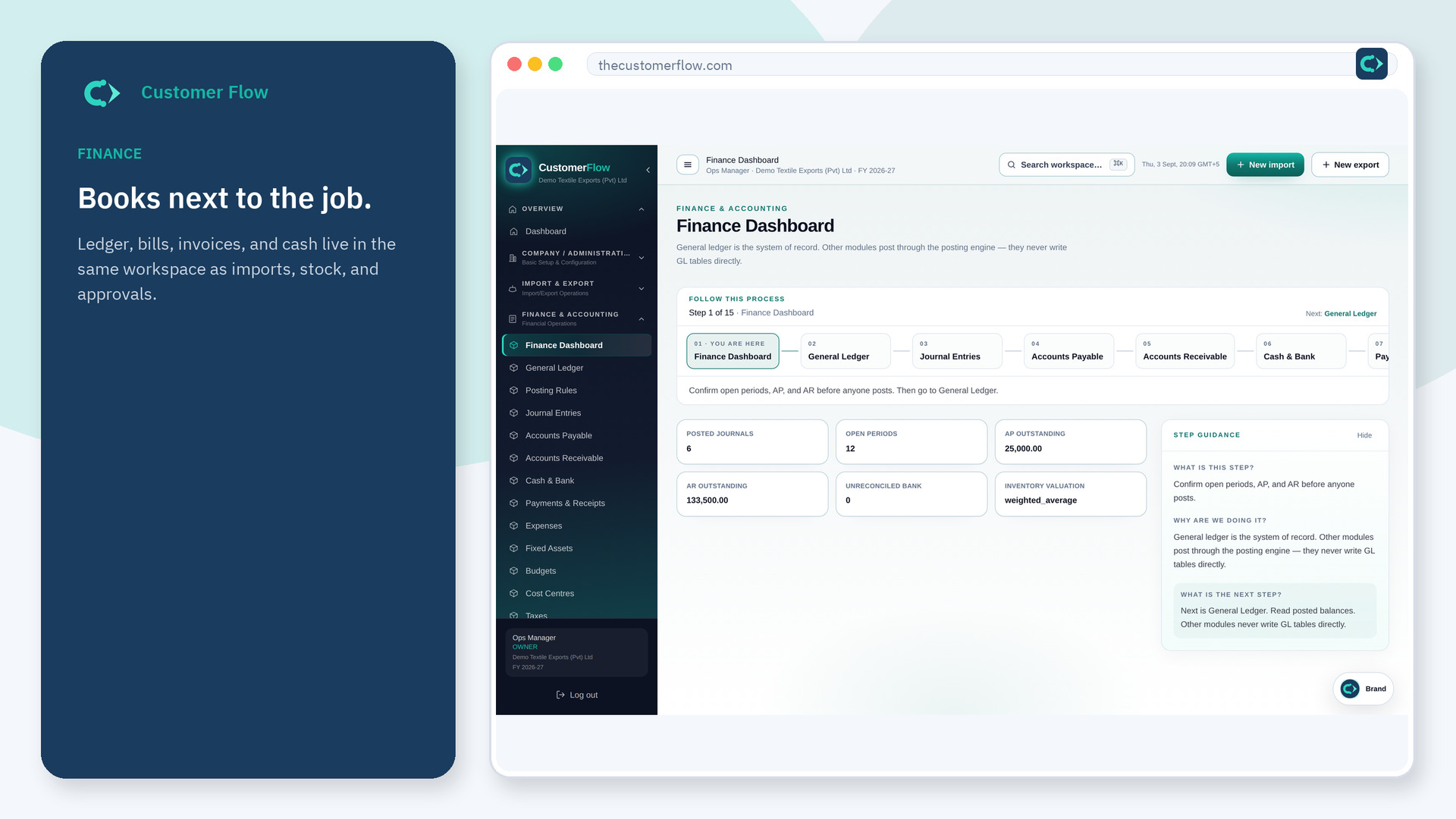
Reference map of how source modules post to GL accounts.
Where to find it: Left menu → Finance & Accounting → Posting Rules
Step 1
Left menu → Finance & Accounting → Posting Rules. If the name is missing, your role does not include it — ask an admin in Users & Roles.
Step 2
Review rule codes when tracing a journal back to its source module. Do not edit unless finance owns the mapping.
Step 3
Debit and credit accounts on each rule should match your chart of accounts.
Yes. Posting Rules is a signed-in workspace screen. This public page teaches the screen with a picture and a link to the feature video. It never shows another company’s data.
The left menu only shows screens your role may open. Ask a company admin to grant the matching permission, or to show you which role should own this step.
No. They post through the posting engine using these rules.
