Company setup
Optional connections to other systems. Country portals in the product are sandbox adapters today — not live government APIs.
Where to find it: Left menu → Company / Administration → Integrations & APIs
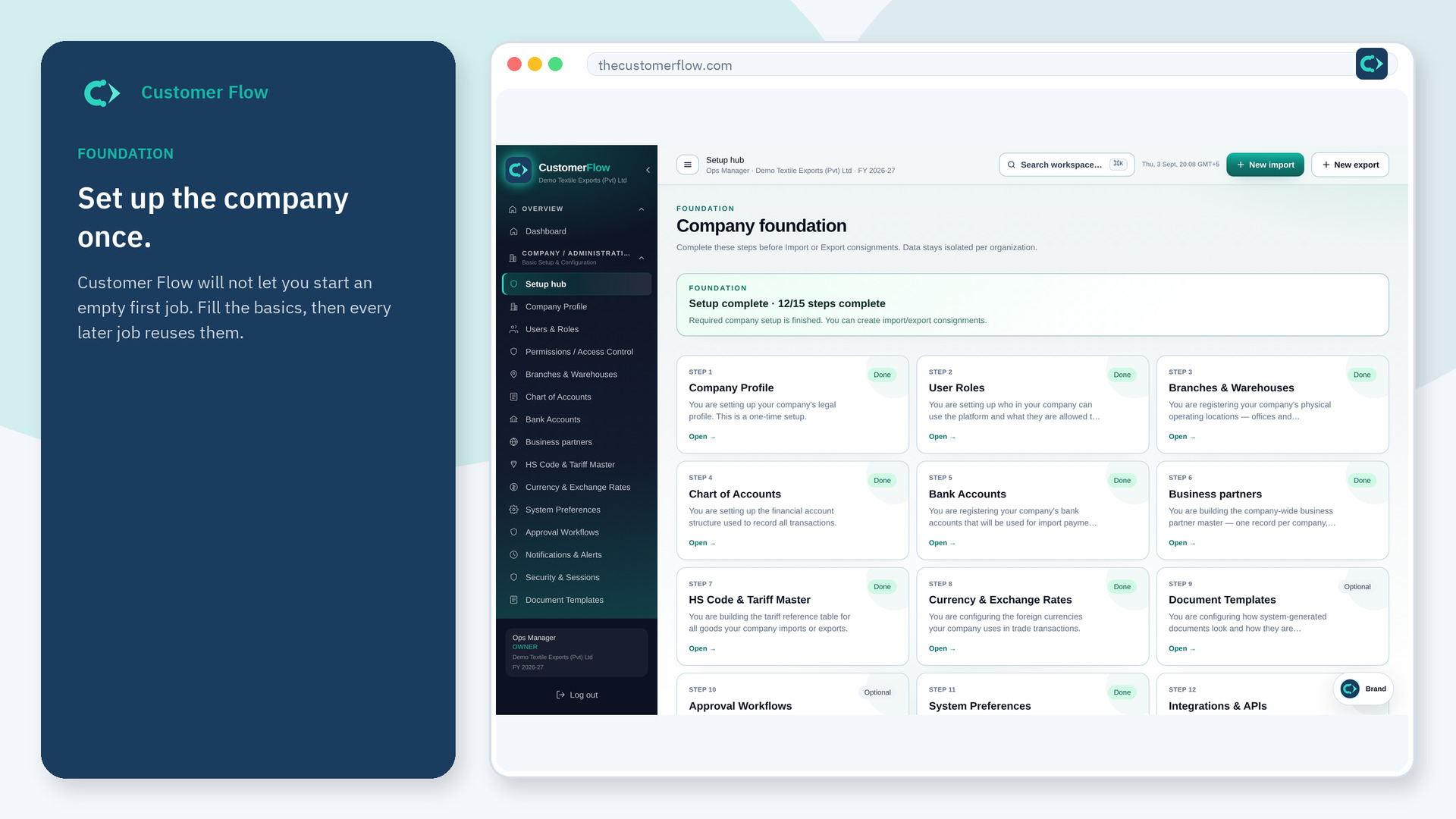
Step 1
Left menu → Company / Administration → Integrations & APIs. If the name is missing, your role does not include it — ask an admin in Users & Roles.
Step 2
Read what each row actually does. Do not paste production secrets into a trial. Save only connections you are allowed to use.
Step 3
A test ping or status badge should show connected or off. If it fails, leave it off and run the file without it.
Yes. Integrations & APIs is a signed-in workspace screen. This public page teaches the screen with a picture and a link to the feature video. It never shows another company’s data.
The left menu only shows screens your role may open. Ask a company admin to grant the matching permission, or to show you which role should own this step.
No. They are optional. Required setup can be green with integrations still empty.
