Company setup
The goods codes customs expects. Files pick from this list so nobody invents a new code on every job.
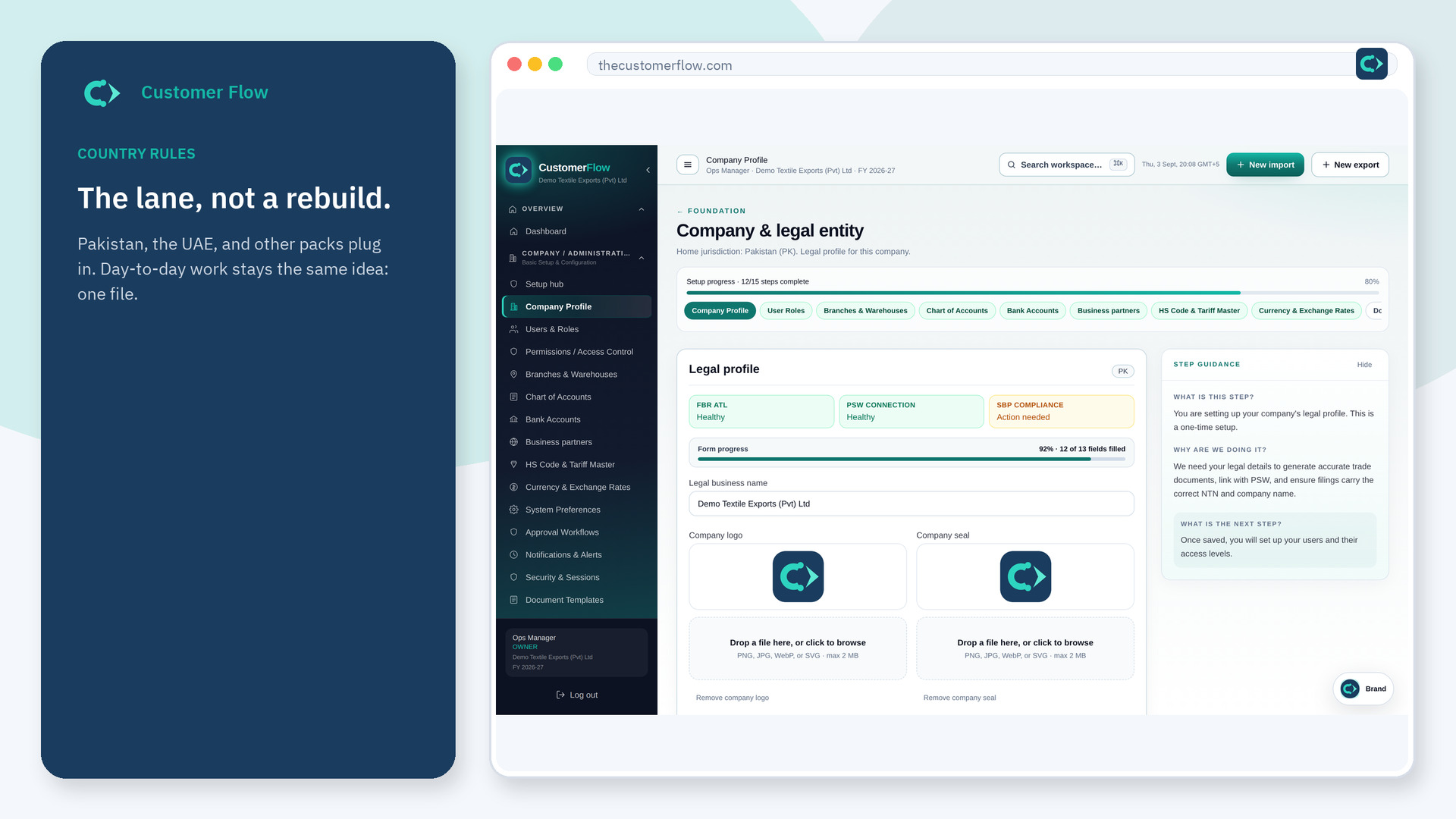
Where to find it: Left menu → Company / Administration → HS Code & Tariff Master
Also in the menu as: HS Codes & Tariffs.
Step 1
Left menu → Company / Administration → HS Code & Tariff Master. In the menu it may also say "HS Codes & Tariffs". If the name is missing, your role does not include it — ask an admin in Users & Roles.
Step 2
Add the HS code, description, and duty hints your country pack shows. Save. Use the same code on import and export lines.
Step 3
Search the code on a new consignment. It should autocomplete from this master, not from memory.
Yes. HS Code & Tariff Master is a signed-in workspace screen. This public page teaches the screen with a picture and a link to the feature video. It never shows another company’s data.
The left menu only shows screens your role may open. Ask a company admin to grant the matching permission, or to show you which role should own this step.
Country packs set the expected length. Follow the form. Do not pad with extra zeros unless the pack says so.
