Finance
Cost centre hierarchy for expense roll-up. Every node has one parent; reports aggregate descendants automatically.
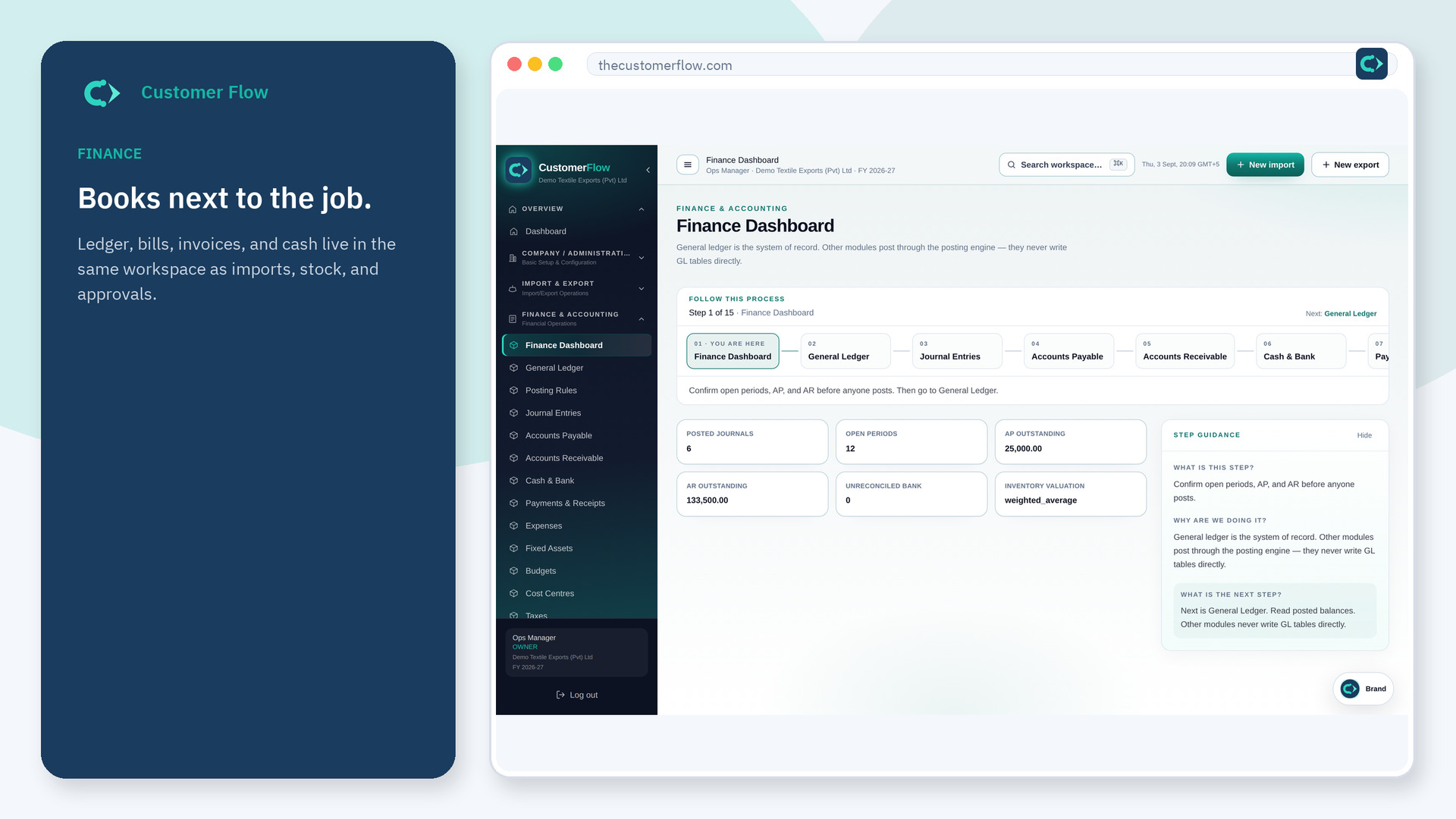
Where to find it: Left menu → Finance & Accounting → Cost Centres
Step 1
Left menu → Finance & Accounting → Cost Centres. If the name is missing, your role does not include it — ask an admin in Users & Roles.
Step 2
Add a unique code under the correct parent (e.g. SAL under HO). Avoid duplicate root codes like HO-1 when HO already exists — edit HO-1 to set parent HO instead.
Step 3
The tree shows parent links and depth. Accounting Reports filtered by a parent include all child centres.
Yes. Cost Centres is a signed-in workspace screen. This public page teaches the screen with a picture and a link to the feature video. It never shows another company’s data.
The left menu only shows screens your role may open. Ask a company admin to grant the matching permission, or to show you which role should own this step.
Cost centres are cost-only. Assign revenue to profit centres under Finance → Profit Centres for departmental P&L.
