Company setup
One company record with many roles: overseas supplier, foreign buyer, clearing agent, carrier, and more. You do not create a second card for the same firm.
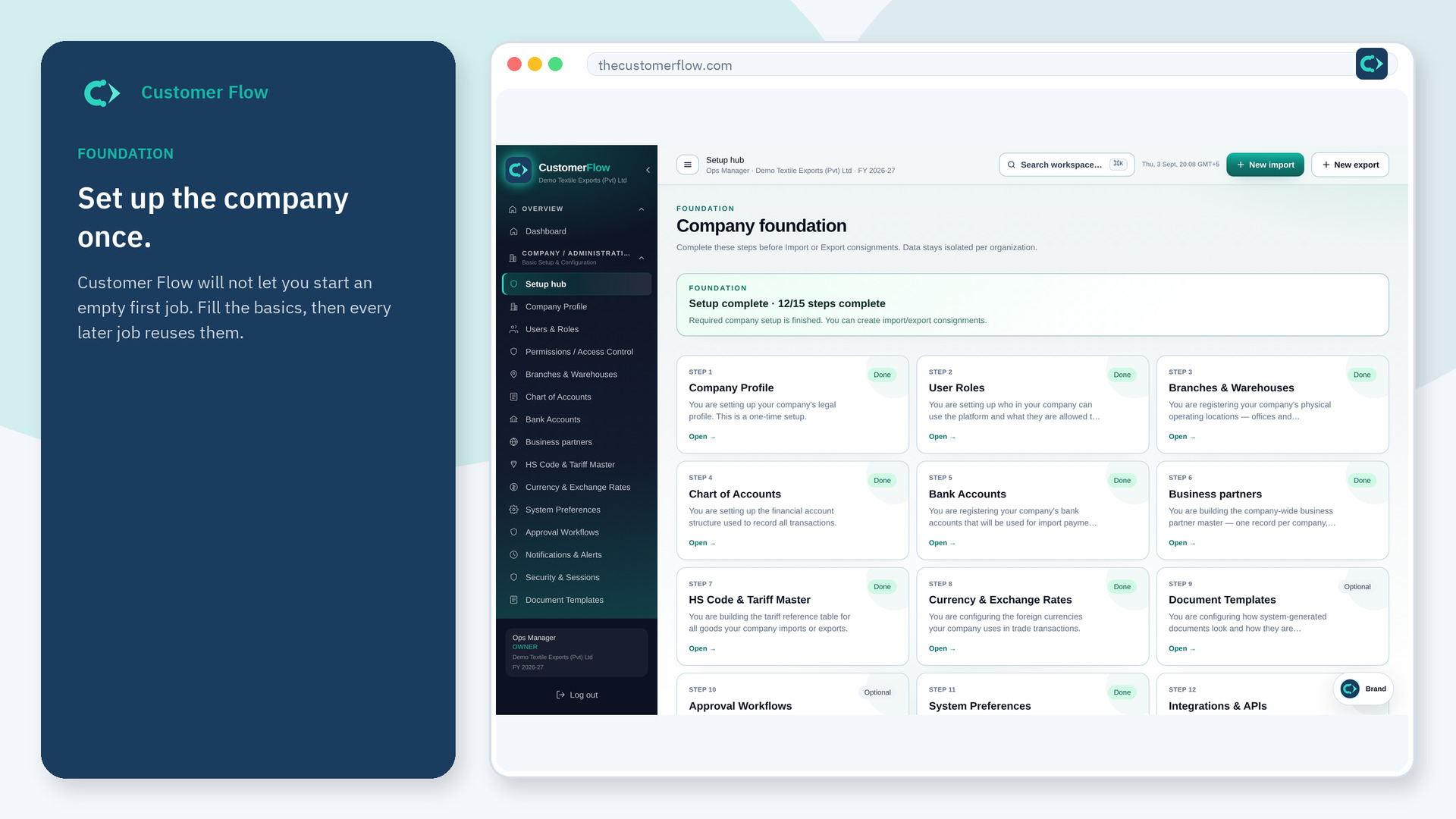
Where to find it: Left menu → Company / Administration → Business partners
Also in the menu as: Suppliers / Buyers.
Step 1
Left menu → Company / Administration → Business partners. In the menu it may also say "Suppliers / Buyers". If the name is missing, your role does not include it — ask an admin in Users & Roles.
Step 2
Click new. Tick every role that is true. Enter the legal name and ISO country. Fill tax IDs when the country requires them. Save.
Step 3
The partner appears with those role flags. Later imports and exports pick this name instead of typing it again.
Yes. Business partners is a signed-in workspace screen. This public page teaches the screen with a picture and a link to the feature video. It never shows another company’s data.
The left menu only shows screens your role may open. Ask a company admin to grant the matching permission, or to show you which role should own this step.
Yes. That is the point of one partner master. Tick both roles on the same record.
