Company setup
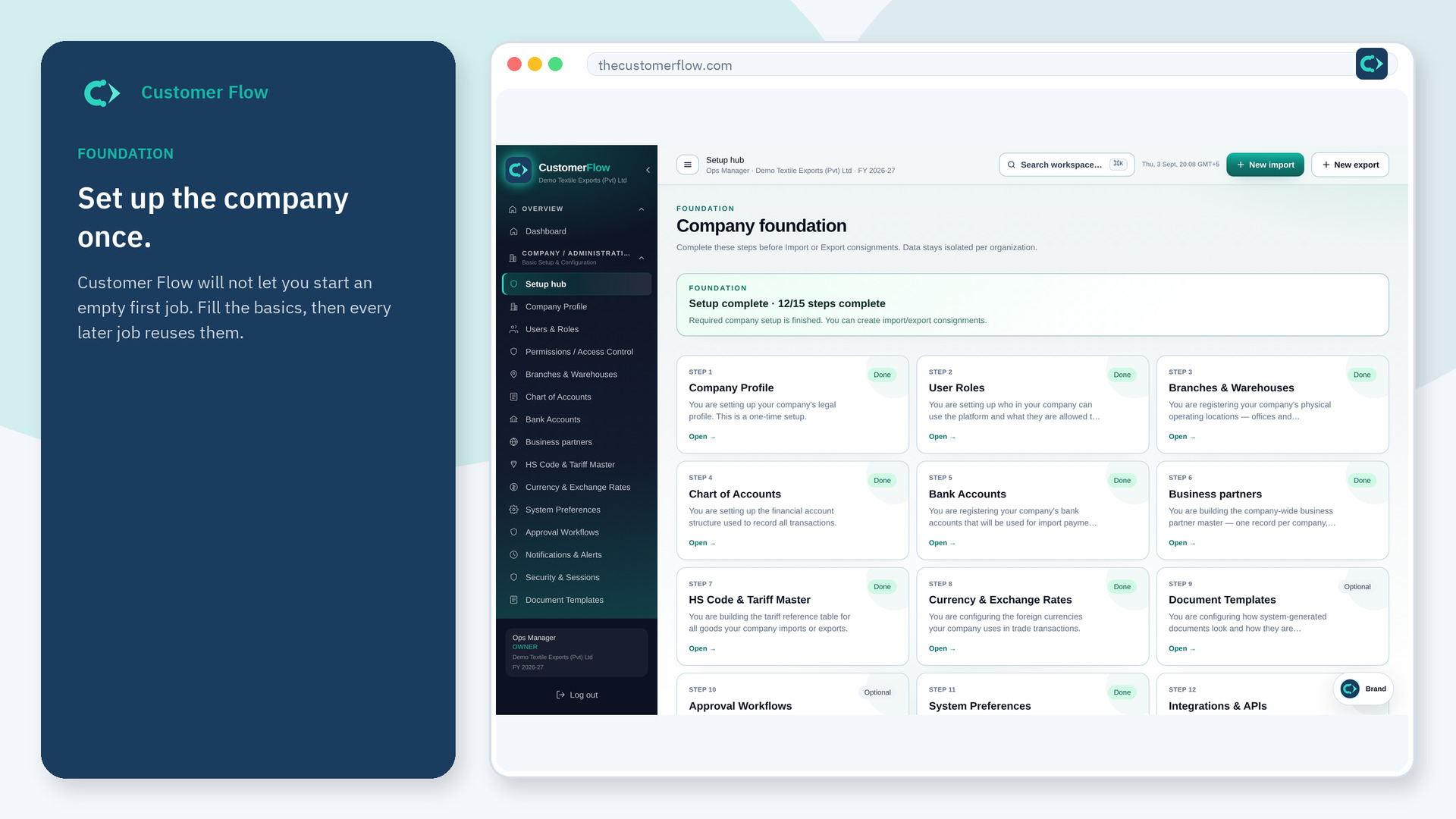
Places the company works: at least one branch (office) and one warehouse (stock). Imports land here. Exports leave from here.
Where to find it: Left menu → Company / Administration → Branches & Warehouses
Also in the menu as: Warehouse Management.
Step 1
Left menu → Company / Administration → Branches & Warehouses. In the menu it may also say "Warehouse Management". If the name is missing, your role does not include it — ask an admin in Users & Roles.
Step 2
Add a branch with a name and address. Add a warehouse and attach it to that branch. Save. You can add more sites later.
Step 3
The location list shows both. New consignments will ask you to pick from this list instead of typing a free-text place.
Yes. Branches & Warehouses is a signed-in workspace screen. This public page teaches the screen with a picture and a link to the feature video. It never shows another company’s data.
The left menu only shows screens your role may open. Ask a company admin to grant the matching permission, or to show you which role should own this step.
Not for the first file. One branch and one warehouse unlocks work. Add a second warehouse when stock really lives in two places.
