Inventory
Supplier ASNs waiting for warehouse receipt. Same notices as Procurement → Vendor Shipments.
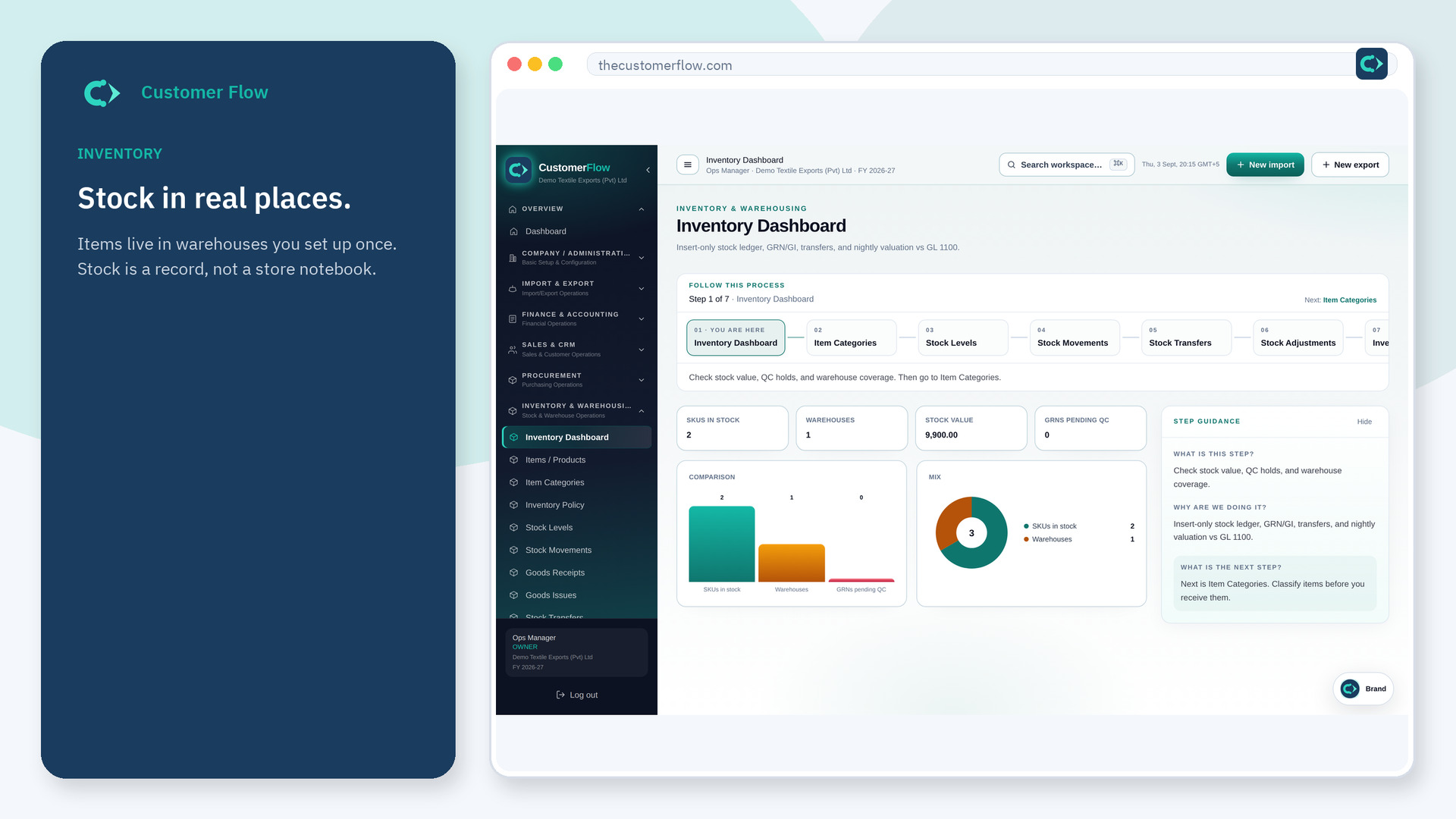
Where to find it: Left menu → Inventory & Warehousing → Vendor Shipments
Step 1
Left menu → Inventory & Warehousing → Vendor Shipments. If the name is missing, your role does not include it — ask an admin in Users & Roles.
Step 2
Open an awaiting ASN, count the goods, then Receive or post a GRN against the PO with verified qty.
Step 3
ASN status becomes received and a GRN appears under Goods Receipts.
Yes. Vendor Shipments is a signed-in workspace screen. This public page teaches the screen with a picture and a link to the feature video. It never shows another company’s data.
The left menu only shows screens your role may open. Ask a company admin to grant the matching permission, or to show you which role should own this step.
ASN is what the supplier says they shipped. GRN is what you counted into stock.
