Inventory
Stock value, QC holds, and warehouse coverage at a glance.
Where to find it: Left menu → Inventory & Warehousing → Inventory Dashboard
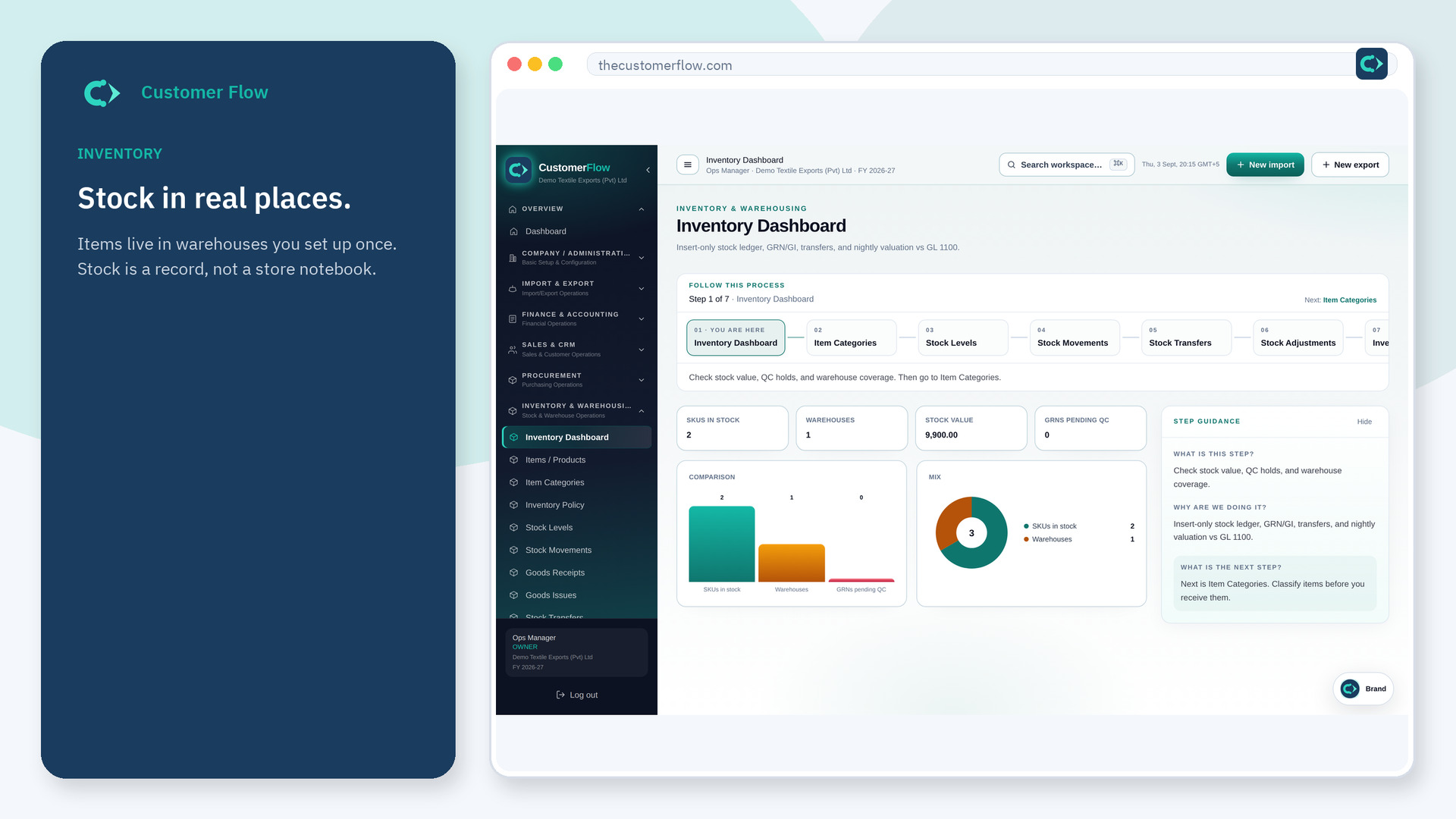
Step 1
Left menu → Inventory & Warehousing → Inventory Dashboard. If the name is missing, your role does not include it — ask an admin in Users & Roles.
Step 2
Check holds first — do not sell or issue locked stock. Then open the warehouse that is short.
Step 3
On-hand on this board should match Stock Levels for the same warehouse.
Yes. Inventory Dashboard is a signed-in workspace screen. This public page teaches the screen with a picture and a link to the feature video. It never shows another company’s data.
The left menu only shows screens your role may open. Ask a company admin to grant the matching permission, or to show you which role should own this step.
Value uses cost (often landed). Count is units. Both must be right; they answer different questions.
