Procurement
Supplier advance shipping notices (ASN / inbound delivery) before you post the GRN.
Where to find it: Left menu → Procurement → Vendor Shipments
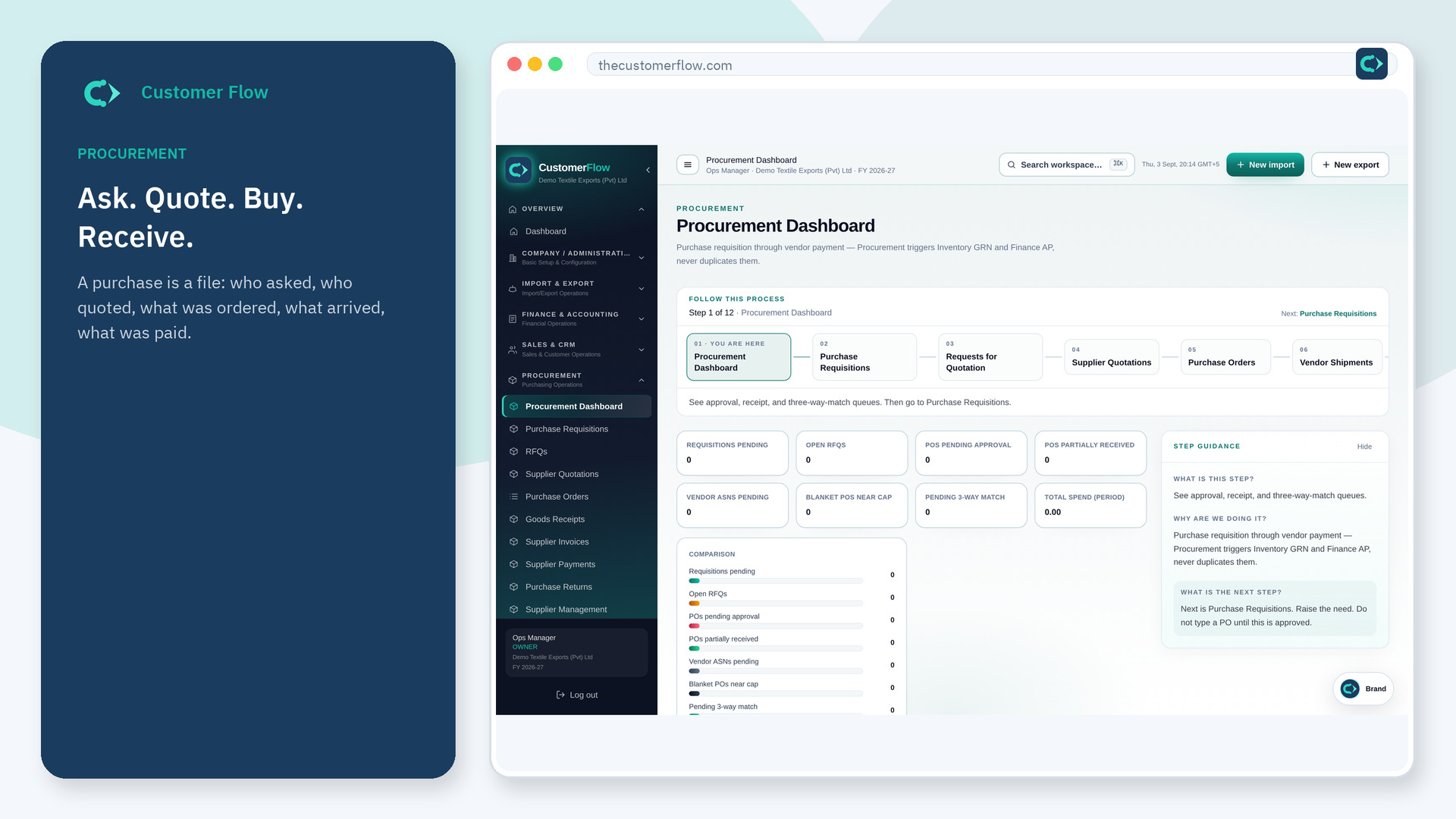
Step 1
Left menu → Procurement → Vendor Shipments. If the name is missing, your role does not include it — ask an admin in Users & Roles.
Step 2
Review ASN quantity and batch against the PO. Then receive via Goods Receipts. Do not treat the ASN as stock on hand.
Step 3
You can open Goods Receipts from the ASN. On-hand stock only rises after the GRN posts.
Yes. Vendor Shipments is a signed-in workspace screen. This public page teaches the screen with a picture and a link to the feature video. It never shows another company’s data.
The left menu only shows screens your role may open. Ask a company admin to grant the matching permission, or to show you which role should own this step.
Both Procurement and Inventory list the same ASNs. Inventory uses them when counting and posting the GRN; Procurement keeps them next to the PO.
