Procurement
Ask suppliers for prices when the item is not already on a contract.
Where to find it: Left menu → Procurement → RFQs
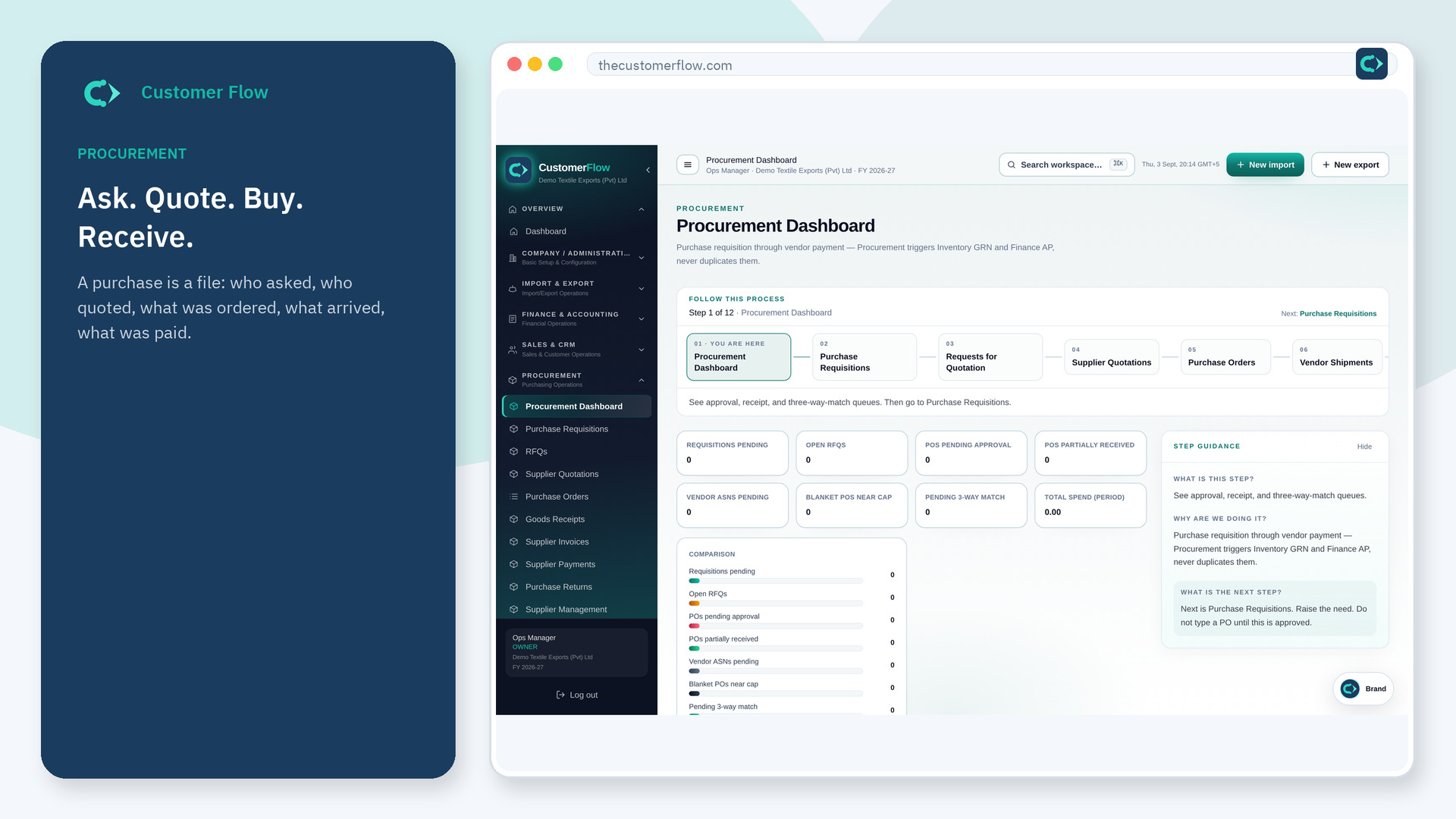
Step 1
Left menu → Procurement → RFQs. If the name is missing, your role does not include it — ask an admin in Users & Roles.
Step 2
Create the RFQ from the need, send it to suppliers on file, and wait. Do not collect quotes only in WhatsApp.
Step 3
Supplier quotations should land against this RFQ so you can compare.
Yes. RFQs is a signed-in workspace screen. This public page teaches the screen with a picture and a link to the feature video. It never shows another company’s data.
The left menu only shows screens your role may open. Ask a company admin to grant the matching permission, or to show you which role should own this step.
No. Contract or catalog items can skip to PO after the requisition. Use RFQ when price is not known.
