Procurement
Offers from suppliers. Pick one on the record so the PO has a source.
Where to find it: Left menu → Procurement → Supplier Quotations
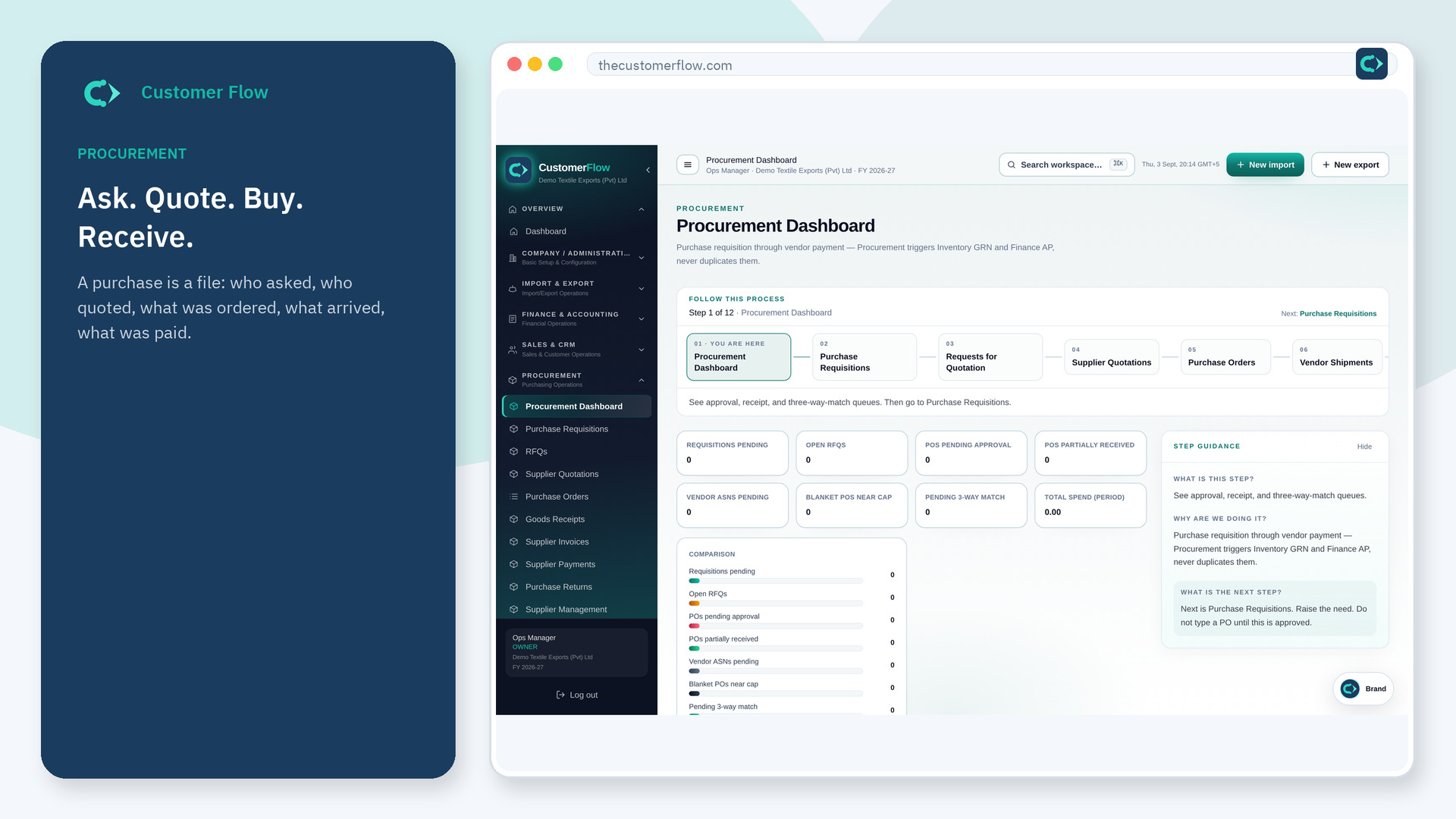
Step 1
Left menu → Procurement → Supplier Quotations. If the name is missing, your role does not include it — ask an admin in Users & Roles.
Step 2
Enter or attach each quote. Compare. Select the winner. Do not pick a supplier who is not on the partner master.
Step 3
The chosen quote should link to the PO you issue next.
Yes. Supplier Quotations is a signed-in workspace screen. This public page teaches the screen with a picture and a link to the feature video. It never shows another company’s data.
The left menu only shows screens your role may open. Ask a company admin to grant the matching permission, or to show you which role should own this step.
Split lines if you must, but each PO line should still point at one quote.
