Procurement
Keep supplier masters unique before you buy. This is the procurement view of the partner record.
Where to find it: Left menu → Procurement → Supplier Management
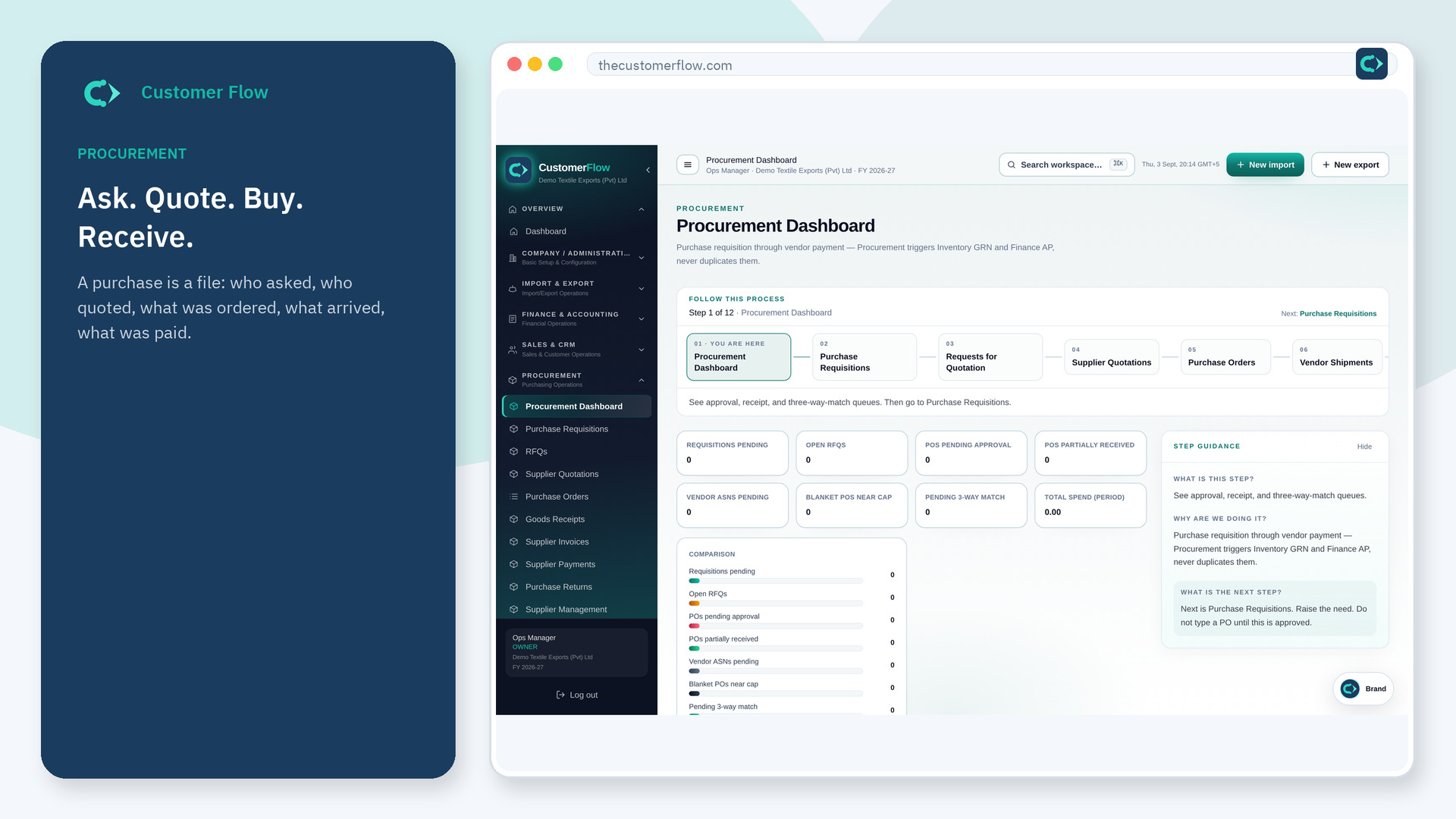
Step 1
Left menu → Procurement → Supplier Management. If the name is missing, your role does not include it — ask an admin in Users & Roles.
Step 2
Search before you add. If the company exists, add the vendor role instead of a second card. Save bank and terms on that record.
Step 3
A new PO should pick this supplier. Duplicate names should be merged in Data Management, not ignored.
Yes. Supplier Management is a signed-in workspace screen. This public page teaches the screen with a picture and a link to the feature video. It never shows another company’s data.
The left menu only shows screens your role may open. Ask a company admin to grant the matching permission, or to show you which role should own this step.
They are roles on one partner. Tick what is true. Tax rules follow the country on that card.
