Procurement
The official buy. Inventory and AP wait for this number.
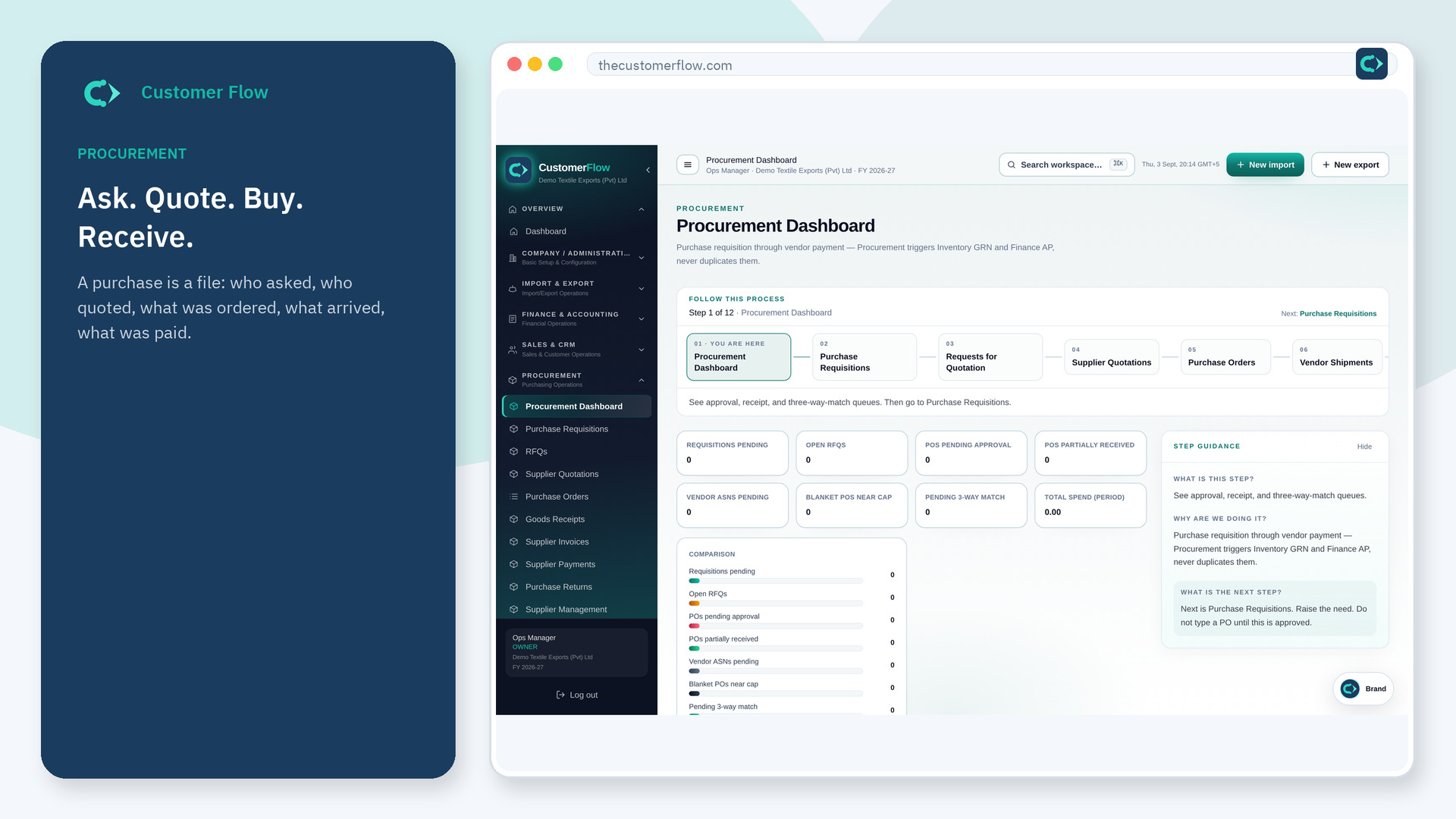
Where to find it: Left menu → Procurement → Purchase Orders
Step 1
Left menu → Procurement → Purchase Orders. If the name is missing, your role does not include it — ask an admin in Users & Roles.
Step 2
Issue the PO after approval and quote (when used). Send it to the supplier from the file. Do not buy on a verbal only.
Step 3
The supplier should see the same number. Receipts later must point at this PO.
Yes. Purchase Orders is a signed-in workspace screen. This public page teaches the screen with a picture and a link to the feature video. It never shows another company’s data.
The left menu only shows screens your role may open. Ask a company admin to grant the matching permission, or to show you which role should own this step.
An import file can start from commercial terms. The PO is the purchasing control. Large inbound jobs often have both, linked.
