Import & export
Starts one outbound consignment. Locked until required setup is green.
Where to find it: Use New export or Export Orders → new
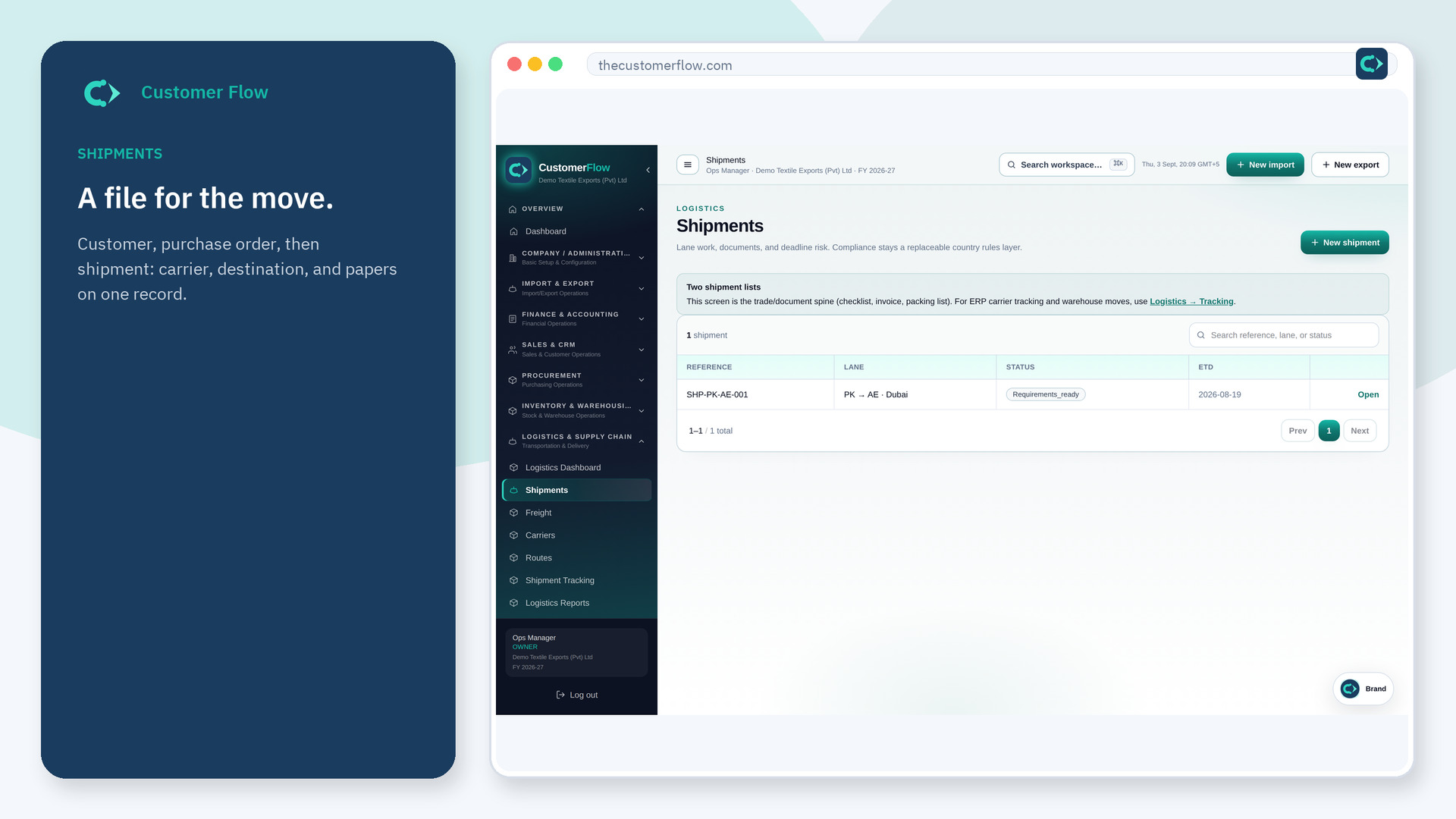
Step 1
Use New export or Export Orders → new. If the name is missing, your role does not include it — ask an admin in Users & Roles.
Step 2
Pick buyer, terms, and goods. Save. Then attach packing and commercial documents on that file.
Step 3
You land on the new export with a number. Setup must be green or the action stays locked.
Yes. New export is a signed-in workspace screen. This public page teaches the screen with a picture and a link to the feature video. It never shows another company’s data.
The left menu only shows screens your role may open. Ask a company admin to grant the matching permission, or to show you which role should own this step.
Partners and HS codes reuse. The export is still its own file so inbound and outbound papers do not mix.
