Import & export
The list of inbound consignments. Each row is one import file: supplier, goods, papers, duty, and landed cost together.
Where to find it: Left menu → Import & Export → Import Orders / Shipments
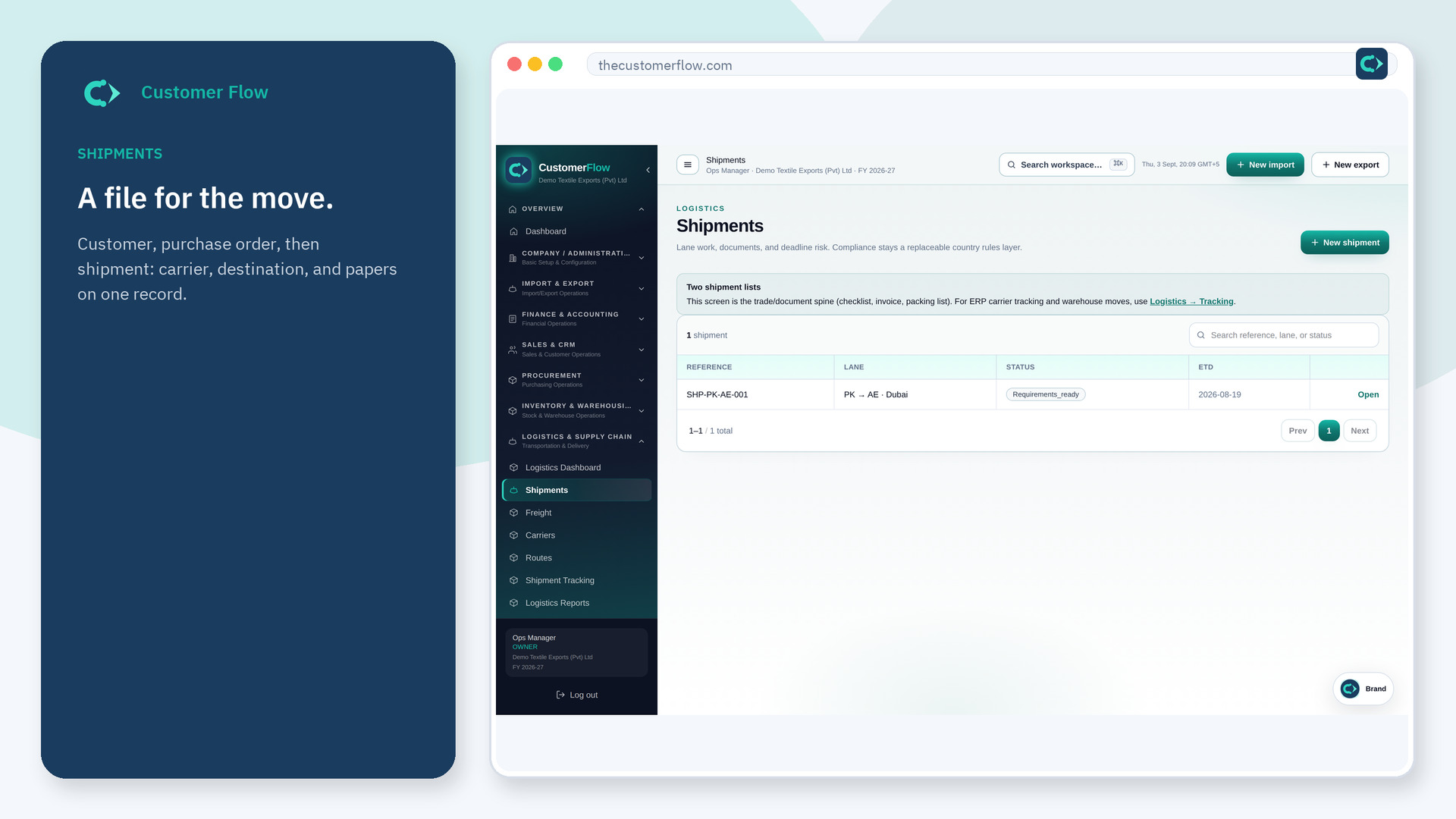
Step 1
Left menu → Import & Export → Import Orders / Shipments. If the name is missing, your role does not include it — ask an admin in Users & Roles.
Step 2
Open an existing file, or New import if setup is green. Fill supplier, terms, and lines from masters. Save. Attach papers on that same file.
Step 3
The file appears in the list with a status. Opening it should show the same numbers you saved.
Yes. Import Orders / Shipments is a signed-in workspace screen. This public page teaches the screen with a picture and a link to the feature video. It never shows another company’s data.
The left menu only shows screens your role may open. Ask a company admin to grant the matching permission, or to show you which role should own this step.
On that import file, at the shipping-documents stage — not in a shared drive named final.
