Grievance Management
Look up a tracking code so a complainant can confirm progress without opening the full case file.
Where to find it: Left menu → Grievance Management → Public Tracking
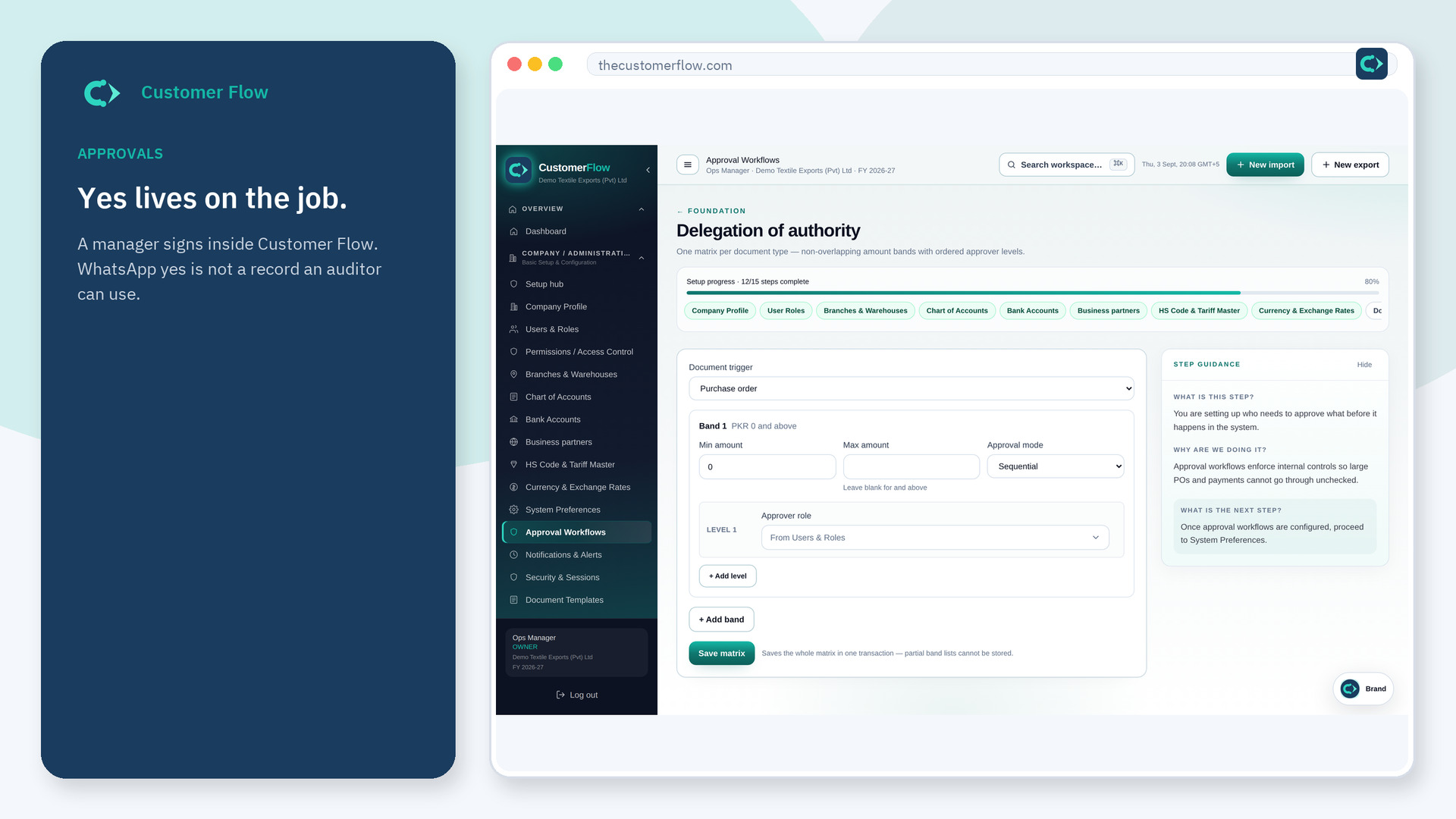
Step 1
Left menu → Grievance Management → Public Tracking. If the name is missing, your role does not include it — ask an admin in Users & Roles.
Step 2
Paste the tracking code from the confirmation. Read the status. Push back only when the response is not enough.
Step 3
The status should match the case. A wrong code should not reveal someone else's complaint.
Yes. Public Tracking is a signed-in workspace screen. This public page teaches the screen with a picture and a link to the feature video. It never shows another company’s data.
The left menu only shows screens your role may open. Ask a company admin to grant the matching permission, or to show you which role should own this step.
The code is the key. Keep it. Anyone with the code can see that case's progress.
