Grievance Management
Cases that climbed the reporting line, or reached the top with nobody left above.
Where to find it: Left menu → Grievance Management → Escalations
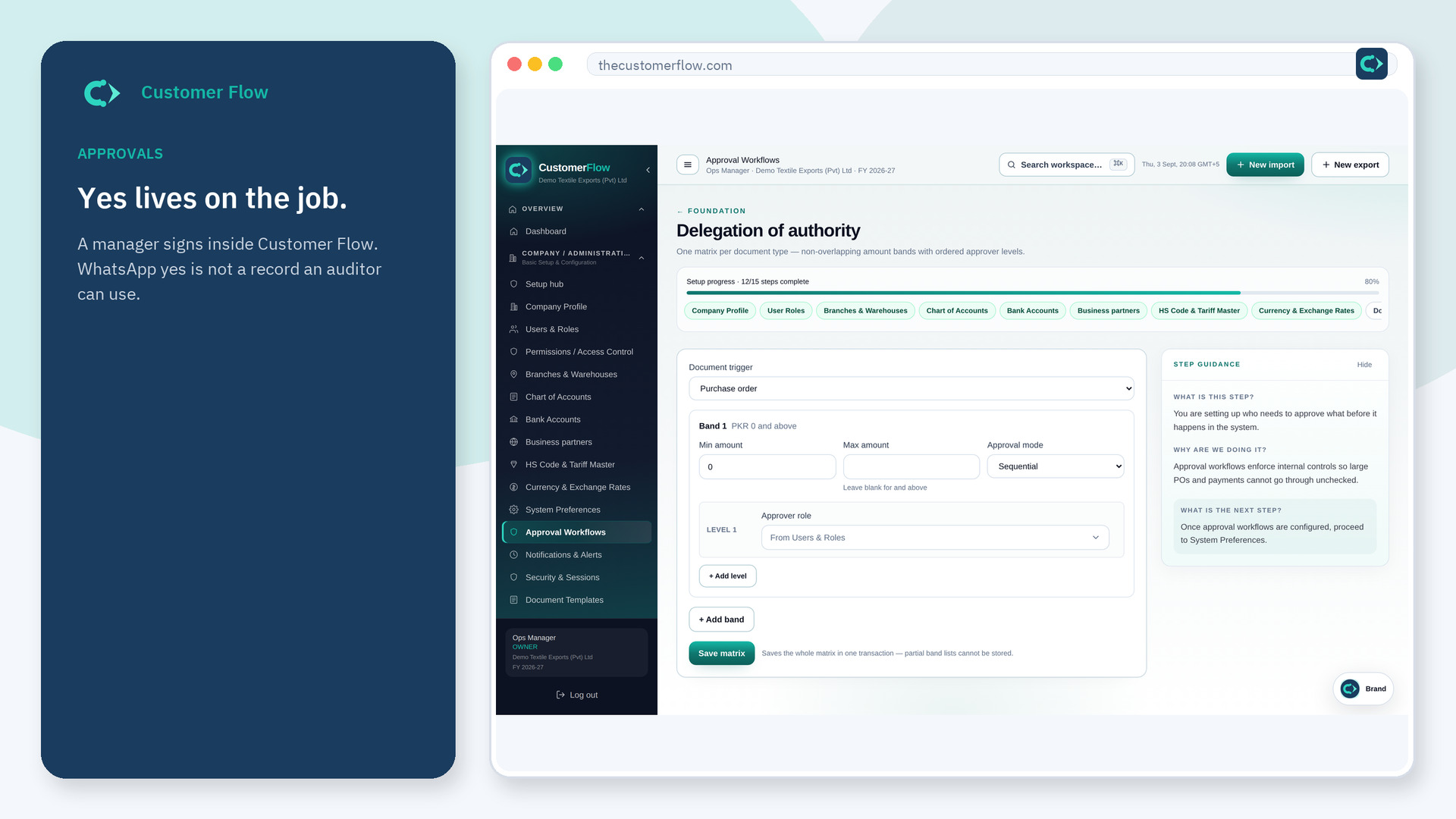
Step 1
Left menu → Grievance Management → Escalations. If the name is missing, your role does not include it — ask an admin in Users & Roles.
Step 2
Take escalated cases before new ones. Respond or assign the next person. Record why it moved up.
Step 3
The dashboard escalation count should drop when you respond. The case history should show the step up.
Yes. Escalations is a signed-in workspace screen. This public page teaches the screen with a picture and a link to the feature video. It never shows another company’s data.
The left menu only shows screens your role may open. Ask a company admin to grant the matching permission, or to show you which role should own this step.
The case stays at the top of the line. Someone with authority still has to answer it.
