Import & export
Duty and tax exposure for inbound files. The amount belongs on the import as part of landed cost, not a month-end workbook.
Where to find it: Left menu → Import & Export → Duties & Taxes
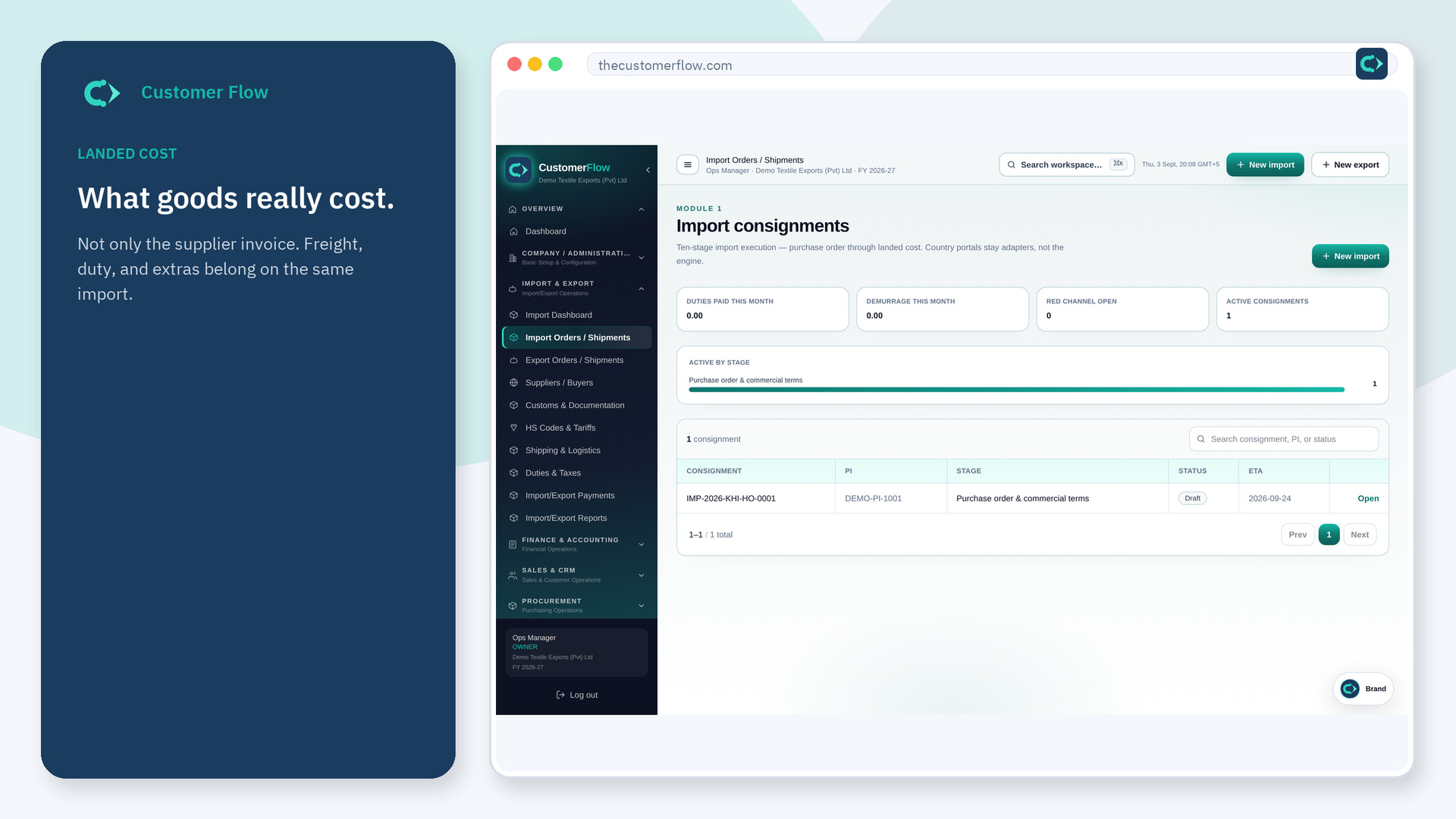
Step 1
Left menu → Import & Export → Duties & Taxes. If the name is missing, your role does not include it — ask an admin in Users & Roles.
Step 2
Open the import, review duty, then post the payment from that workspace. Check red-channel notes if the file shows them.
Step 3
Landed cost on the file should include the duty you posted. Finance should see the same number, not a second copy.
Yes. Duties & Taxes is a signed-in workspace screen. This public page teaches the screen with a picture and a link to the feature video. It never shows another company’s data.
The left menu only shows screens your role may open. Ask a company admin to grant the matching permission, or to show you which role should own this step.
Goods plus freight, duty, and other inbound charges on the same file. See the glossary and the landed cost video.
