Import & export
Where customs papers for a lane are completed. Country portals in the product are sandbox adapters so the team learns the sequence.
Where to find it: Left menu → Import & Export → Customs & Documentation
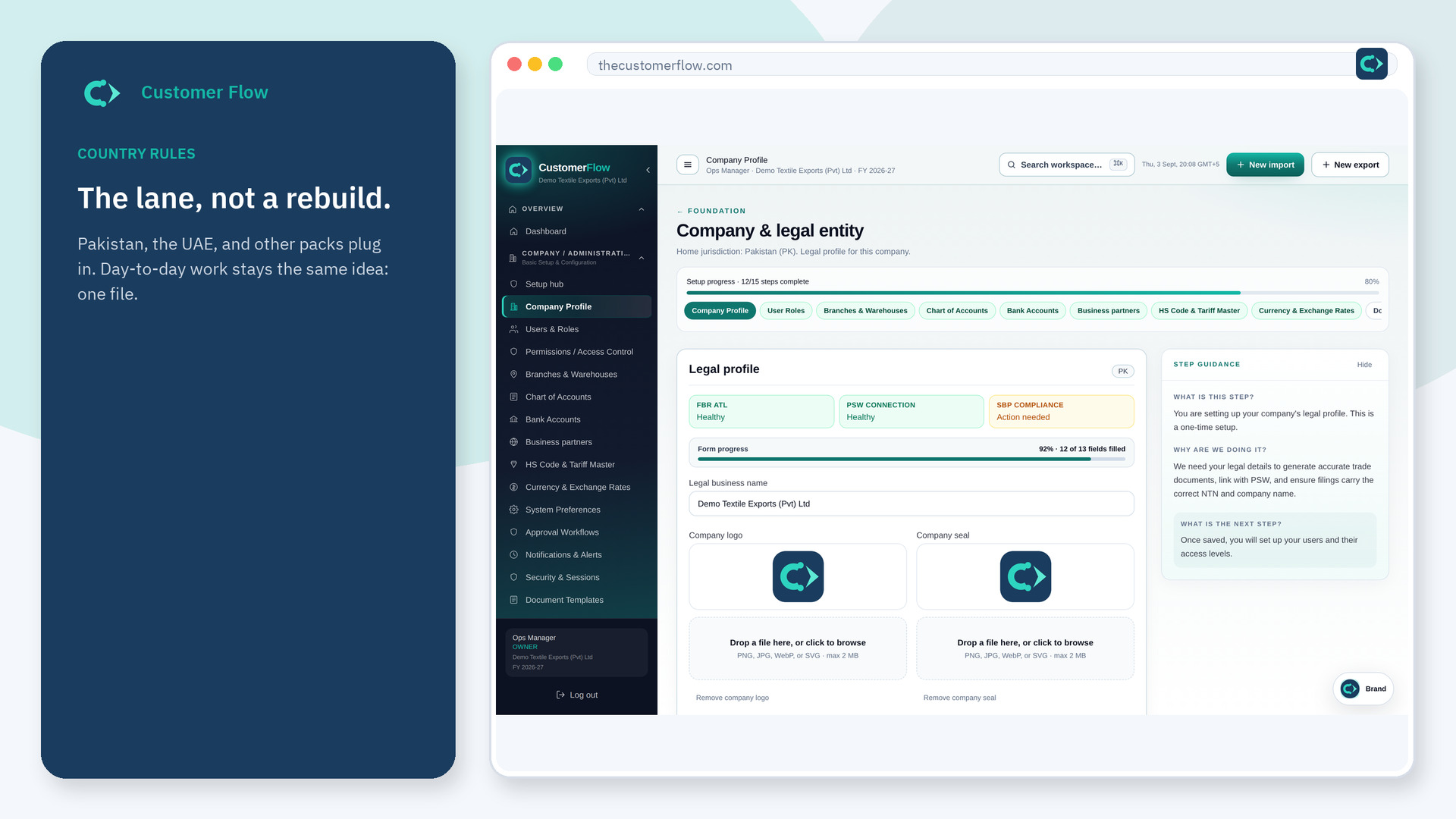
Step 1
Left menu → Import & Export → Customs & Documentation. If the name is missing, your role does not include it — ask an admin in Users & Roles.
Step 2
Open the consignment first. Complete the declaration at the clearance stage from the HS master. Do not type a new code from memory.
Step 3
The file should show the declaration status. Missing HS codes fail validation instead of silently shipping.
Yes. Customs & Documentation is a signed-in workspace screen. This public page teaches the screen with a picture and a link to the feature video. It never shows another company’s data.
The left menu only shows screens your role may open. Ask a company admin to grant the matching permission, or to show you which role should own this step.
Sandbox today. The sequence is real; live government APIs are not called.
