Reports
Cadence delivery for KPI boards and saved reports — in-app notification or email when a mailer is configured.
Where to find it: Left menu → Reports & Analytics → Report Subscriptions
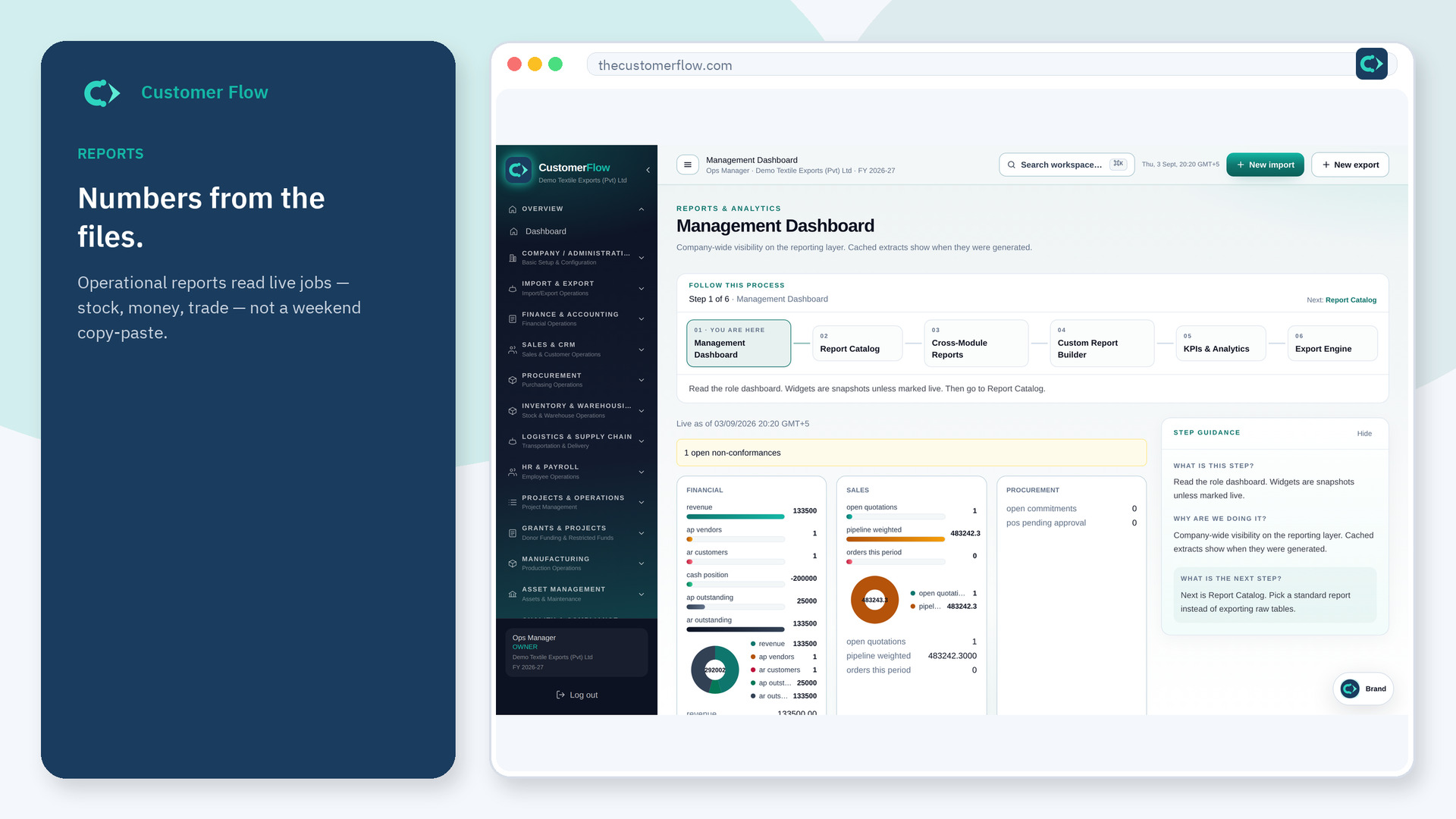
Step 1
Left menu → Reports & Analytics → Report Subscriptions. If the name is missing, your role does not include it — ask an admin in Users & Roles.
Step 2
Create a subscription with source, cadence, and channel. Run once to confirm. Keep email recipients current.
Step 3
In-app should create a notification. Email should show sent or queued_no_mailer until SMTP is set.
Yes. Report Subscriptions is a signed-in workspace screen. This public page teaches the screen with a picture and a link to the feature video. It never shows another company’s data.
The left menu only shows screens your role may open. Ask a company admin to grant the matching permission, or to show you which role should own this step.
No org SMTP or platform Brevo is configured. Fix mail settings, then run again.
