Reports
Governed measures with formulas and drill paths so teams share one definition of revenue, margin, and aging.
Where to find it: Left menu → Reports & Analytics → Semantic Metrics
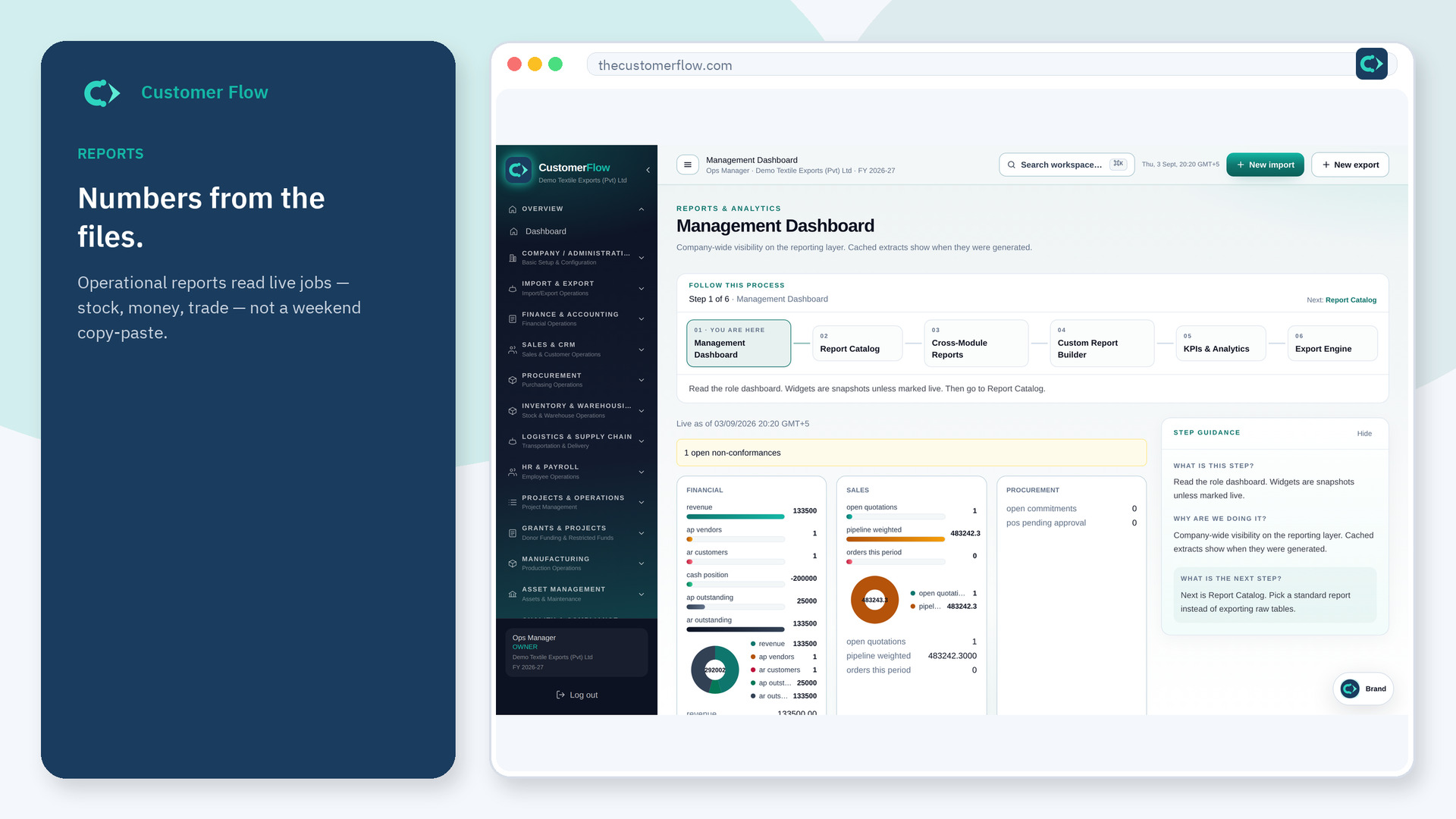
Step 1
Left menu → Reports & Analytics → Semantic Metrics. If the name is missing, your role does not include it — ask an admin in Users & Roles.
Step 2
Browse the metric catalog. Open a drill path when a number needs action. Agree new formulas before building custom reports.
Step 3
Drill should land on the module that owns the measure.
Yes. Semantic Metrics is a signed-in workspace screen. This public page teaches the screen with a picture and a link to the feature video. It never shows another company’s data.
The left menu only shows screens your role may open. Ask a company admin to grant the matching permission, or to show you which role should own this step.
It is the shared metric dictionary and drill map. Live values still come from module reports and KPIs.
