Logistics
Legacy /shipments/new is retired. Trade work starts on an import or export consignment; carrier moves use Logistics tracking.
Where to find it: Legacy create URL — use New import or New export from workspace actions
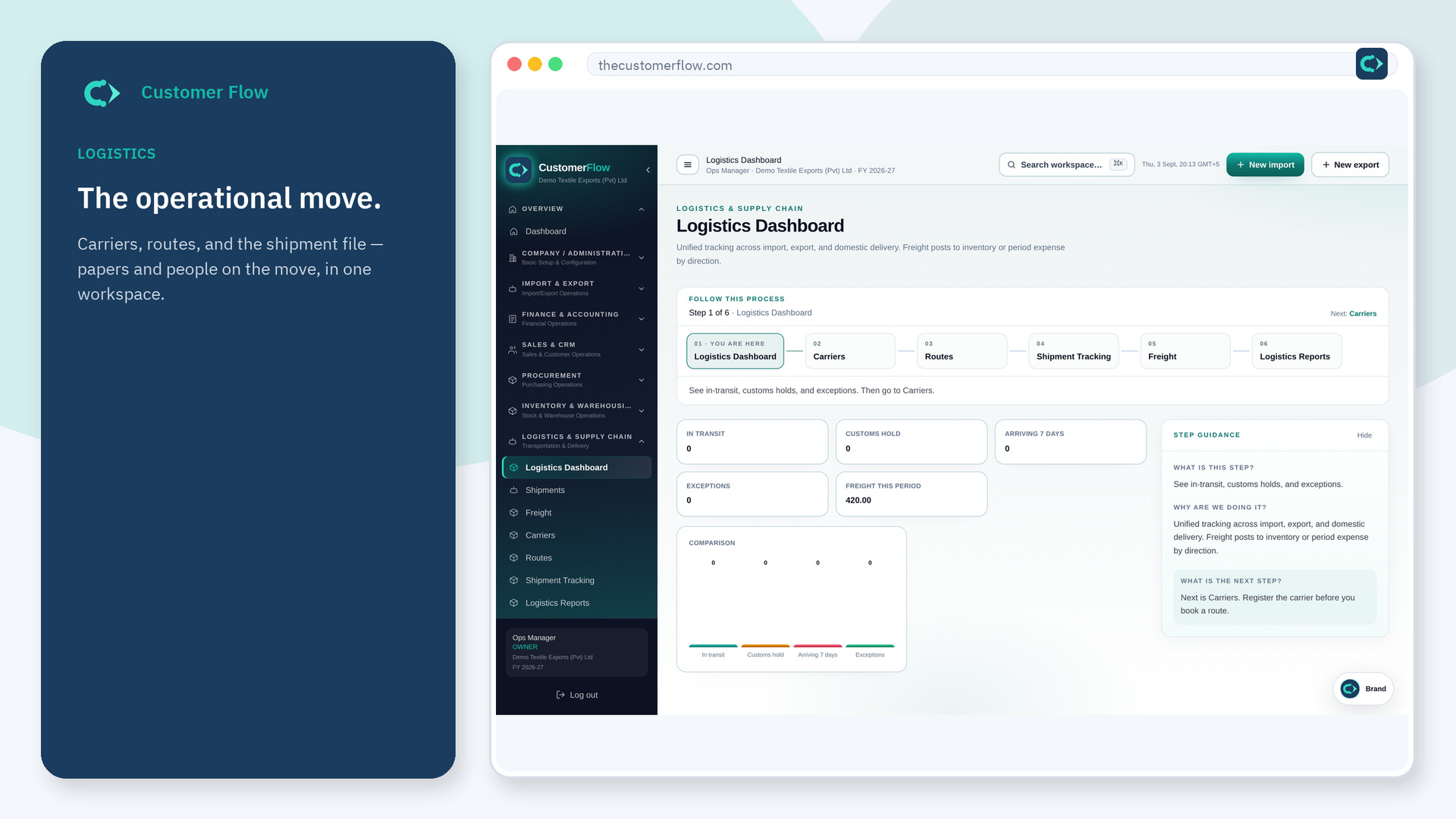
Step 1
Legacy create URL — use New import or New export from workspace actions. If the name is missing, your role does not include it — ask an admin in Users & Roles.
Step 2
Open New import or New export. Fill partners and lines from masters. Save. Attach papers on that file.
Step 3
You land on the consignment workspace, not a separate legacy shipment create form.
Yes. New shipment is a signed-in workspace screen. This public page teaches the screen with a picture and a link to the feature video. It never shows another company’s data.
The left menu only shows screens your role may open. Ask a company admin to grant the matching permission, or to show you which role should own this step.
Open them from Logistics → Shipments (archive). Documents and compliance still work on those rows.
