
Logistics
How to use Freight in Customer Flow
Freight cost by direction: onto inventory (often inbound) or period expense.
Where to find it: Left menu → Logistics & Supply Chain → Freight
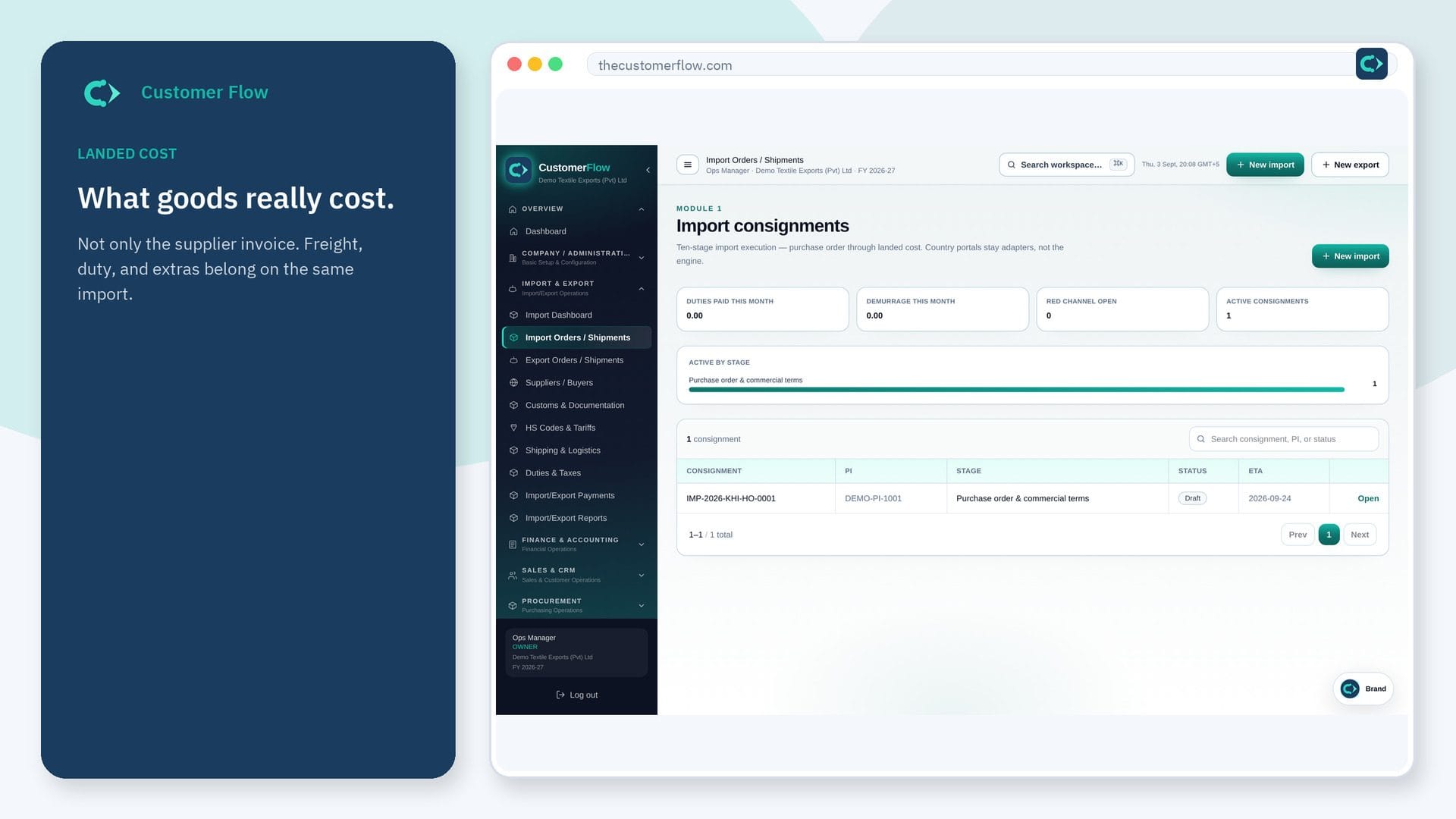
Every step
Step 1
Open the screen
Left menu → Logistics & Supply Chain → Freight. If the name is missing, your role does not include it — ask an admin in Users & Roles.
Step 2
Do the work
Post the freight invoice against the shipment or consignment. Choose inventory vs expense as your policy says.
Step 3
Check it saved
Landed cost should rise for inbound. Expense should hit the P&L when it is not inventoried.
Questions people ask
Do I need to log in to use Freight?
Yes. Freight is a signed-in workspace screen. This public page teaches the screen with a picture and a link to the feature video. It never shows another company’s data.
I cannot see Freight in the menu. Why?
The left menu only shows screens your role may open. Ask a company admin to grant the matching permission, or to show you which role should own this step.
Does freight always go into landed cost?
Usually for inbound goods. Outbound may be selling expense. Follow the file, not a habit.