Logistics
On-time performance and freight cost for a period.
Where to find it: Left menu → Logistics & Supply Chain → Logistics Reports
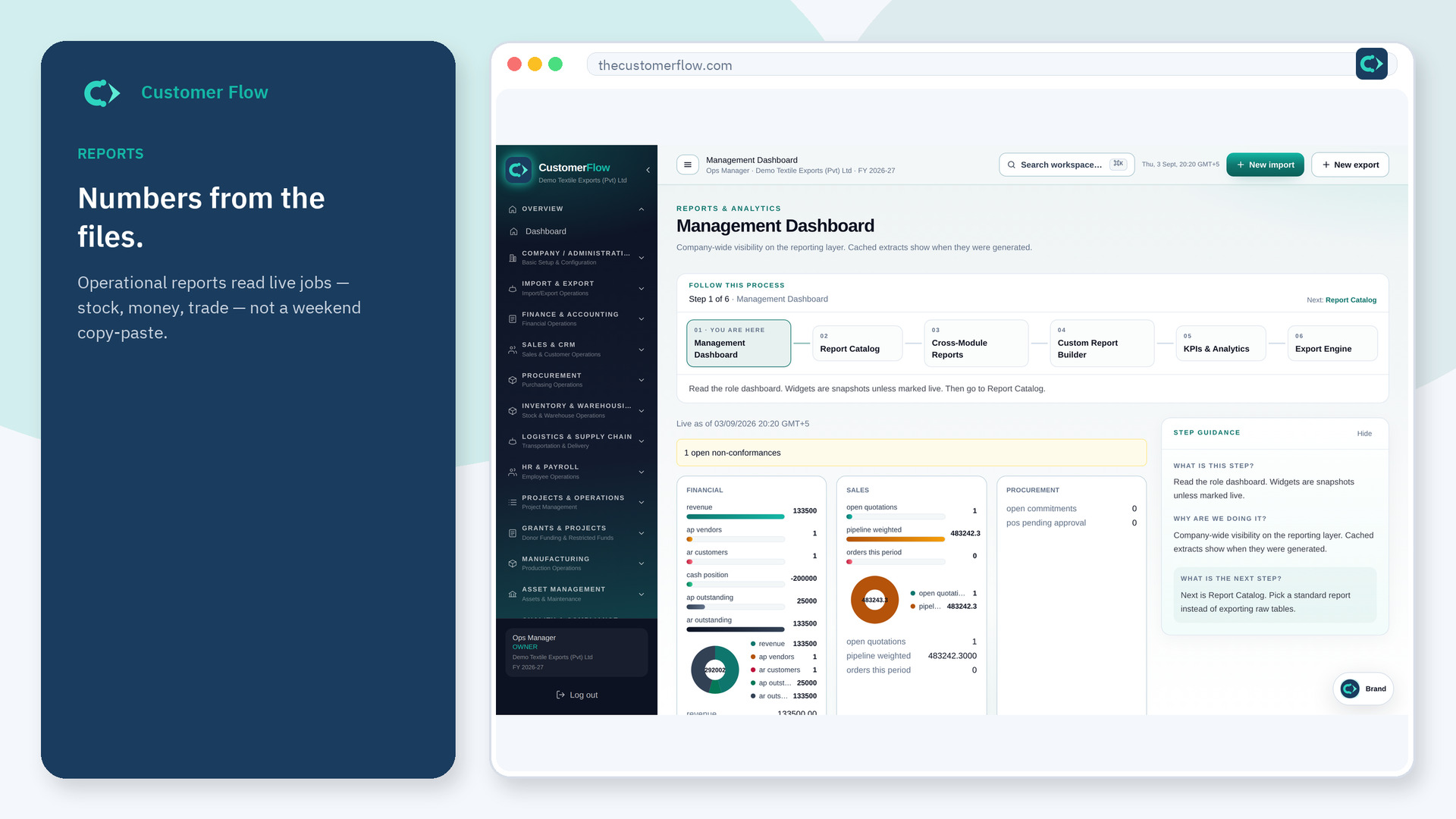
Step 1
Left menu → Logistics & Supply Chain → Logistics Reports. If the name is missing, your role does not include it — ask an admin in Users & Roles.
Step 2
Run the report. Fix repeat late carriers on the live files, then re-check next period.
Step 3
Freight cost should agree with posted freight. On-time should use events on shipments.
Yes. Logistics Reports is a signed-in workspace screen. This public page teaches the screen with a picture and a link to the feature video. It never shows another company’s data.
The left menu only shows screens your role may open. Ask a company admin to grant the matching permission, or to show you which role should own this step.
It is from events you recorded. If you never log arrivals, the report is empty, not green.
