Land & Property
Deeds, transfers, permits, and survey plans, plus liens, mortgages, and renewal fees.
Where to find it: Left menu → Land & Property → Title & Fees
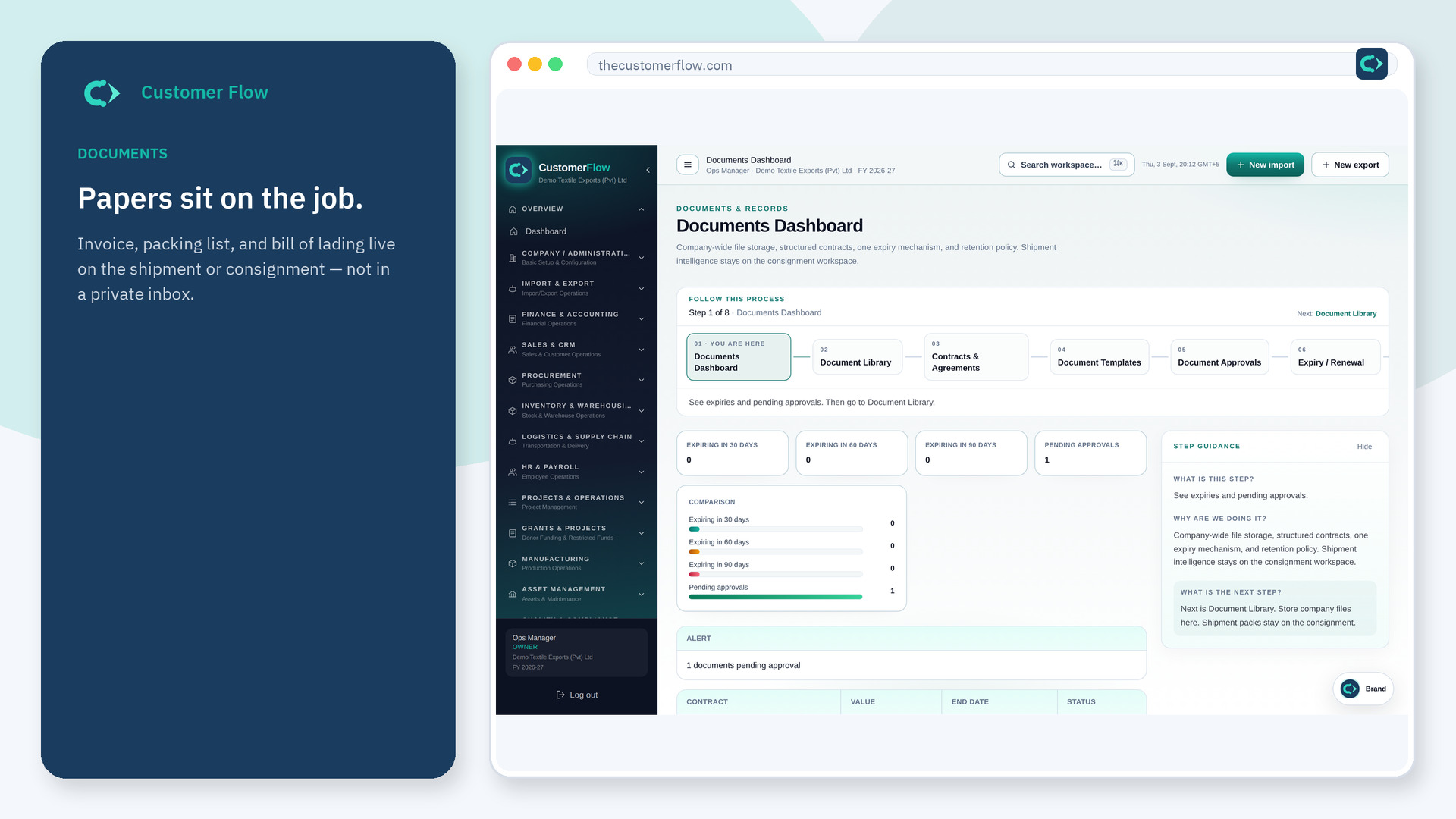
Step 1
Left menu → Land & Property → Title & Fees. If the name is missing, your role does not include it — ask an admin in Users & Roles.
Step 2
Pick the plot, add the title holder, and flag any lien or mortgage. Set the due date for property tax, a development charge, or a lease renewal.
Step 3
An open lien blocks allotment. A fee inside its alert window shows on the dashboard.
Yes. Title & Fees is a signed-in workspace screen. This public page teaches the screen with a picture and a link to the feature video. It never shows another company’s data.
The left menu only shows screens your role may open. Ask a company admin to grant the matching permission, or to show you which role should own this step.
No. The flag stays as cleared, with the date it was released.
