Land & Property
Soil bearing capacity, site clearing, utility applications, and milestones tied to a project.
Where to find it: Left menu → Land & Property → Site Works
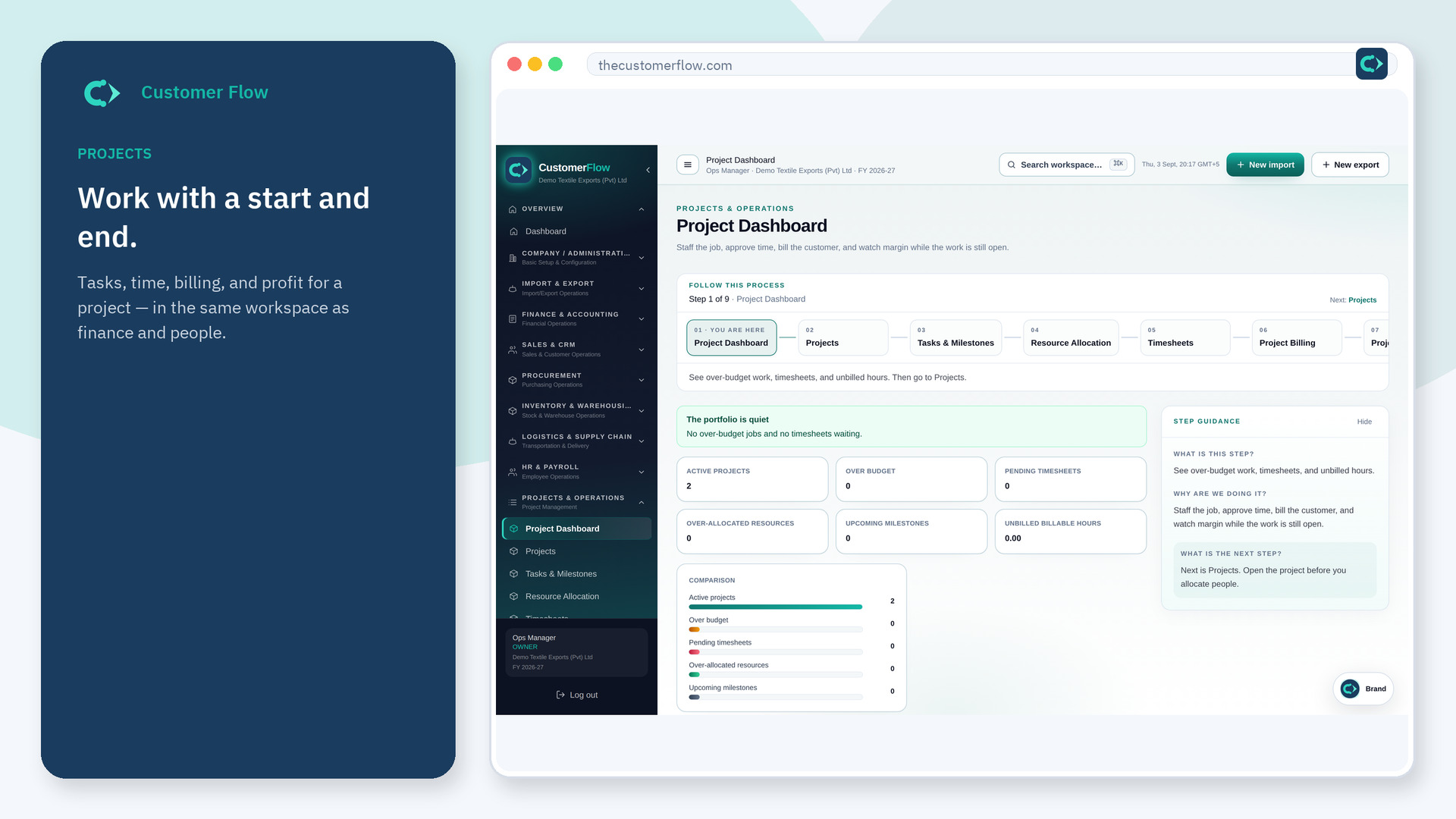
Step 1
Left menu → Land & Property → Site Works. If the name is missing, your role does not include it — ask an admin in Users & Roles.
Step 2
Log the survey date, add each utility as not applied, then advance it when the connection is approved. Link a milestone to the project that owns the work.
Step 3
Utility status only moves along the application path. A milestone shows the percent complete.
Yes. Site Works is a signed-in workspace screen. This public page teaches the screen with a picture and a link to the feature video. It never shows another company’s data.
The left menu only shows screens your role may open. Ask a company admin to grant the matching permission, or to show you which role should own this step.
On the linked project and its purchase orders. This screen records the site progress.
