Knowledge
Upload files or index vault documents into the RAG knowledge base.
Where to find it: Left menu → Knowledge → Knowledge Sources
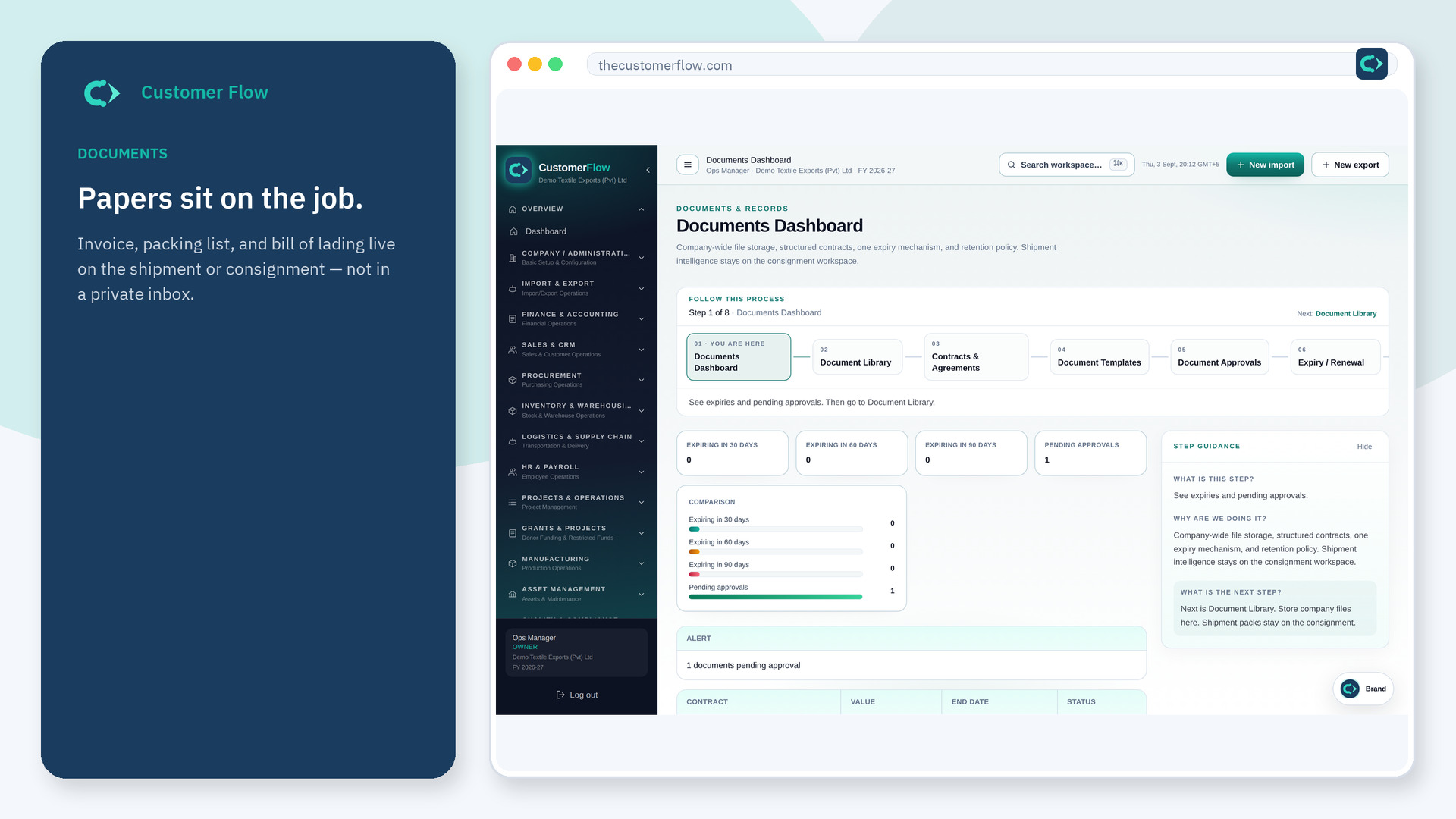
Step 1
Left menu → Knowledge → Knowledge Sources. If the name is missing, your role does not include it — ask an admin in Users & Roles.
Step 2
Upload PDF/DOCX/TXT or paste a document UUID. Wait until status is ready.
Step 3
Ready sources show a chunk count greater than zero.
Yes. Knowledge Sources is a signed-in workspace screen. This public page teaches the screen with a picture and a link to the feature video. It never shows another company’s data.
The left menu only shows screens your role may open. Ask a company admin to grant the matching permission, or to show you which role should own this step.
No. Files stay on disk (or object storage later). Postgres holds chunks and embeddings.
