Knowledge
Customer Flow AI for your company: live dashboards your role can see, plus indexed knowledge. Limited writes need confirm.
Where to find it: Left menu → Knowledge → Customer Flow AI
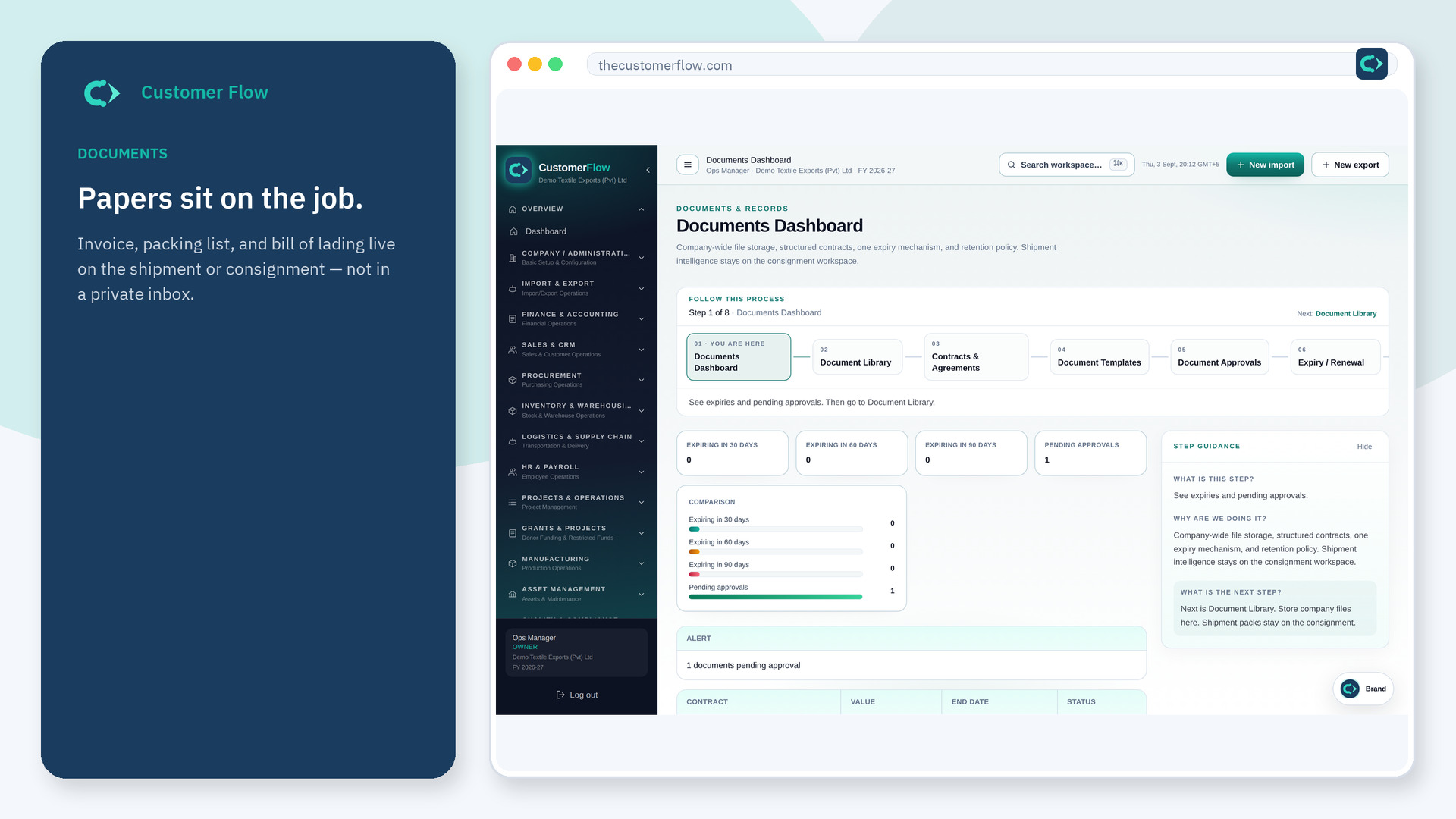
Step 1
Left menu → Knowledge → Customer Flow AI. If the name is missing, your role does not include it — ask an admin in Users & Roles.
Step 2
Ask for pending work, top stats, or a policy. Or open Create a template / Decide an approval, then confirm. Save PDF, Excel, or CSV when you need a file.
Step 3
Needs a permission stays locked. A template is a draft until someone approves it. Nothing is saved before you confirm.
Yes. Customer Flow AI is a signed-in workspace screen. This public page teaches the screen with a picture and a link to the feature video. It never shows another company’s data.
The left menu only shows screens your role may open. Ask a company admin to grant the matching permission, or to show you which role should own this step.
No. The only writes are a draft document template and a pending document approval, and only after you confirm.
