HR & payroll
Headcount, leave, and payroll that still needs action.
Where to find it: Left menu → HR & Payroll → HR Dashboard
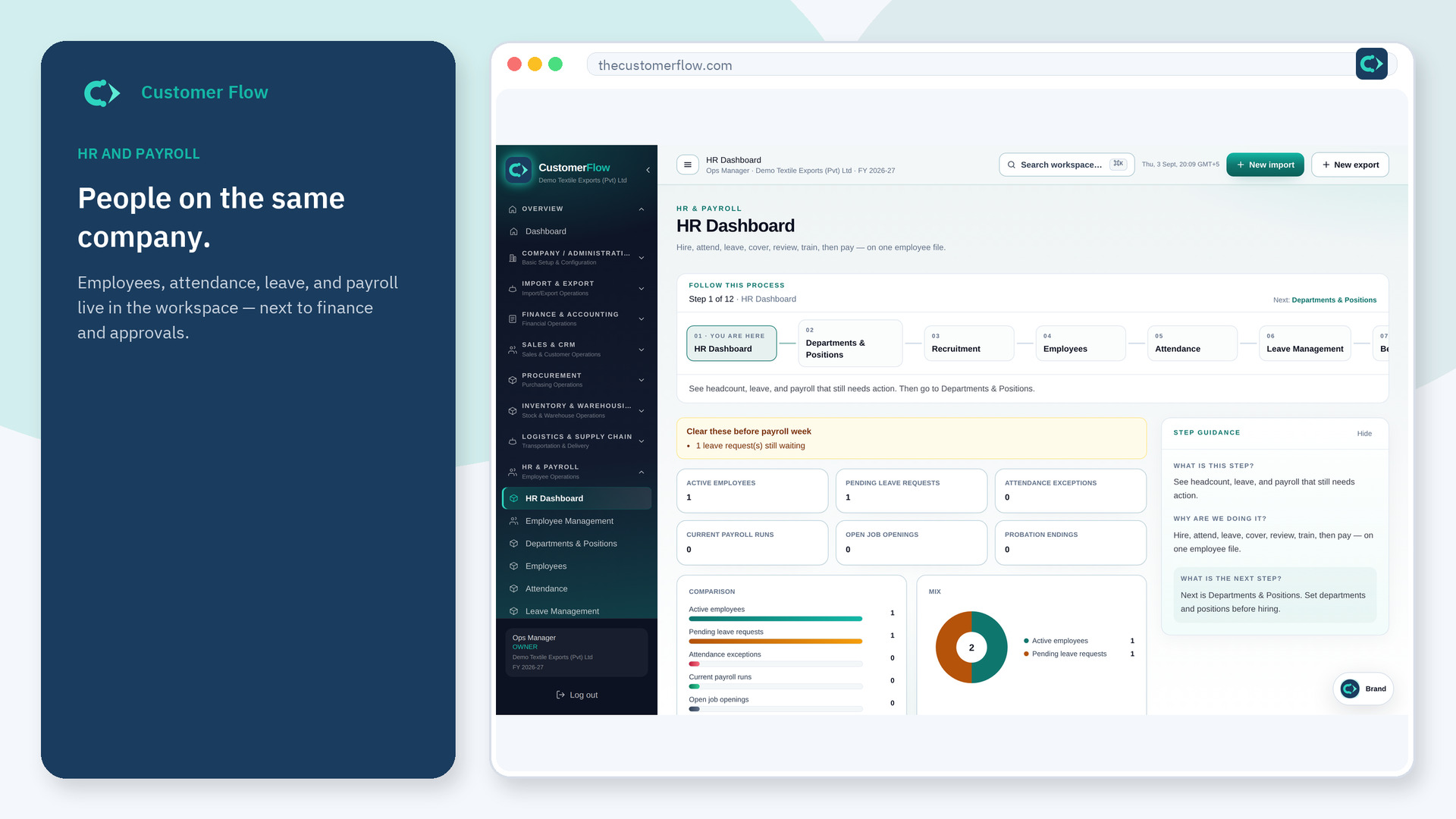
Step 1
Left menu → HR & Payroll → HR Dashboard. If the name is missing, your role does not include it — ask an admin in Users & Roles.
Step 2
Clear leave and attendance before payroll week. Open the queue that is red.
Step 3
Counts should match Employees, Leave, and Payroll lists.
Yes. HR Dashboard is a signed-in workspace screen. This public page teaches the screen with a picture and a link to the feature video. It never shows another company’s data.
The left menu only shows screens your role may open. Ask a company admin to grant the matching permission, or to show you which role should own this step.
No. It warns you. Run payroll on the Payroll screen after attendance is closed.
