HR & payroll
The org tree people sit in. Set this before hiring so employees are not all in a blank bucket.
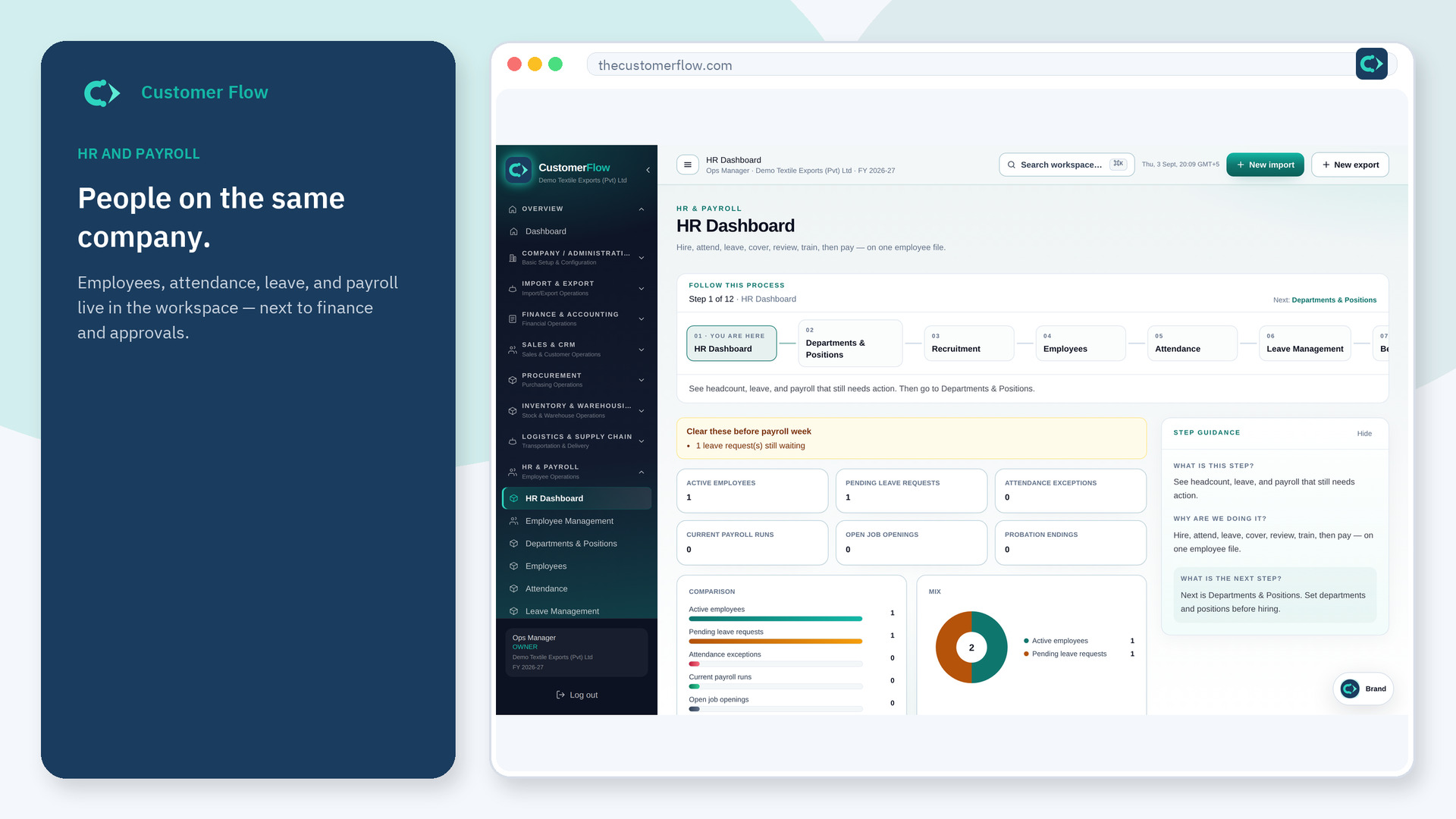
Where to find it: Left menu → HR & Payroll → Departments & Positions
Step 1
Left menu → HR & Payroll → Departments & Positions. If the name is missing, your role does not include it — ask an admin in Users & Roles.
Step 2
Add departments and positions. Save. Assign people on the employee record.
Step 3
New employees should pick from this list. Reports can group headcount by department.
Yes. Departments & Positions is a signed-in workspace screen. This public page teaches the screen with a picture and a link to the feature video. It never shows another company’s data.
The left menu only shows screens your role may open. Ask a company admin to grant the matching permission, or to show you which role should own this step.
Often mapped, but set both if finance needs cost centres. Do not assume they are identical.
