Quality
Track corrective and preventive actions opened from non-conformances until they are verified.
Where to find it: Left menu → Quality & Compliance → CAPA
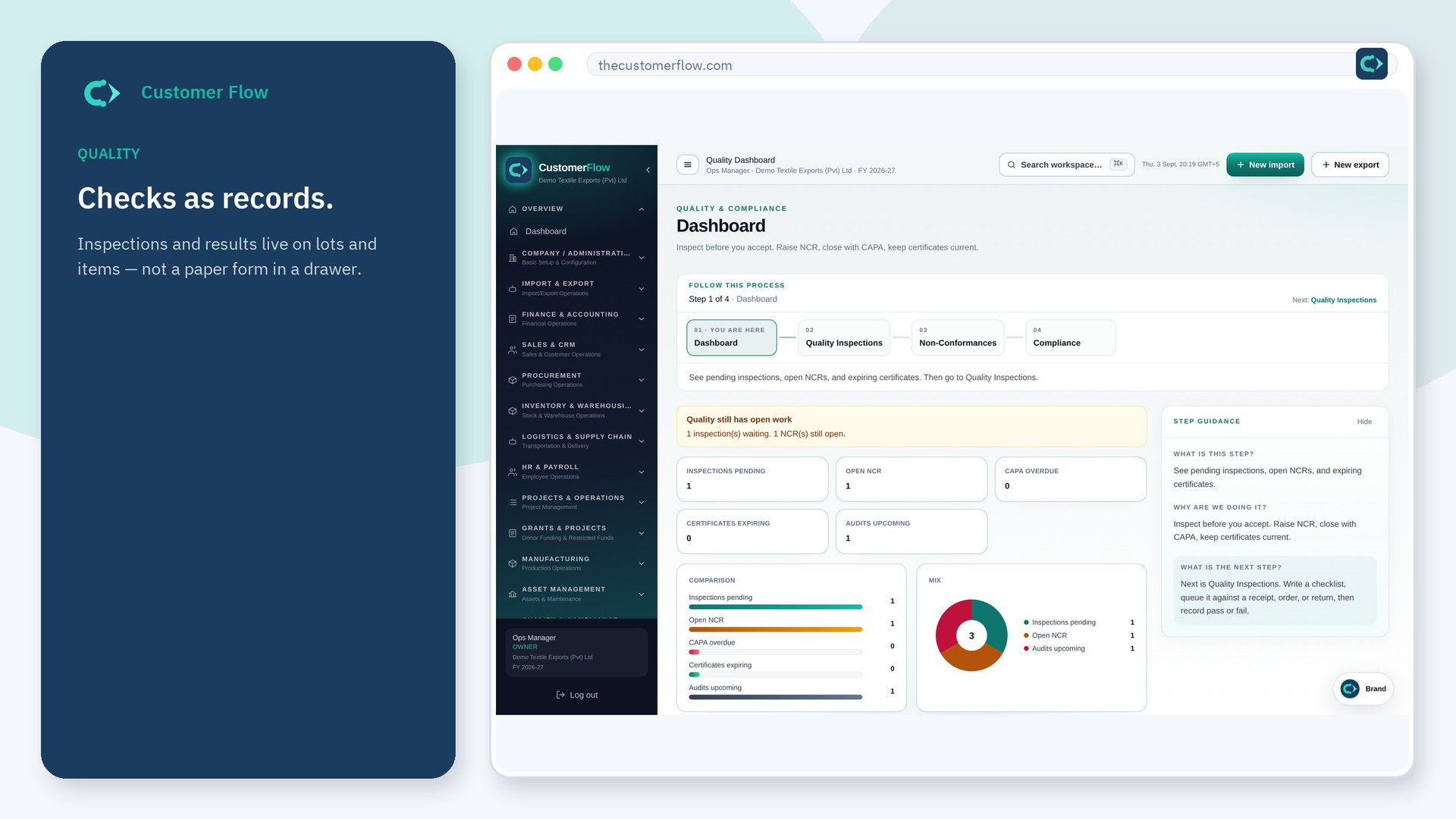
Step 1
Left menu → Quality & Compliance → CAPA. If the name is missing, your role does not include it — ask an admin in Users & Roles.
Step 2
Open CAPA from an NCR, move assigned → in progress → completed, then mark verified effective.
Step 3
CAPA overdue on the dashboard should fall as records reach completed or verified.
Yes. CAPA is a signed-in workspace screen. This public page teaches the screen with a picture and a link to the feature video. It never shows another company’s data.
The left menu only shows screens your role may open. Ask a company admin to grant the matching permission, or to show you which role should own this step.
No. Status must follow the sequence so the audit trail shows who progressed each stage.
