Assets
Each asset with cost, life, and depreciation method.
Where to find it: Left menu → Asset Management → Asset Register
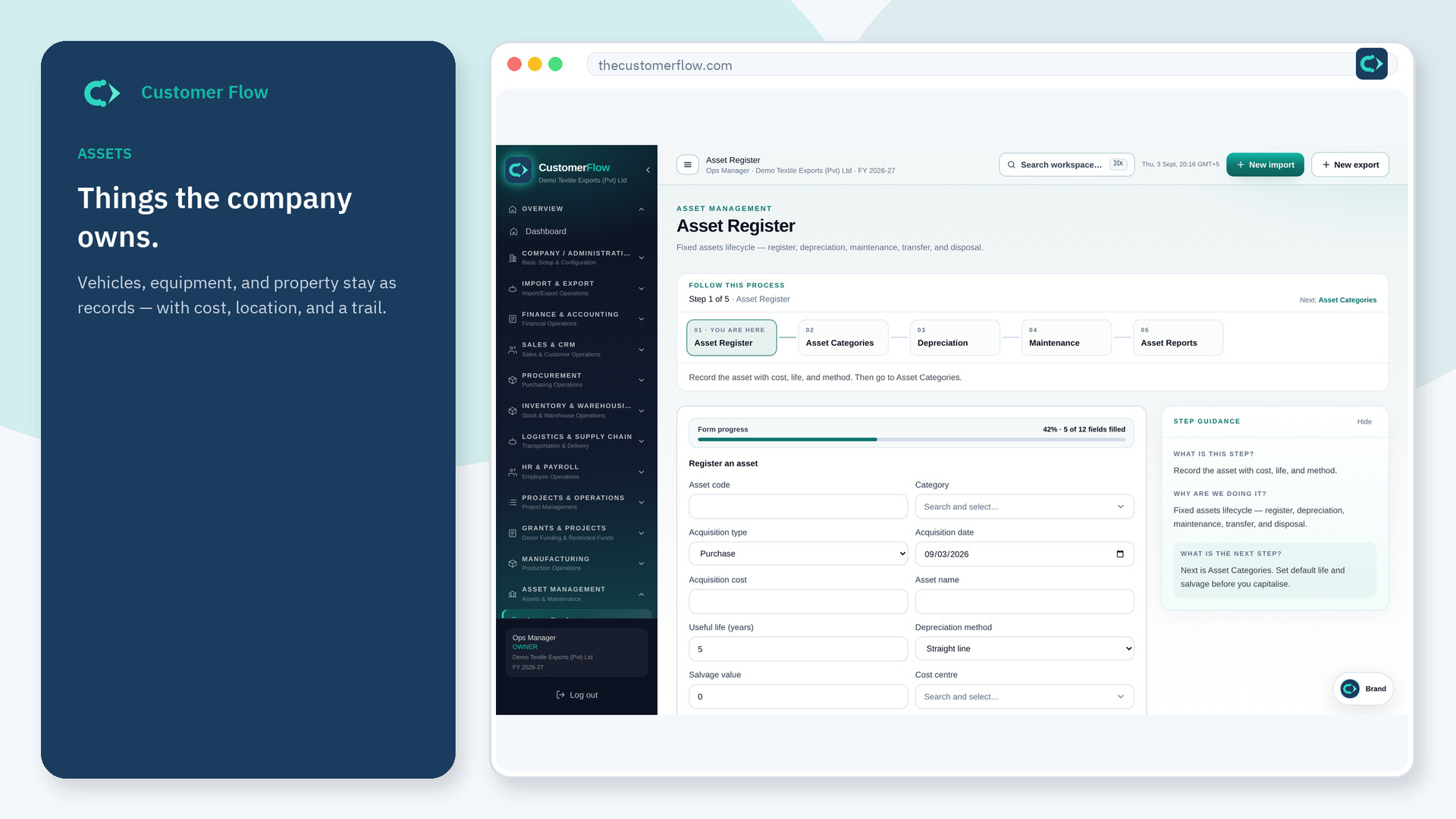
Step 1
Left menu → Asset Management → Asset Register. If the name is missing, your role does not include it — ask an admin in Users & Roles.
Step 2
Add the asset, capital date, cost, and life. Save. Put it in a category that has defaults.
Step 3
Depreciation runs should find it. Reports should show book value.
Yes. Asset Register is a signed-in workspace screen. This public page teaches the screen with a picture and a link to the feature video. It never shows another company’s data.
The left menu only shows screens your role may open. Ask a company admin to grant the matching permission, or to show you which role should own this step.
Follow your finance policy. Small tools may be expense. This register is for capital items.
