Projects
Rename seed delivery statuses or add org labels — categories keep transitions and progress honest.
Where to find it: Left menu → Projects & Operations → Task statuses
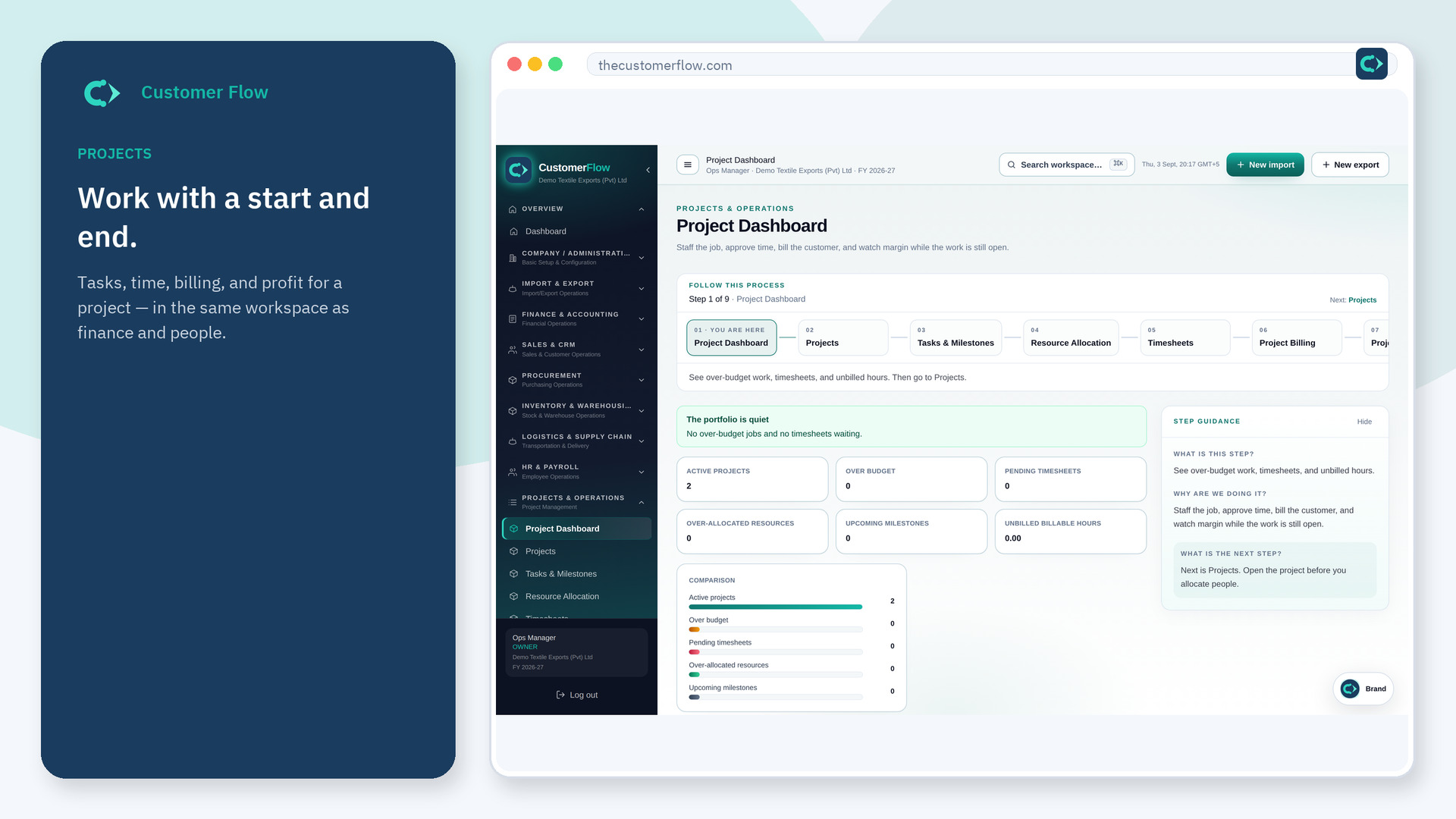
Step 1
Left menu → Projects & Operations → Task statuses. If the name is missing, your role does not include it — ask an admin in Users & Roles.
Step 2
Keep the five seed categories. Rename labels if needed, or add a custom status (for example Waiting on customer) under blocked.
Step 3
Board columns and next-status actions should show the new labels. System seeds cannot be deleted.
Yes. Task statuses is a signed-in workspace screen. This public page teaches the screen with a picture and a link to the feature video. It never shows another company’s data.
The left menu only shows screens your role may open. Ask a company admin to grant the matching permission, or to show you which role should own this step.
You can add labels, but moves still follow category rules (todo ↔ active ↔ blocked/on hold ↔ done) like Jira status categories.
