Sales
Funnel conversion and revenue for a period.
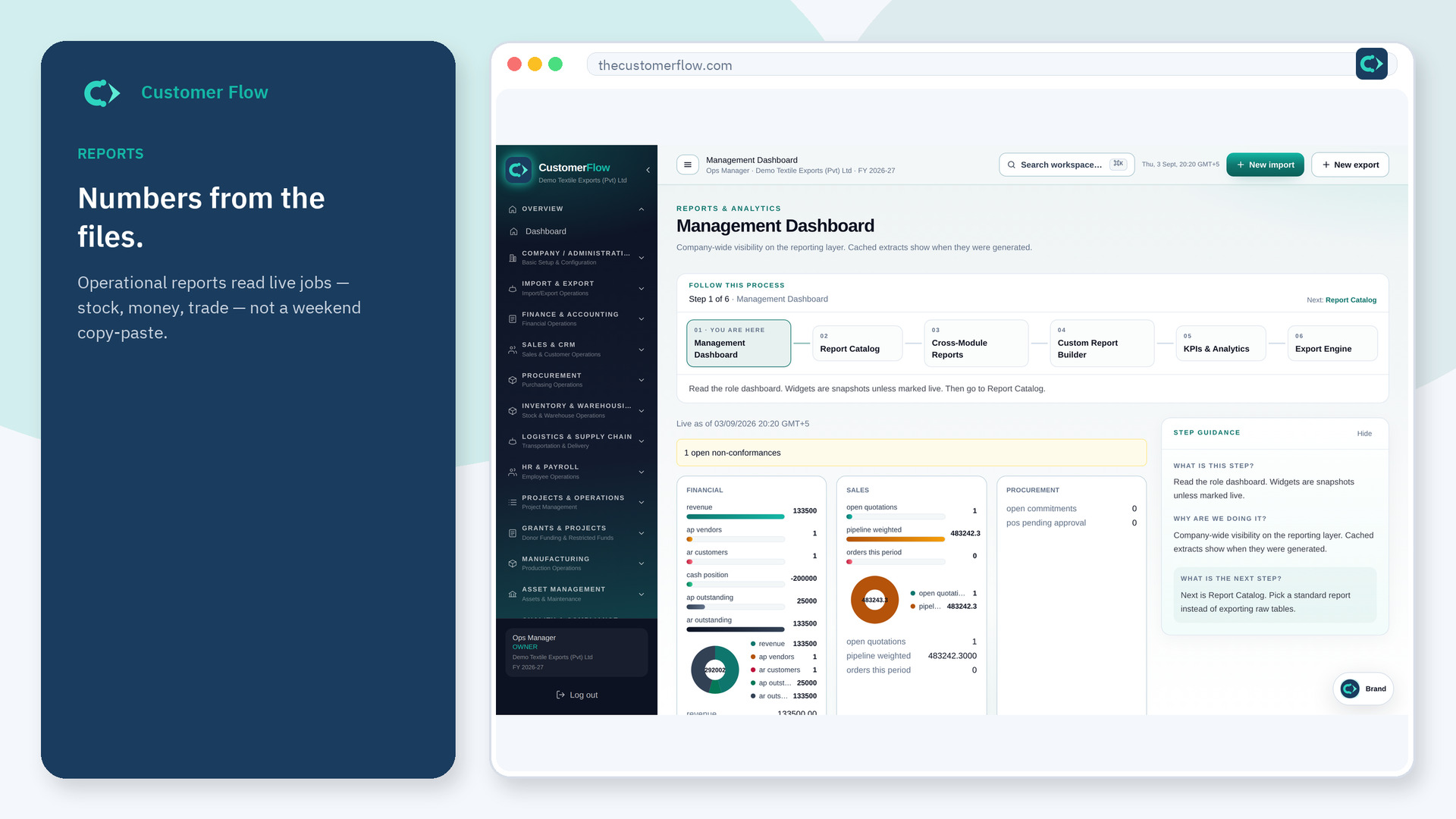
Where to find it: Left menu → Sales & CRM → Sales Reports
Step 1
Left menu → Sales & CRM → Sales Reports. If the name is missing, your role does not include it — ask an admin in Users & Roles.
Step 2
Pick the report and dates. Read conversion, not only revenue. Export if you must share outside the workspace.
Step 3
Totals should agree with posted invoices for that period.
Yes. Sales Reports is a signed-in workspace screen. This public page teaches the screen with a picture and a link to the feature video. It never shows another company’s data.
The left menu only shows screens your role may open. Ask a company admin to grant the matching permission, or to show you which role should own this step.
Pipeline is not billed. Reports should keep them apart so the board is not misled.
