Sales
The confirmed sale after credit clearance. Inventory will issue against this.
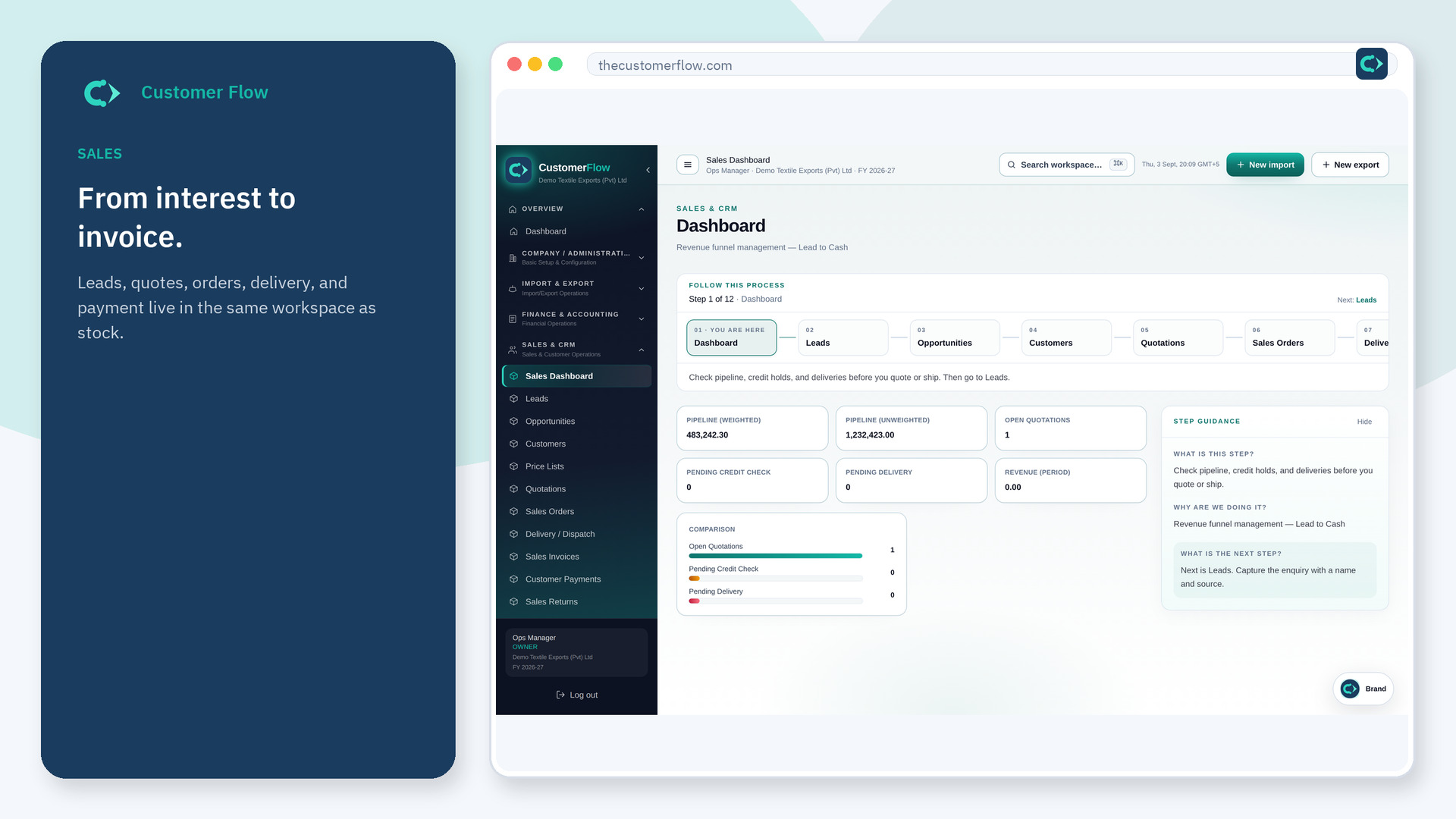
Where to find it: Left menu → Sales & CRM → Sales Orders
Step 1
Left menu → Sales & CRM → Sales Orders. If the name is missing, your role does not include it — ask an admin in Users & Roles.
Step 2
Confirm quantities and dates. Check credit. Save. Dispatch from Delivery, not from a chat promise.
Step 3
The order is confirmed. Delivery can reference it. Stock should not leave without this number.
Yes. Sales Orders is a signed-in workspace screen. This public page teaches the screen with a picture and a link to the feature video. It never shows another company’s data.
The left menu only shows screens your role may open. Ask a company admin to grant the matching permission, or to show you which role should own this step.
Do not confirm. Collect cash or raise the limit with a manager — then confirm.
