Sales
Bills for what was delivered. Finance owns the AR posting those invoices create.
Where to find it: Left menu → Sales & CRM → Sales Invoices
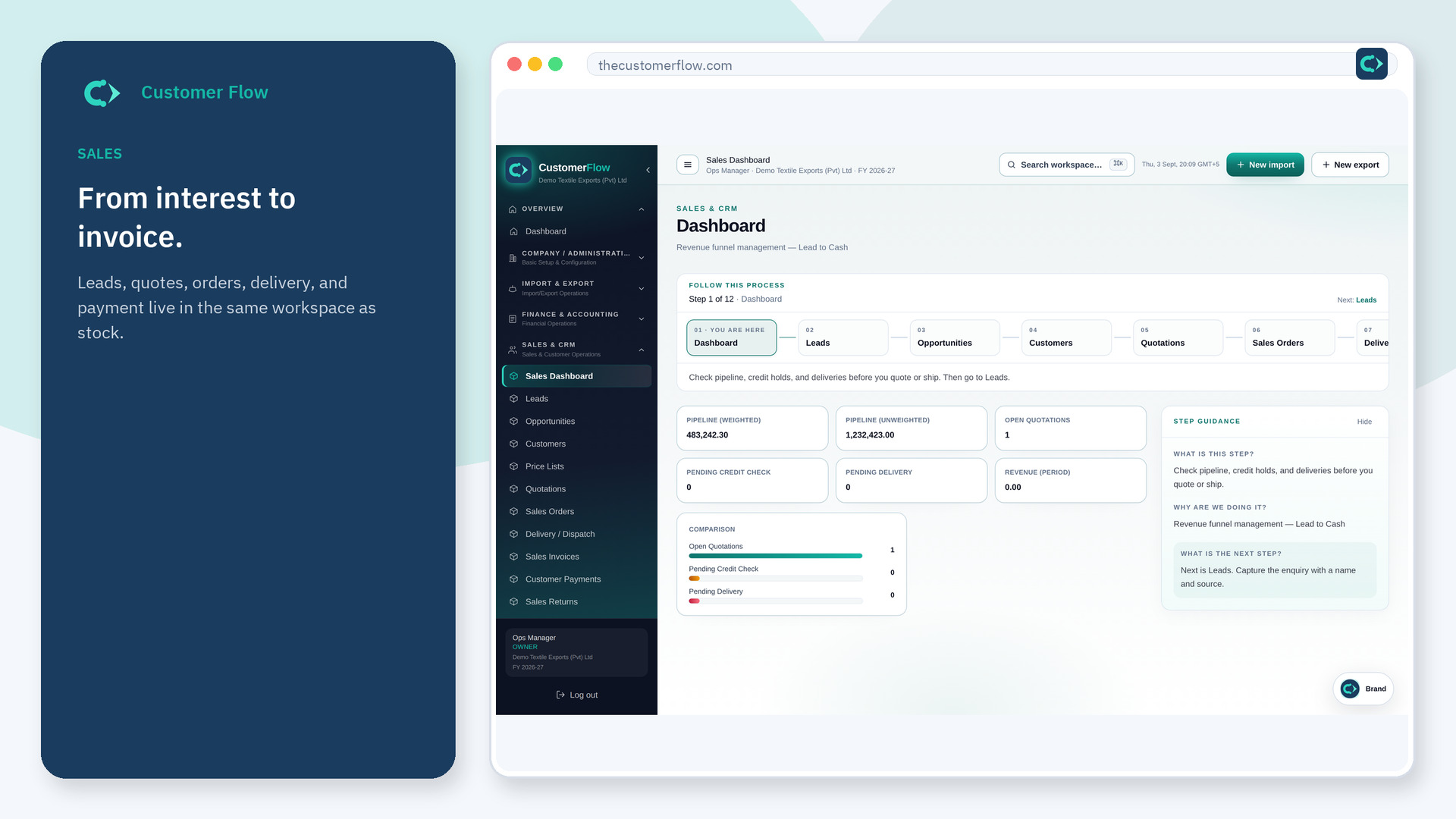
Step 1
Left menu → Sales & CRM → Sales Invoices. If the name is missing, your role does not include it — ask an admin in Users & Roles.
Step 2
Create from the delivery or order. Check tax and totals. Post. Send the PDF from the file.
Step 3
AR should show the invoice. The customer owes that amount until a receipt lands.
Yes. Sales Invoices is a signed-in workspace screen. This public page teaches the screen with a picture and a link to the feature video. It never shows another company’s data.
The left menu only shows screens your role may open. Ask a company admin to grant the matching permission, or to show you which role should own this step.
The invoice posting does. You do not re-type it in a manual journal unless you are correcting an error.
