Grants
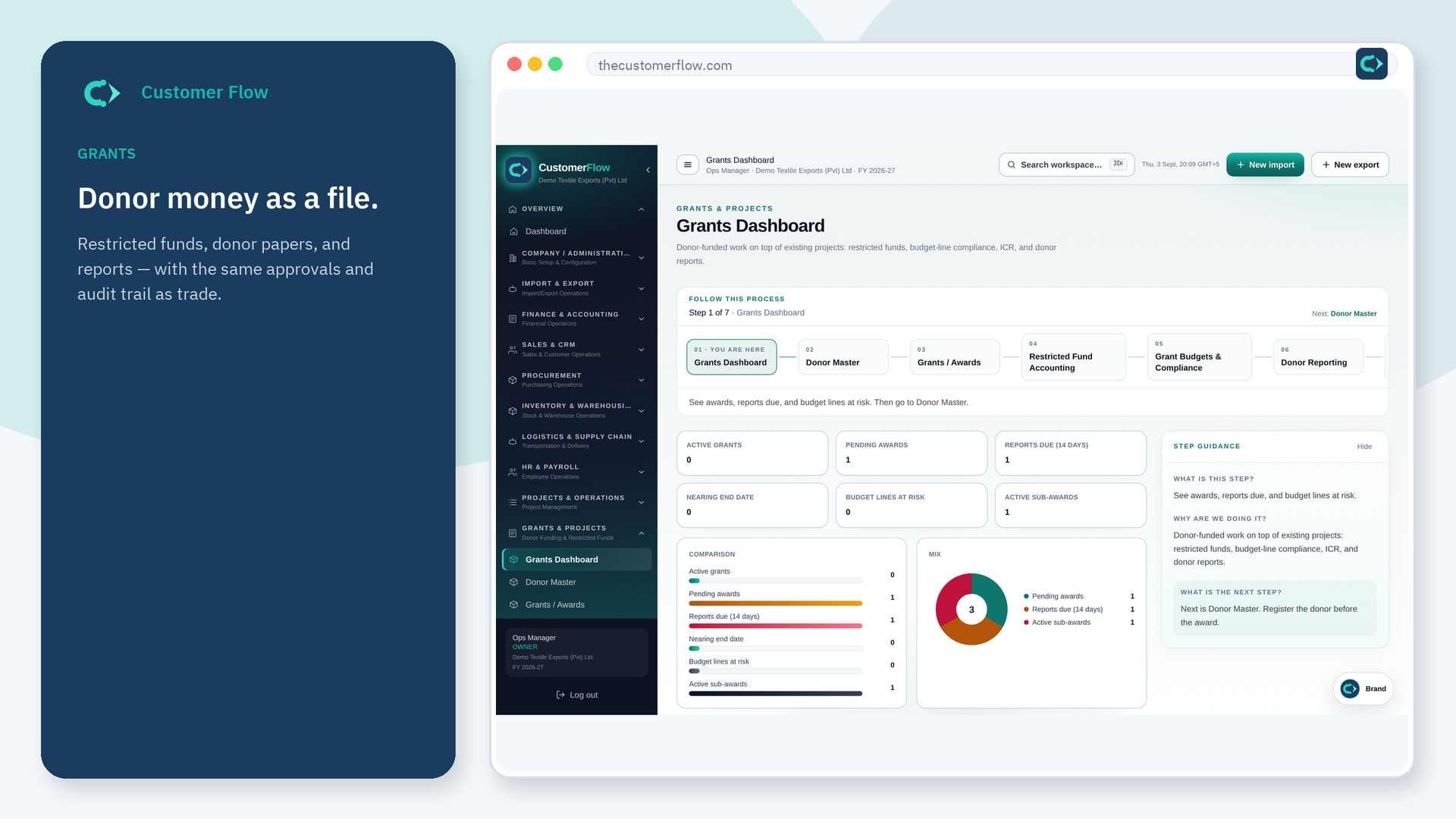
Keep restricted funds separate from unrestricted cash so a donor audit survives.
Where to find it: Left menu → Grants & Projects → Restricted Fund Accounting
Step 1
Left menu → Grants & Projects → Restricted Fund Accounting. If the name is missing, your role does not include it — ask an admin in Users & Roles.
Step 2
Post spend against the fund and award. Do not pay a restricted bill from a general pool without a transfer that is allowed.
Step 3
Fund balances should explain remaining award. Unrestricted cash should not silently absorb donor money.
Yes. Restricted Fund Accounting is a signed-in workspace screen. This public page teaches the screen with a picture and a link to the feature video. It never shows another company’s data.
The left menu only shows screens your role may open. Ask a company admin to grant the matching permission, or to show you which role should own this step.
Money that may only be used as the award says. The file has to prove that.
