Projects
Cost versus billings while the job is still open — not only at the end.
Where to find it: Left menu → Projects & Operations → Project Profitability
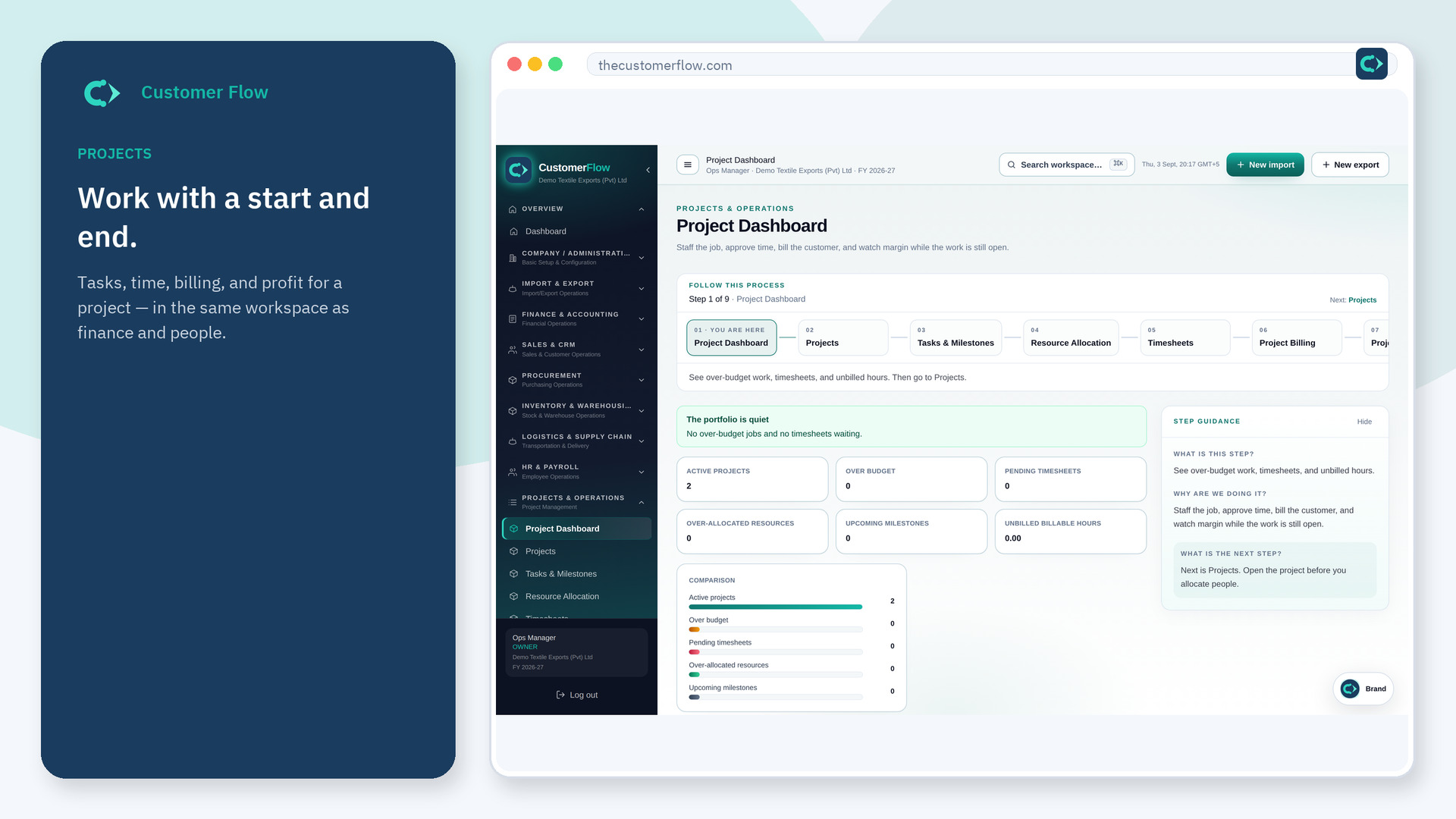
Step 1
Left menu → Projects & Operations → Project Profitability. If the name is missing, your role does not include it — ask an admin in Users & Roles.
Step 2
Read margin on the live project. If cost is running ahead, stop work or change the order before the next week.
Step 3
Cost should come from approved time and project postings. Revenue from bills. They should not be typed.
Yes. Project Profitability is a signed-in workspace screen. This public page teaches the screen with a picture and a link to the feature video. It never shows another company’s data.
The left menu only shows screens your role may open. Ask a company admin to grant the matching permission, or to show you which role should own this step.
You have cost before you billed, or the job is underpriced. Use the number; do not hide it.
