
Helpdesk & Support
How to use Help Articles in Customer Flow
Your knowledge base: written answers agents reuse and customers can find themselves before they raise a ticket.
Where to find it: Left menu → Helpdesk & Support → Help Articles
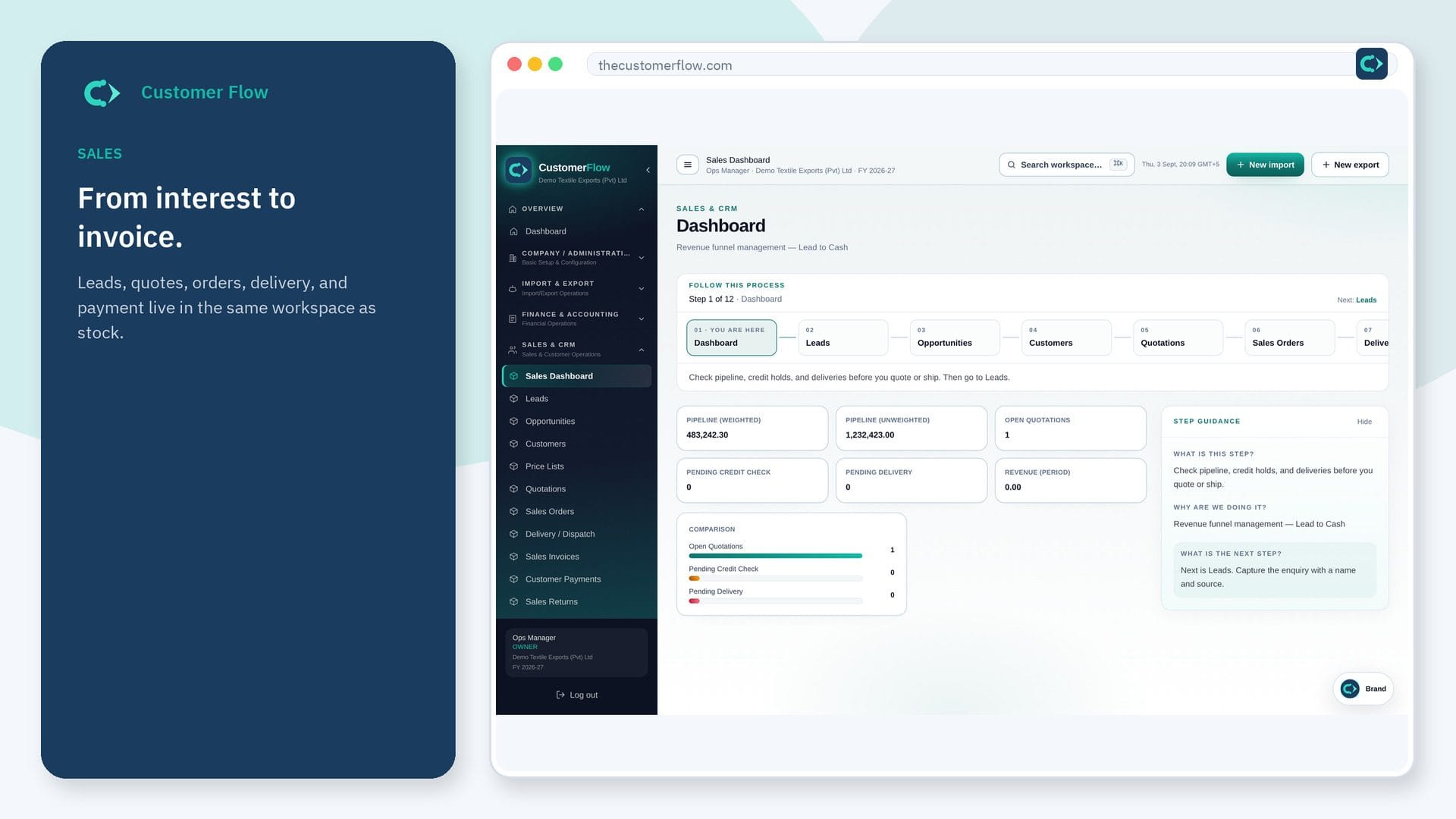
Every step
Step 1
Open the screen
Left menu → Helpdesk & Support → Help Articles. If the name is missing, your role does not include it — ask an admin in Users & Roles.
Step 2
Do the work
Write a title and the answer, add other words people search with, choose who can read it (the team only, portal customers, or everyone) and publish it. Keep it as a draft until it is ready, and archive it when it no longer applies. Turn on the public help centre to share “Everyone” articles at a link that needs no sign-in.
Step 3
Check it saved
Portal customers see published articles under Support, and matching articles appear while they type a new ticket. Anyone with the help centre link sees the “Everyone” articles, and the email confirming a new emailed request links the ones that match its subject. On a ticket, agents get “Answer from a help article”. The list shows views and how many portal readers found each article helpful.
Questions people ask
Do I need to log in to use Help Articles?
Yes. Help Articles is a signed-in workspace screen. This public page teaches the screen with a picture and a link to the feature video. It never shows another company’s data.
I cannot see Help Articles in the menu. Why?
The left menu only shows screens your role may open. Ask a company admin to grant the matching permission, or to show you which role should own this step.
Does it work in any language?
Yes. Search matches words as they are written, in any language or script, and also matches the start of a word, so “refun” finds “refund”.