Event Management
Upcoming confirmed events, drafts, and requests still waiting on administration.
Where to find it: Left menu → Event Management → Events Dashboard
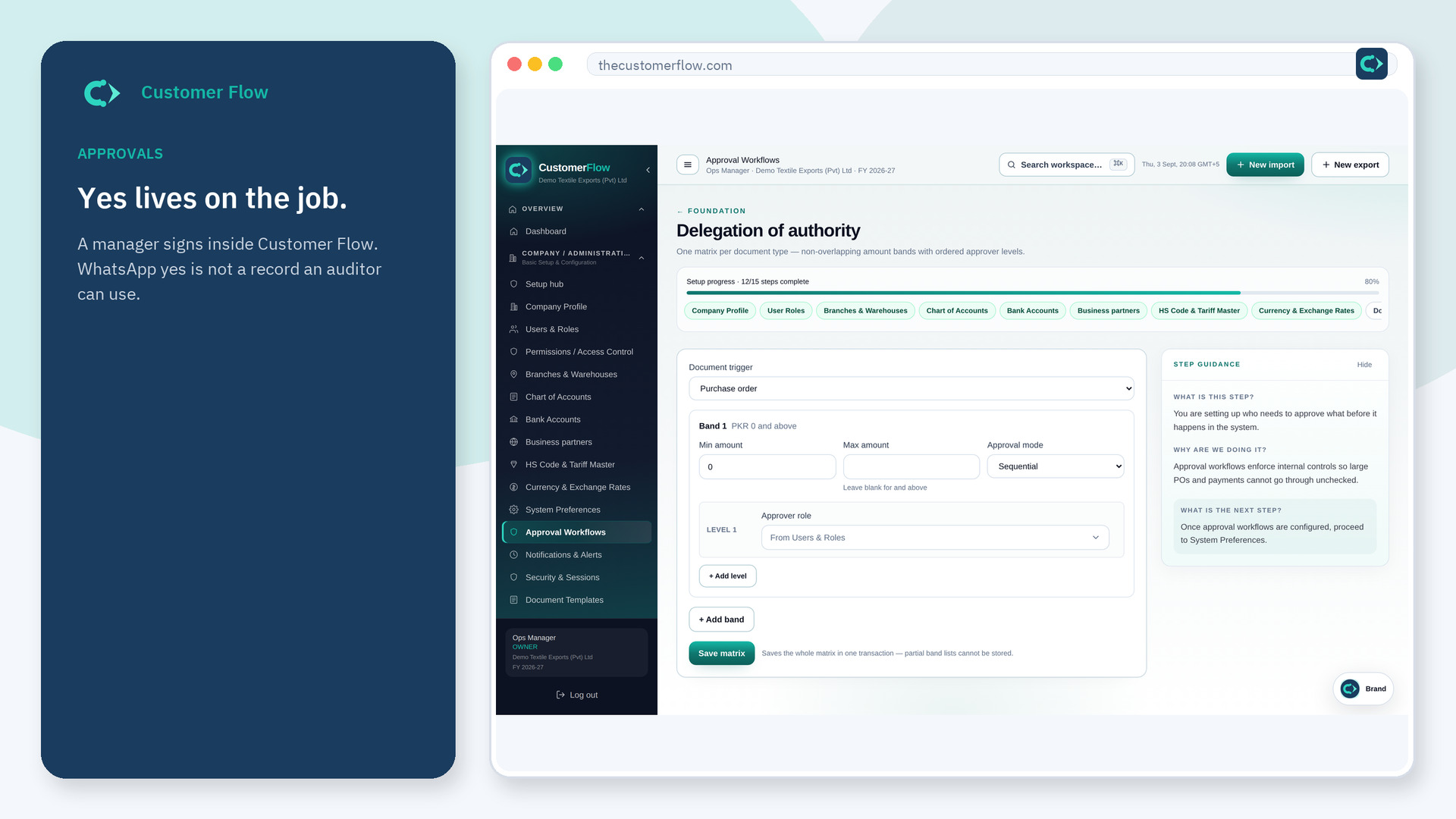
Step 1
Left menu → Event Management → Events Dashboard. If the name is missing, your role does not include it — ask an admin in Users & Roles.
Step 2
Read upcoming confirmed dates first, then the approval queue. Open a draft only to finish it, not to treat it as booked.
Step 3
The counts should match the calendar and the approvals list. A confirmed event should also appear on the news bulletin.
Yes. Events Dashboard is a signed-in workspace screen. This public page teaches the screen with a picture and a link to the feature video. It never shows another company’s data.
The left menu only shows screens your role may open. Ask a company admin to grant the matching permission, or to show you which role should own this step.
No. The room is held once the request is submitted, and confirmed when administration approves it.
